在 Windows Server 上用图形化 setup.exe(或离线 ZIP)安装 EAS,并在浏览器中工作:门禁、视频、平面图 — 与 Ubuntu、Astra 同一产品,90 天试用。
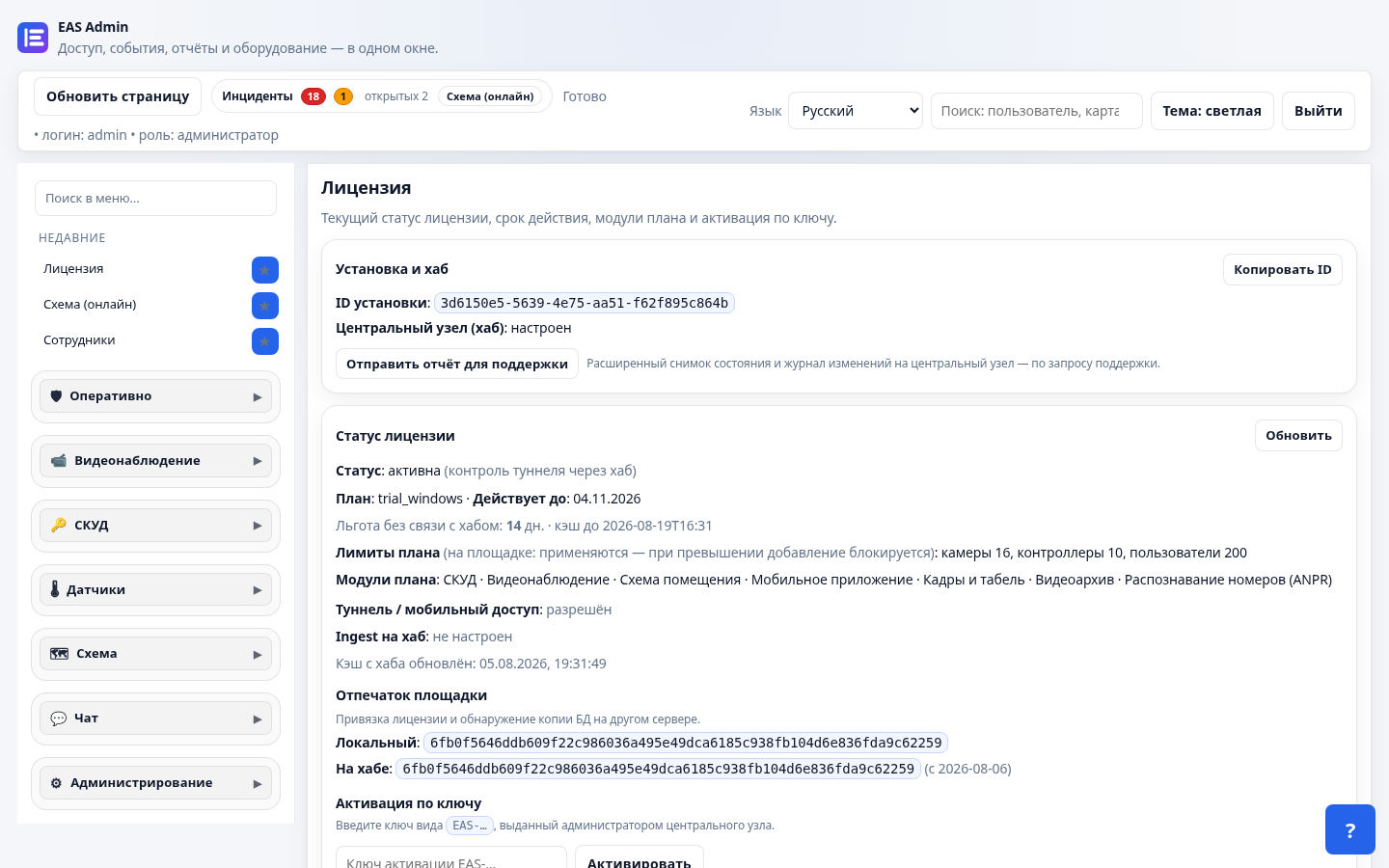
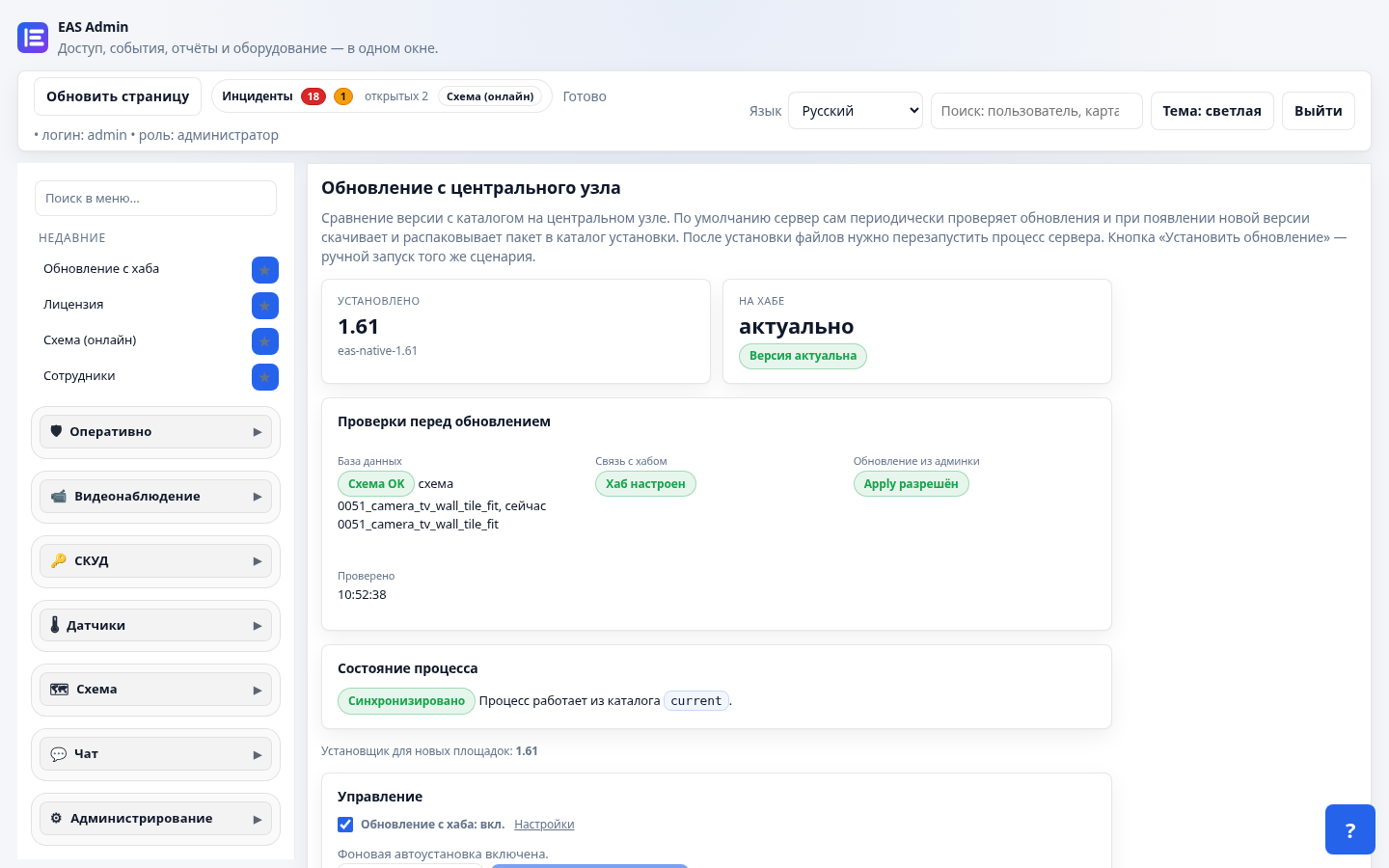
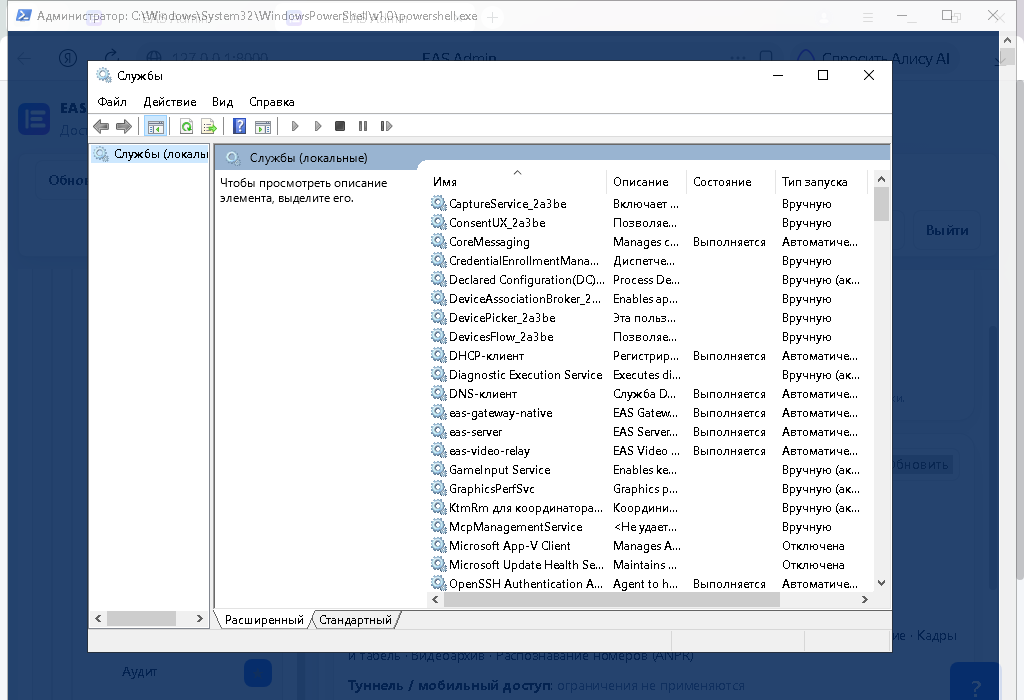
您将获得
如何开始
- 在下载页申请 Windows 轨道密钥。
- 从中心下载
setup.exe或离线包并安装到 Windows Server。 - 在浏览器打开管理端并激活许可证。
落地页:Windows Server 上门禁。一条命令的 Linux — Ubuntu 或 Astra SE 1.8。
博客 · 系统
在 Windows Server 上用图形化 setup.exe(或离线 ZIP)安装 EAS,并在浏览器中工作:门禁、视频、平面图 — 与 Ubuntu、Astra 同一产品,90 天试用。
setup.exe 或离线包并安装到 Windows Server。落地页:Windows Server 上门禁。一条命令的 Linux — Ubuntu 或 Astra SE 1.8。