On Windows Server install EAS with the GUI setup.exe (or offline ZIP) and work in the browser: ACS, video, floor plan — the same product as Ubuntu and Astra, 90-day trial key.
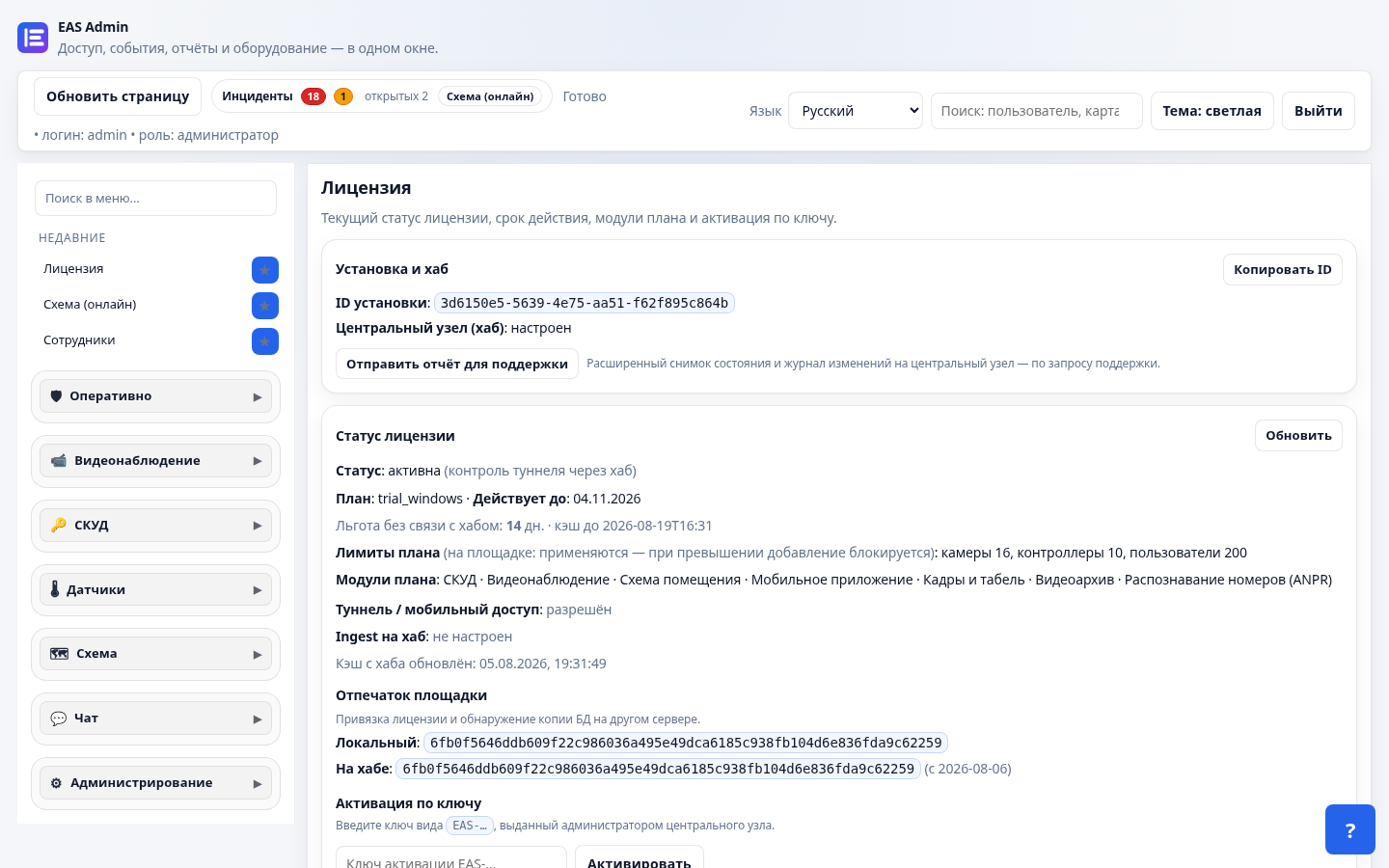
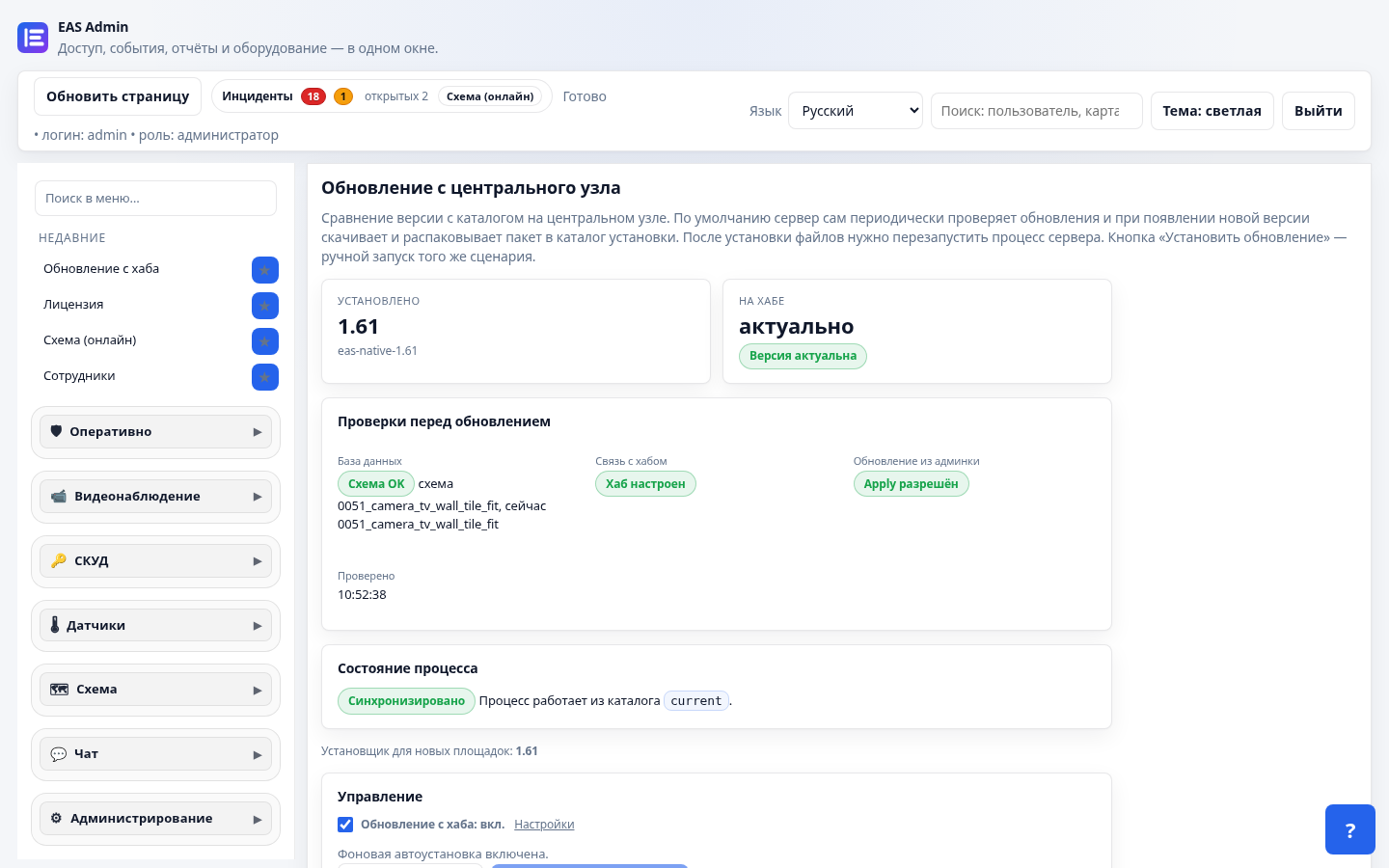
What you get
- ACS ZKTeco C3 — cards, zones, journal
- Video Hikvision/RTSP and the facility map
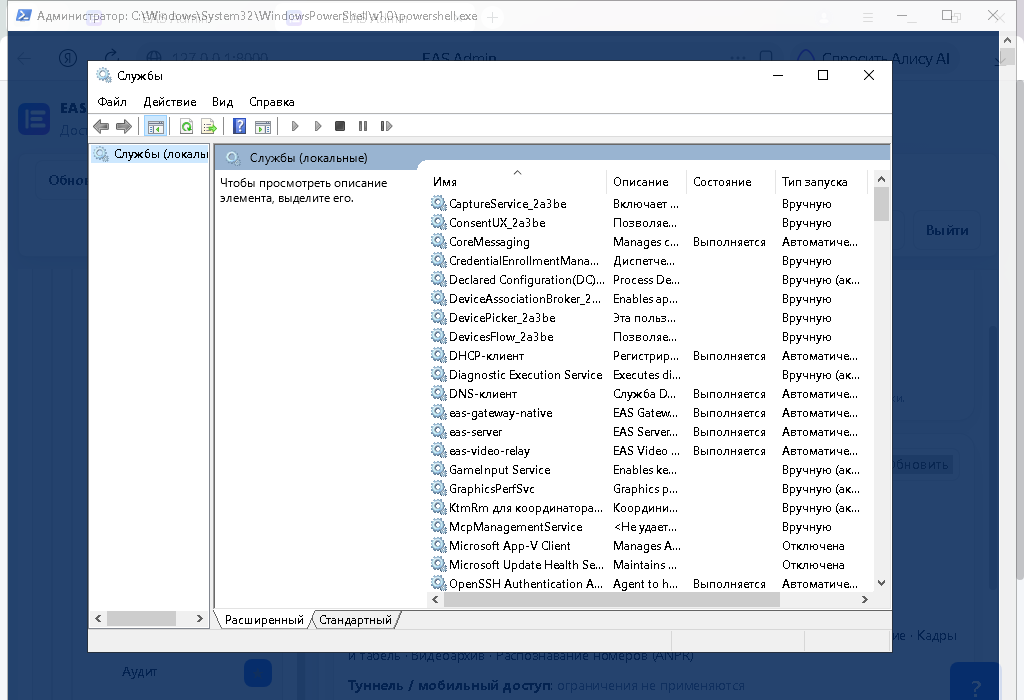
- Windows services (WinSW): eas-server, gateway, video-relay
How to start
- Key with the Windows track on the download page.
- Download
setup.exeor the offline package from the hub and install on Windows Server. - Open the admin in a browser and activate the license.
Landing: ACS on Windows Server. Need one-command Linux — Ubuntu or Astra SE 1.8.