文档
EAS 文档
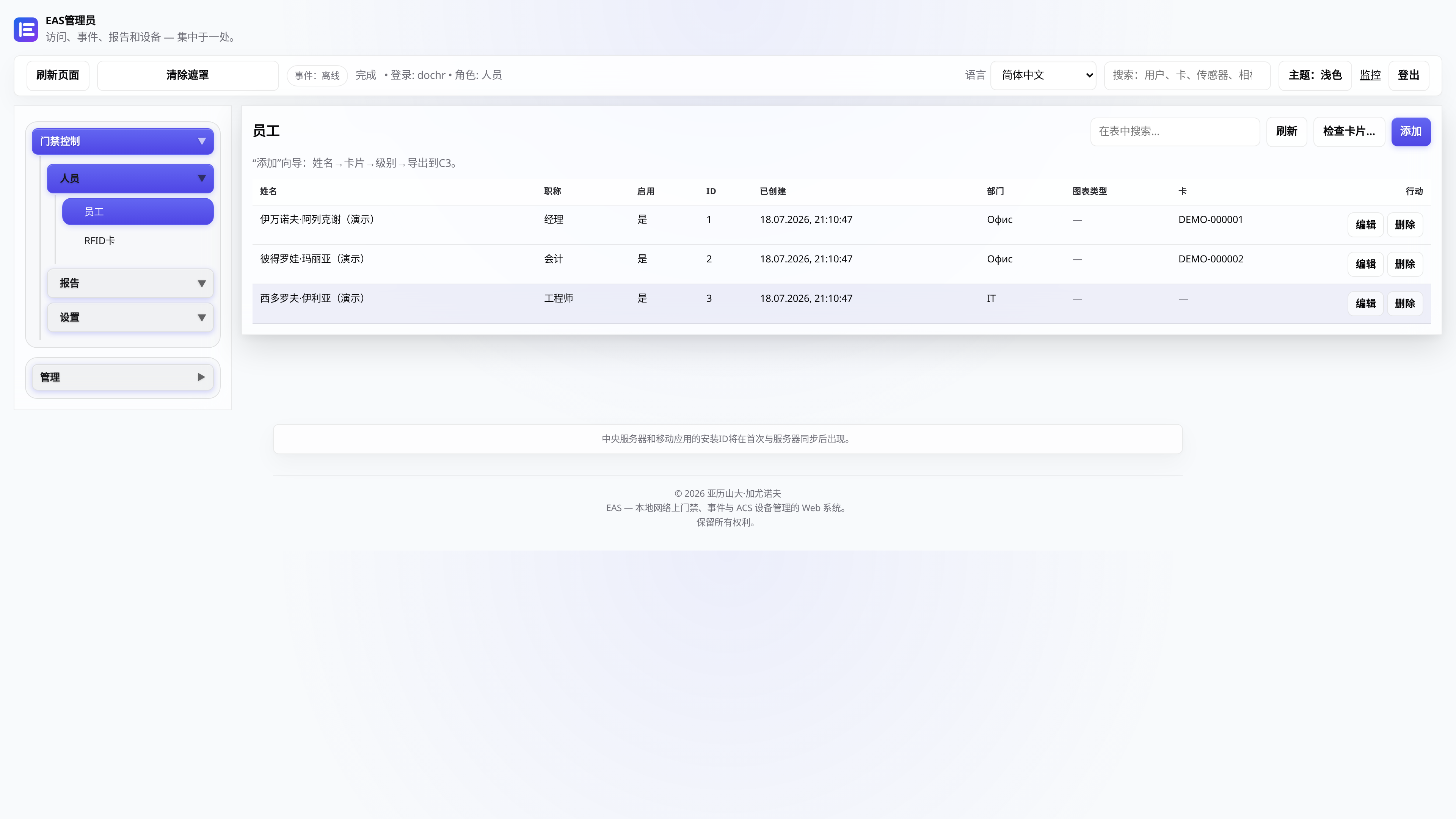
Step-by-step guides with screenshots: install the EAS software on Ubuntu, Astra, or Windows, then daily work for security, HR, and admins.
安装 EAS 软件
操作系统必须已经装好。EAS 安装在现成的 Ubuntu 22.04+、Astra Linux SE 1.8(测试)或 Windows Server 上。选择路径 — 完整指南: 安装说明.
Ubuntu 22.04+ — One command on a ready Ubuntu server — downloads bundle 1.68 from https://asceas.ru/eas-hub/manifest.json:
- 下载 Ubuntu 安装脚本 (.sh)
- 下载 EAS 包 (.tar.gz),在线安装 · online install — needs OS mirrors / usually PyPI
- 下载 Linux/Astra 离线包 (.tar.gz) · no PyPI; OS apt mirrors still needed
- Ubuntu 上门禁 · 安装试用版 · 安装说明
Astra Linux SE 1.8 (beta) — Separate command and 90-day trial. Do not use the Ubuntu curl above.
- 下载 Astra 安装脚本 (.sh)
- 下载 EAS 包 (.tar.gz),在线安装 · online install — needs OS mirrors / usually PyPI
- 下载 Linux/Astra 离线包 (.tar.gz) · no PyPI; OS apt mirrors still needed
- Astra Linux 上门禁 · ACS on Astra · 安装说明
Windows Server — Download setup.exe or the offline ZIP using the links below. 90-day trial.
入门

在服务器上安装 EAS
如何在已就绪的服务器上安装 EAS 软件:Ubuntu、Astra Linux SE 1.8 或 Windows Server。首次登录与激活。
系统管理员、集成商服务器要求和硬件计算
飞行员的最低要求和推荐资源为 100 个摄像头、100 个传感器和 10 个 ACS 控制器。
系统管理员、集成商、采购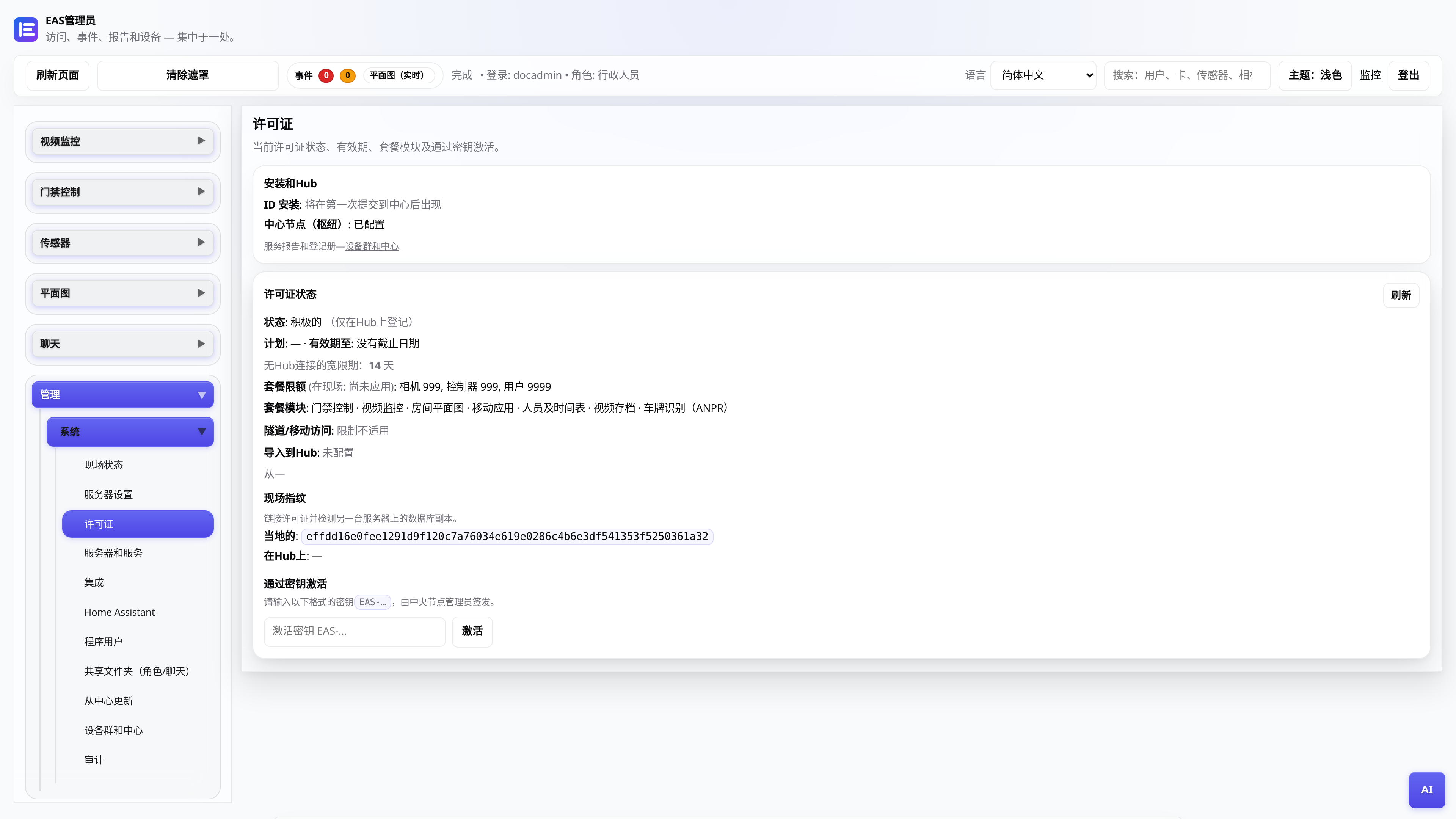
许可证和试用期 30 天
接收密钥,在管理面板中激活,通过中央节点更新。
行政人员将 EAS 迁移到新硬件
如何将运行中的站点迁到新服务器,并恢复移动端访问与更新。
系统管理员、集成商
来自中央枢纽的更新
EAS 1.0,补丁 1.1+(累积补丁),管理面板和应用程序中的更改日志,无数据丢失。
系统管理员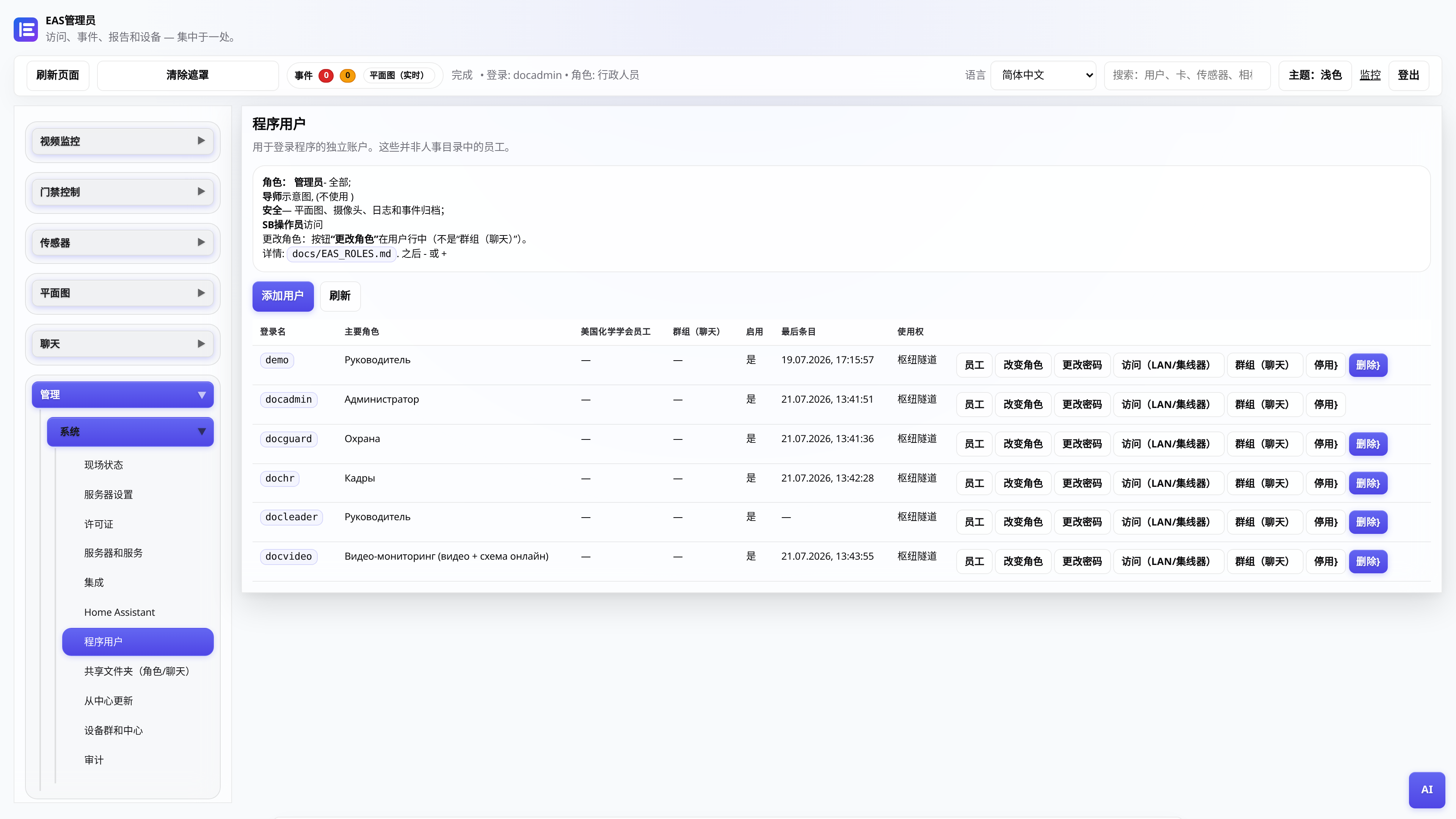
Web 管理员用户角色
谁看到什么:管理员、安全、人员、经理、视频帖子。
行政人员