문서
EAS 지침
Step-by-step guides with screenshots: install the EAS software on Ubuntu, Astra, or Windows, then daily work for security, HR, and admins.
EAS 소프트웨어 설치
OS가 이미 설치되어 있어야 합니다. EAS는 준비된 Ubuntu 22.04+, Astra Linux SE 1.8(베타) 또는 Windows Server에서 실행됩니다. 경로 선택 — 전체 가이드: 설치 지침.
Ubuntu 22.04+ — One command on a ready Ubuntu server — downloads bundle 1.68 from https://asceas.ru/eas-hub/manifest.json:
- Ubuntu 설치 스크립트(.sh) 다운로드
- EAS 패키지(.tar.gz) 다운로드(온라인) · online install — needs OS mirrors / usually PyPI
- Linux/Astra 오프라인 fat 다운로드 (.tar.gz) · no PyPI; OS apt mirrors still needed
- Ubuntu 출입통제 · 체험판 설치 · 설치 지침
Astra Linux SE 1.8 (beta) — Separate command and 90-day trial. Do not use the Ubuntu curl above.
- Astra 설치 스크립트(.sh) 다운로드
- EAS 패키지(.tar.gz) 다운로드(온라인) · online install — needs OS mirrors / usually PyPI
- Linux/Astra 오프라인 fat 다운로드 (.tar.gz) · no PyPI; OS apt mirrors still needed
- Astra Linux 출입통제 · ACS on Astra · 설치 지침
Windows Server — Download setup.exe or the offline ZIP using the links below. 90-day trial.
시작하기
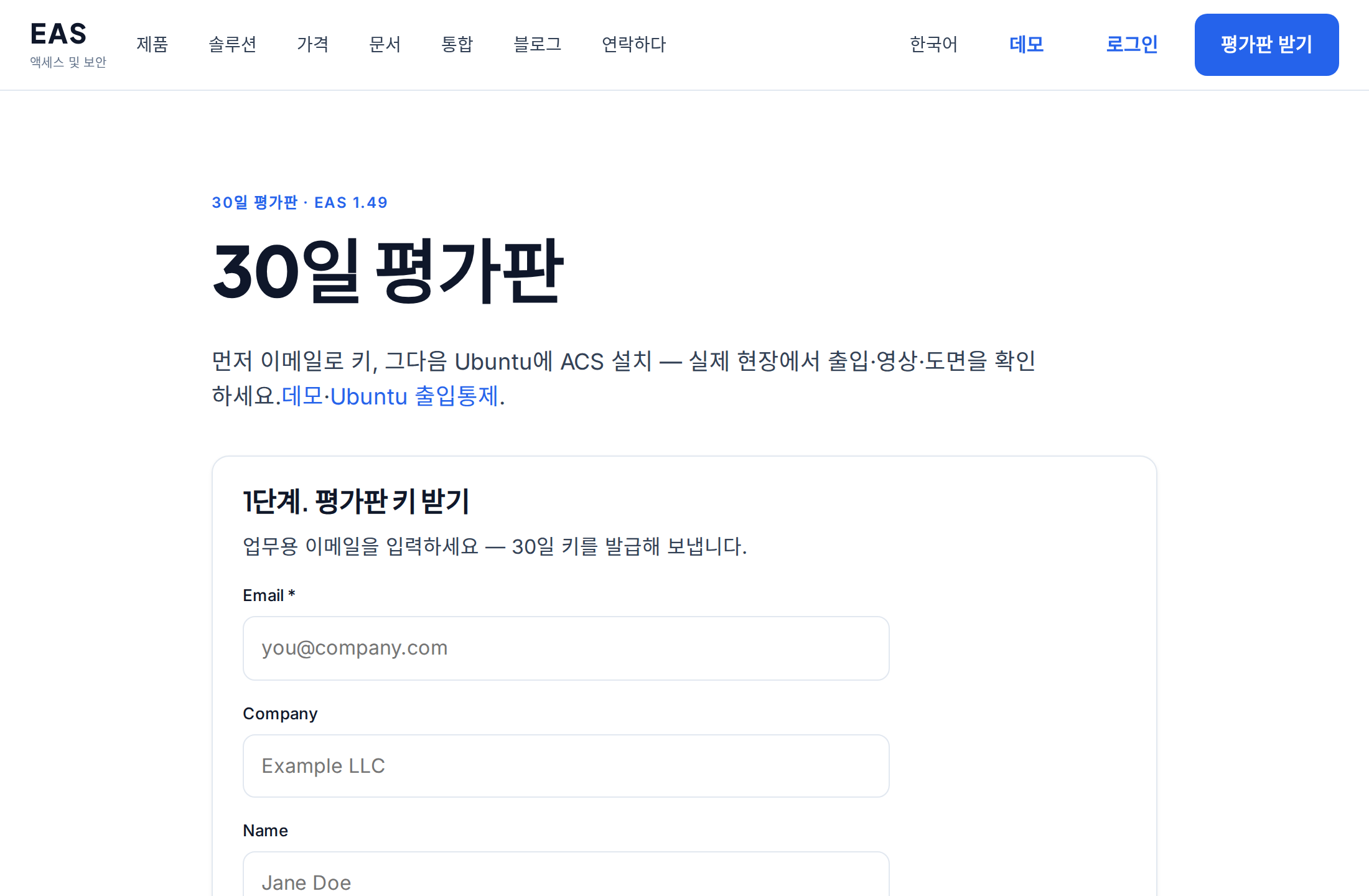
서버에 EAS 설치
준비된 서버에 EAS 소프트웨어를 설치하는 방법: Ubuntu, Astra Linux SE 1.8 또는 Windows Server. 최초 로그인과 활성화.
시스템 관리자, 통합 사업자서버 요구 사항 및 하드웨어 계산
카메라 100개, 센서 100개, ACS 컨트롤러 10개에 대한 파일럿 및 권장 리소스의 최소값입니다.
시스템 관리자, 통합자, 구매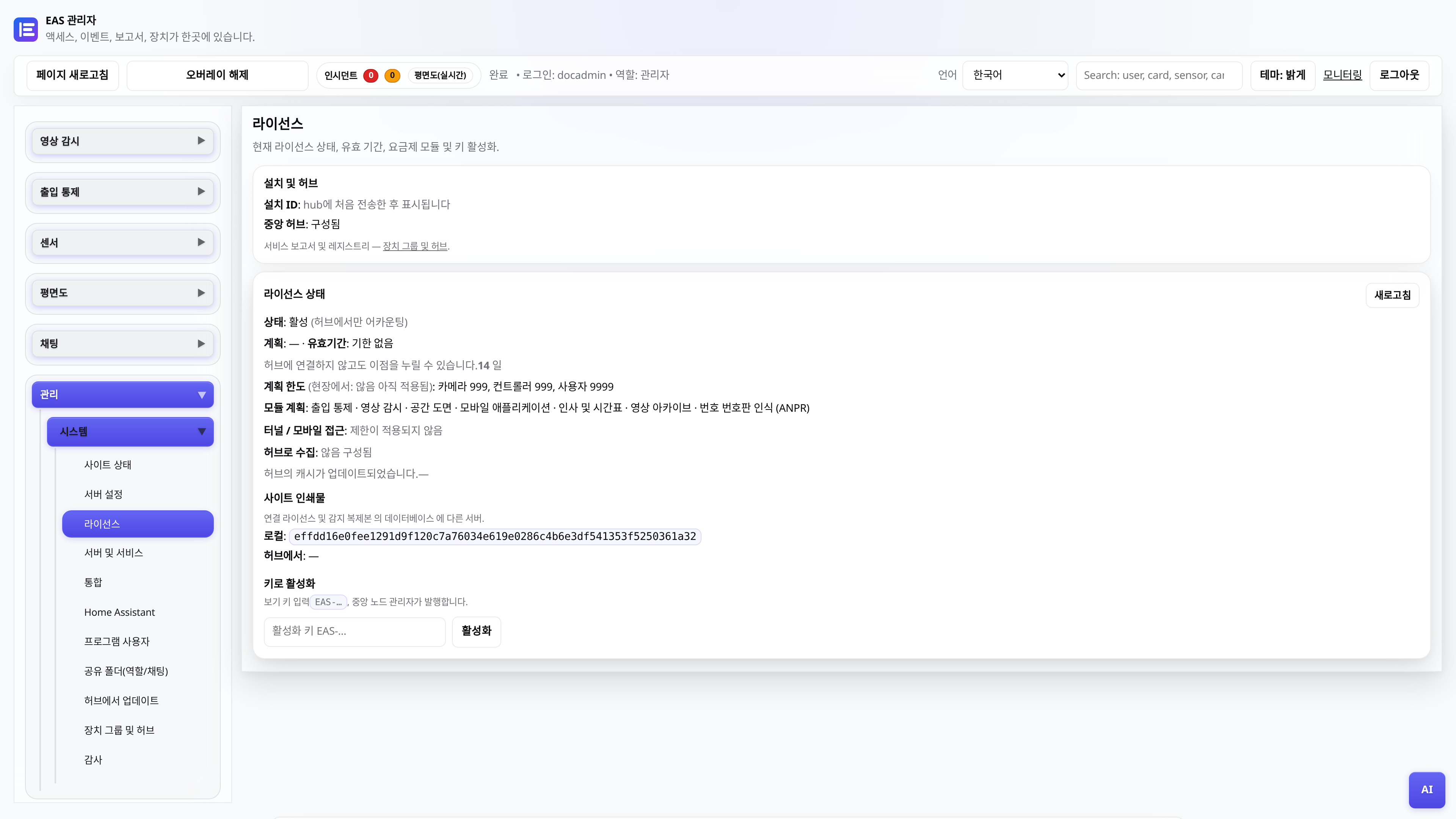
30일 동안 라이센스 및 평가판 사용 가능
키 받기, 관리자 패널에서 활성화, 중앙 노드를 통한 갱신.
관리자EAS를 새 하드웨어로 이전
운영 중인 사이트를 새 서버로 옮기고 모바일 접속과 업데이트를 복구하는 방법.
시스템 관리자, 통합 사업자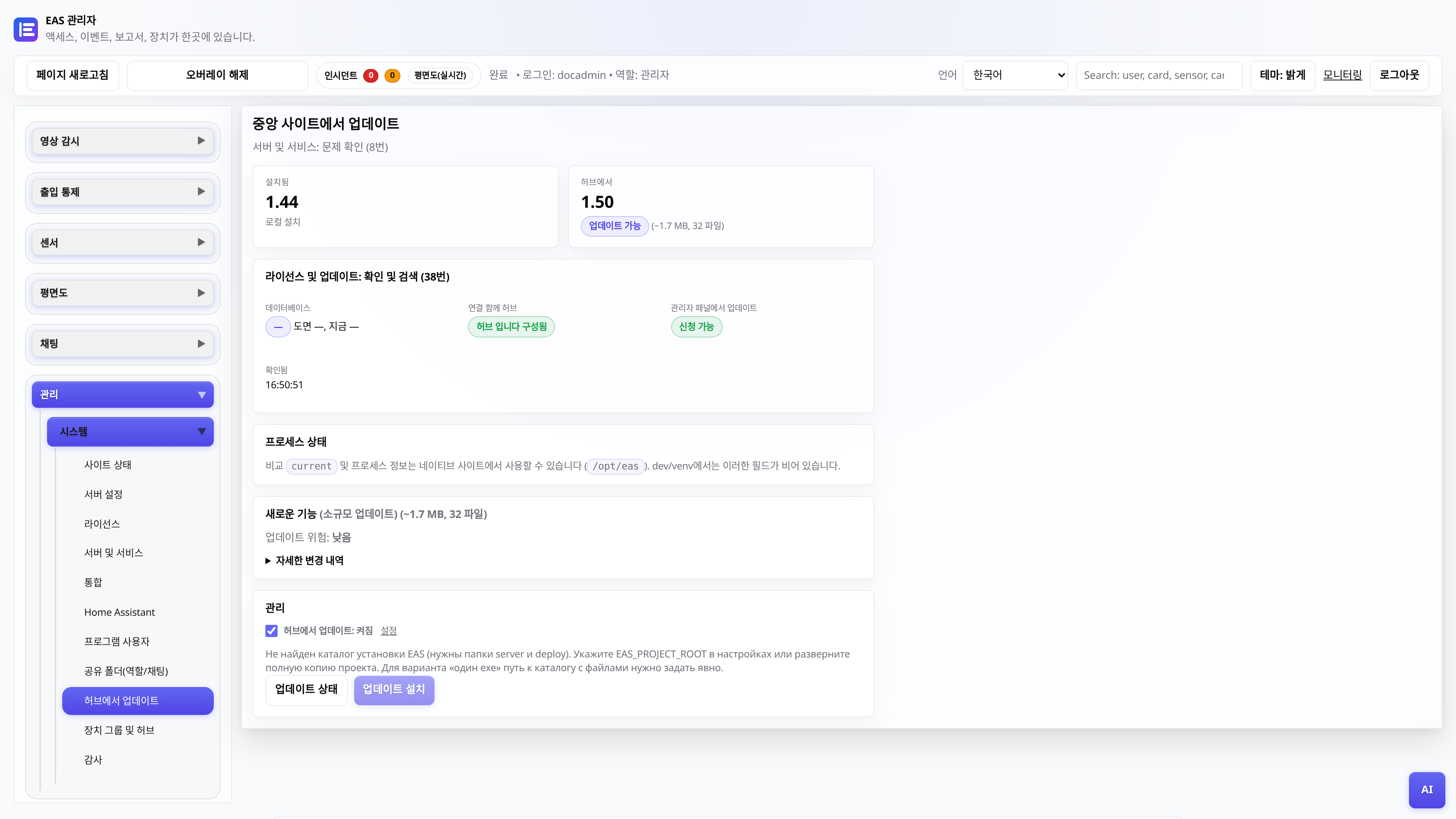
중앙 허브에서 업데이트
EAS 1.0, 패치 1.1+(누적 패치), 관리자 패널의 변경 로그 및 데이터 손실 없는 애플리케이션.
시스템 관리자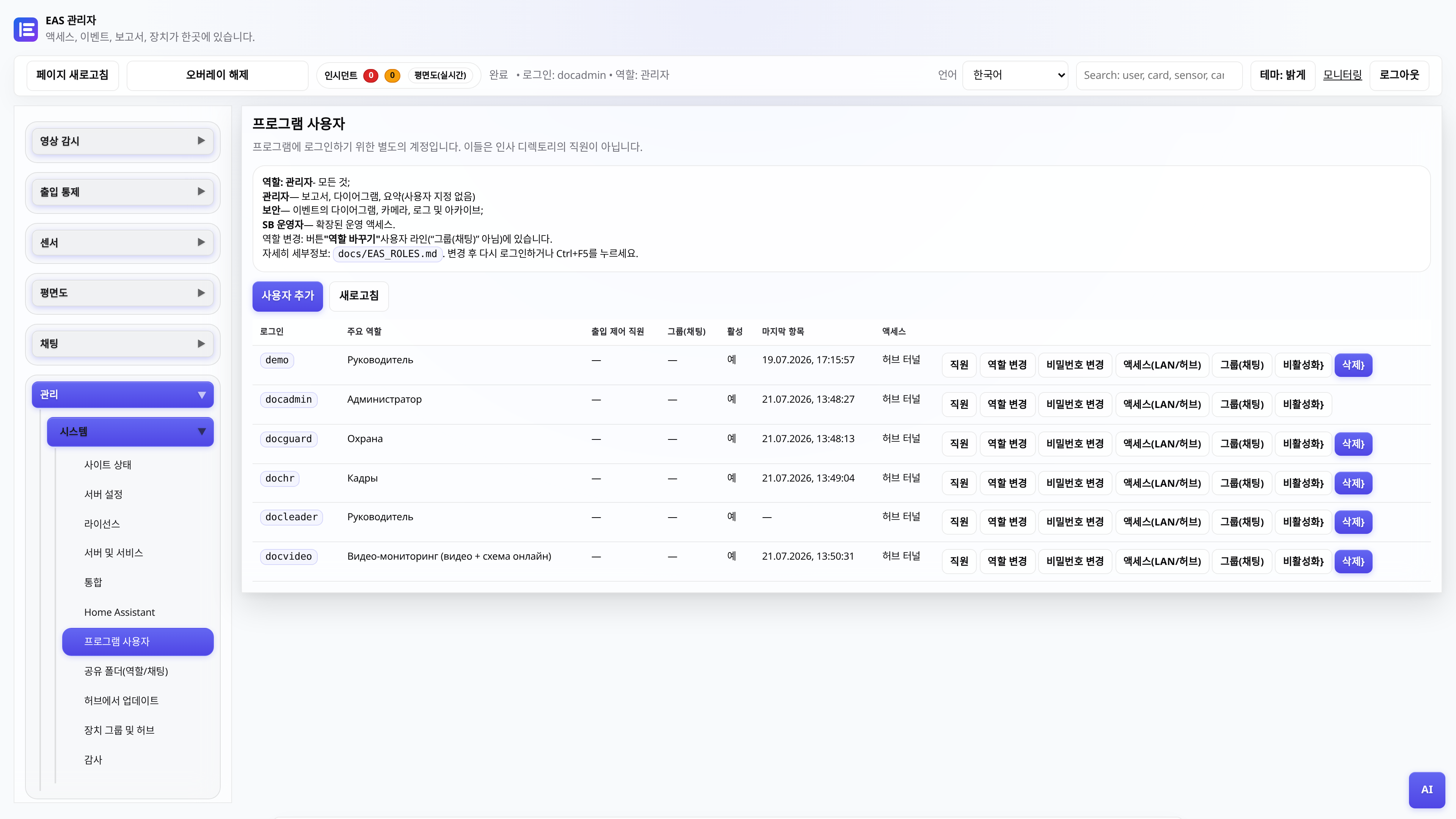
웹 관리자 사용자 역할
누가 무엇을 볼 수 있습니까? 관리자, 보안, 직원, 관리자, 비디오 게시물.
관리자관리자
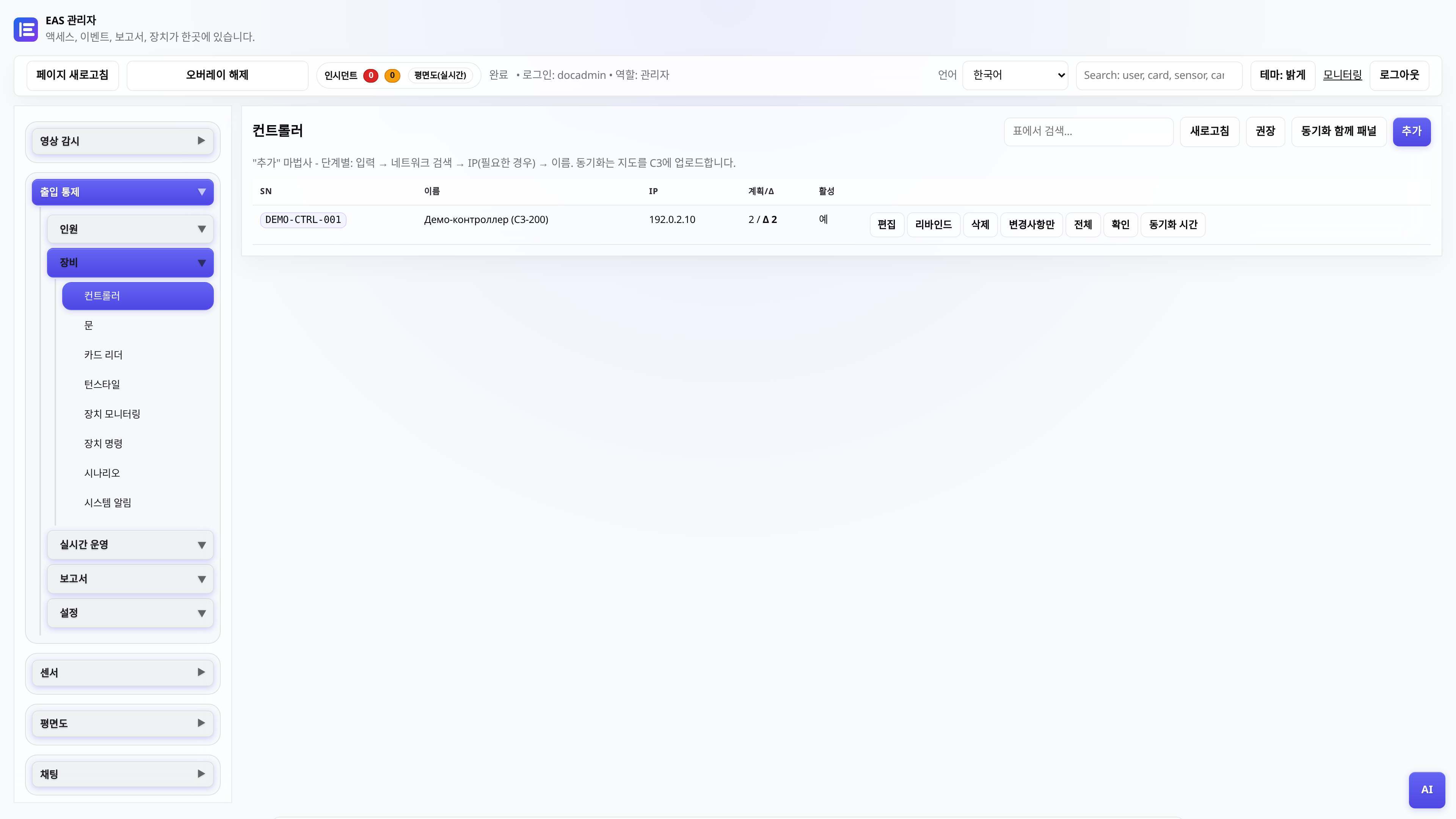
ACS 컨트롤러 연결
ZKTeco C3 추가, 폴링 게이트웨이, 패스 확인.
관리자, 통합자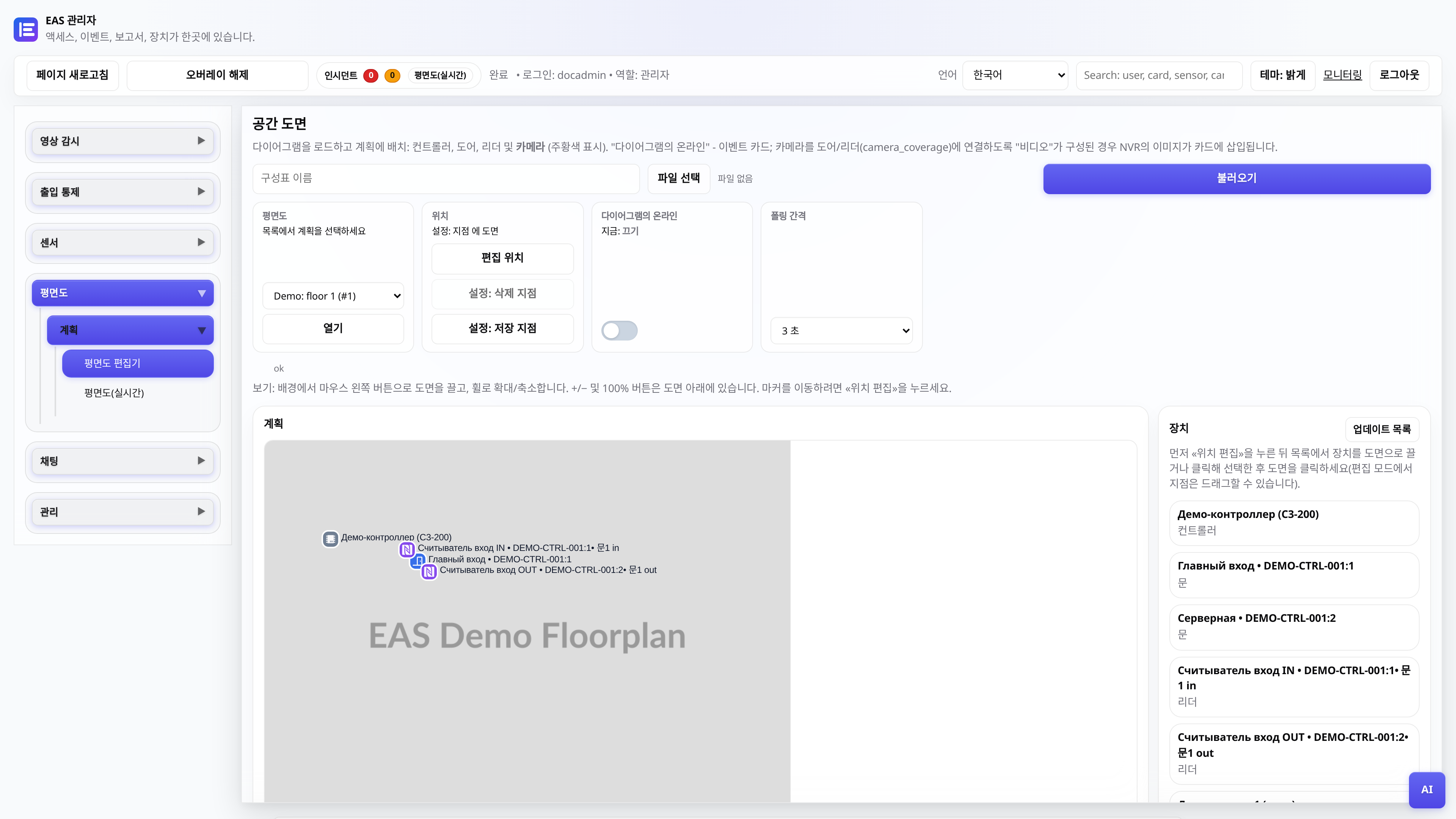
객체 다이어그램
계획 로드, 태그 배치, 게시물의 온라인 모드.
관리자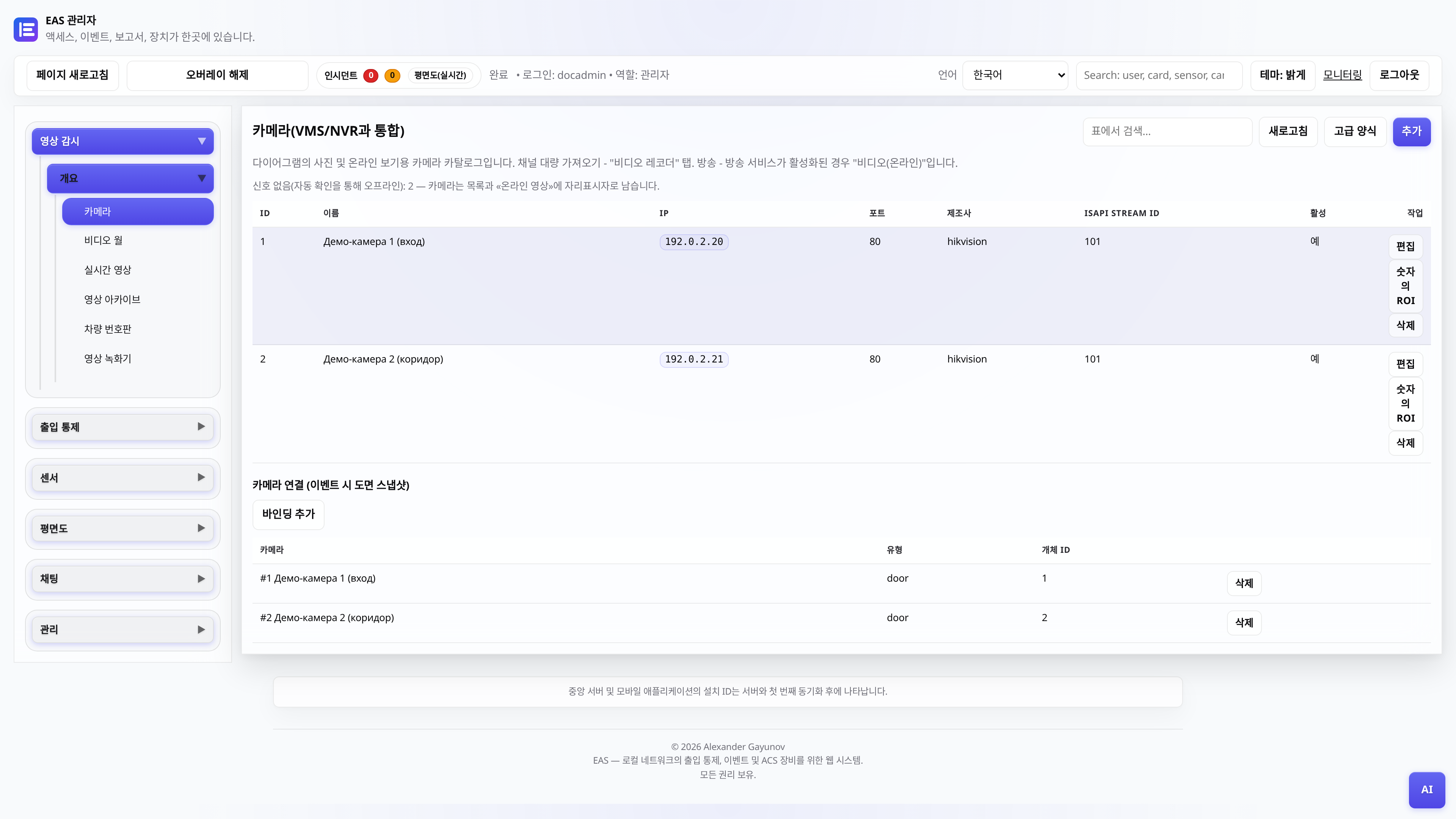
카메라 및 비디오 감시
카메라 카탈로그, "비디오(온라인)" - 플레이어 및 그리드, "비디오 아카이브" - 크기 조정 및 내보내기가 가능한 날입니다.
관리자, 비디오 포스트TV 벽 - TV의 모자이크
Android TV/보안포스트 태블릿에 APK를 설치합니다(사이트 LAN만 해당).
관리자, 통합자컨트롤러 오프라인 - 진단
ZKTeco C3 패널이 EAS에서 응답하지 않는 경우 확인해야 할 사항: 네트워크, 게이트웨이, 서비스.
관리자, 통합자드라이버 매니페스트(통합자용)
EAS 코어를 편집하지 않고 게이트웨이 공급자를 통해 새로운 리더 시리즈를 연결하는 방법.
통합자, 개발자