Video surveillance
Cameras on the site plan - one click from the passage event to the frame and archive clip.
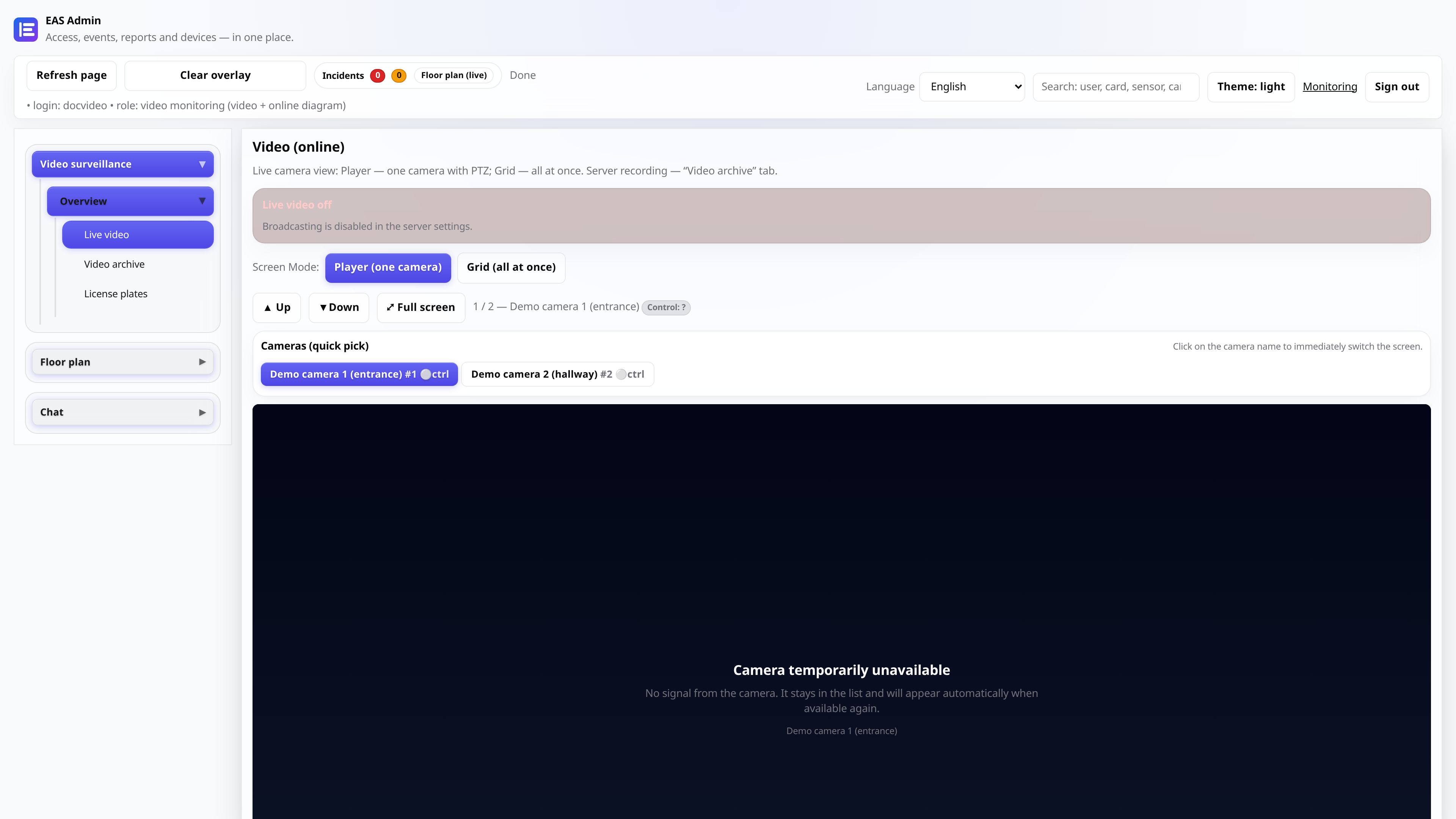
Video in the context of access control systems
The camera is tied to the door - when you pass, a photo and a clip are saved in the archive. Security opens an online player or an archived day from an event card or from a diagram without switching to a separate VMS.
Two online modes
“Video (online)”: player (HLS browser relay, PTZ) or JPEG grid. On the phone - mobile APK (hub); on the post TV - **TV Wall APK** (LAN, grid relay / mosaic). Two independent ffmpeg profiles per camera.
How it works
- 1
- 2
Tie to the doors
Photo and archive when passing through the access control system.
More in the documentation → - 3
- 4
Frequently asked questions
Do you need a cloud video service?
No. Stream and archive on an EAS server on your network.
What cameras are supported?
Hikvision out of the box, any RTSP with H.264 substream (HEVC is transcoded on the server if necessary).
How is an archive different from online?
Archive - motion/ACS clips on disk, viewing the day with a scale. Online - live broadcast via video relay.
Is there mobile video?
Yes - mobile APK 0.5.53+: live via hub tunnel (browser relay), full screen QR, snapshot before HLS starts.
Try it on your server
Trial 30 days - full functionality, installation with one command.