Docs
EAS Instructions
Step-by-step guides with screenshots: install the EAS software on Ubuntu, Astra, or Windows, then daily work for security, HR, and admins.
Install EAS software
The OS must already be installed. EAS runs on ready Ubuntu 22.04+, Astra Linux SE 1.8 (beta), or Windows Server. Pick your track below — full guide: Installation instructions.
Ubuntu 22.04+ — One command on a ready Ubuntu server — downloads bundle 1.68 from https://asceas.ru/eas-hub/manifest.json:
- Download Ubuntu install script (.sh)
- Download EAS package (.tar.gz) · online install — needs OS mirrors / usually PyPI
- Download Linux/Astra offline fat (.tar.gz) · no PyPI; OS apt mirrors still needed
- ACS on Ubuntu · Install trial · Installation instructions
Astra Linux SE 1.8 (beta) — Separate command and 90-day trial. Do not use the Ubuntu curl above.
- Download Astra install script (.sh)
- Download EAS package (.tar.gz) · online install — needs OS mirrors / usually PyPI
- Download Linux/Astra offline fat (.tar.gz) · no PyPI; OS apt mirrors still needed
- ACS on Astra Linux · ACS on Astra · Installation instructions
Windows Server — Download setup.exe or the offline ZIP using the links below. 90-day trial.
Getting started
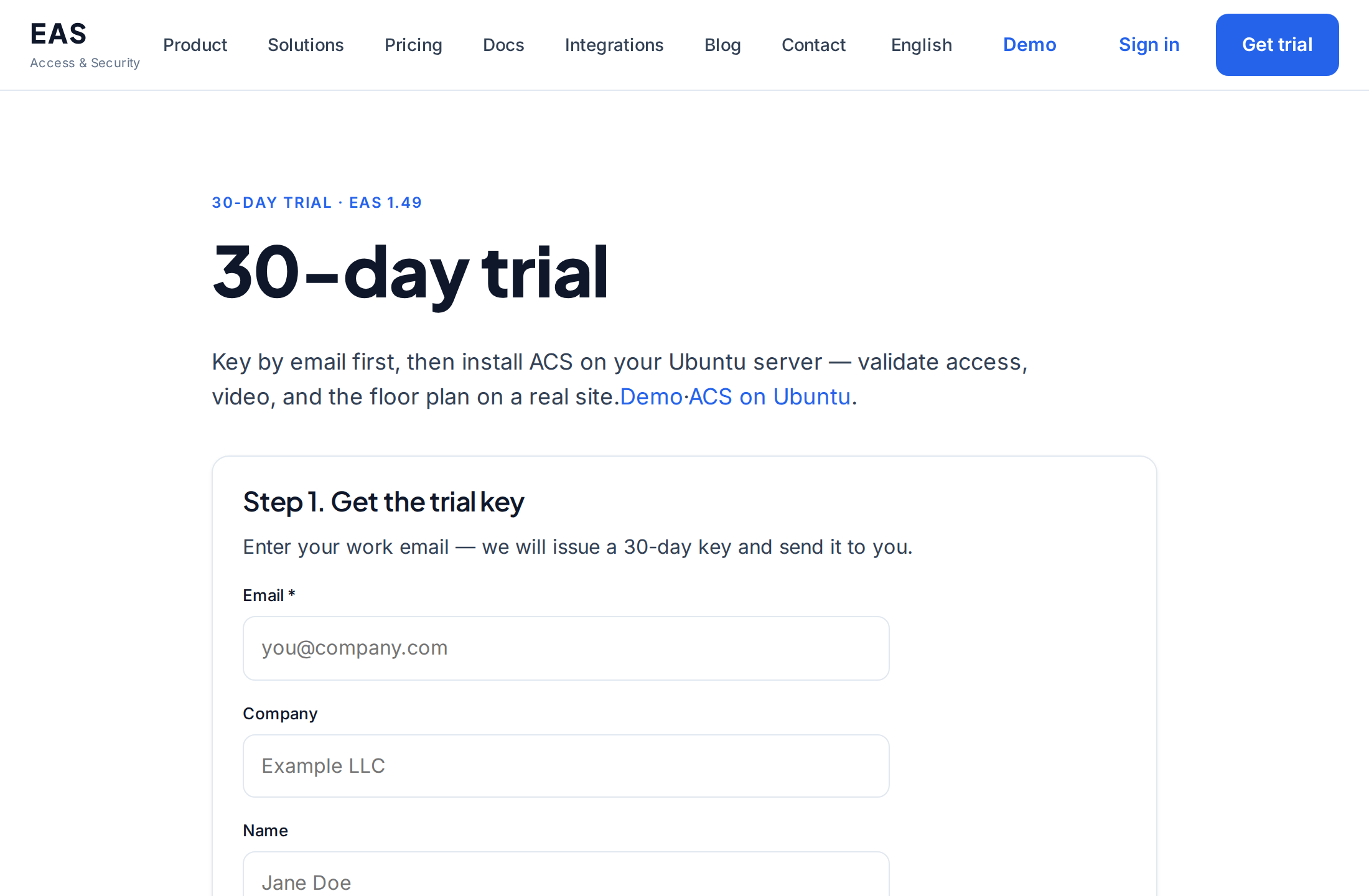
Installing EAS on the server
How to install the EAS software on a ready server: Ubuntu, Astra Linux SE 1.8, or Windows Server. First login and activation.
System administrator, integratorServer requirements and hardware calculations
The minimum for a pilot and recommended resources for 100 cameras, 100 sensors and 10 access control controllers.
System administrator, integrator, purchasing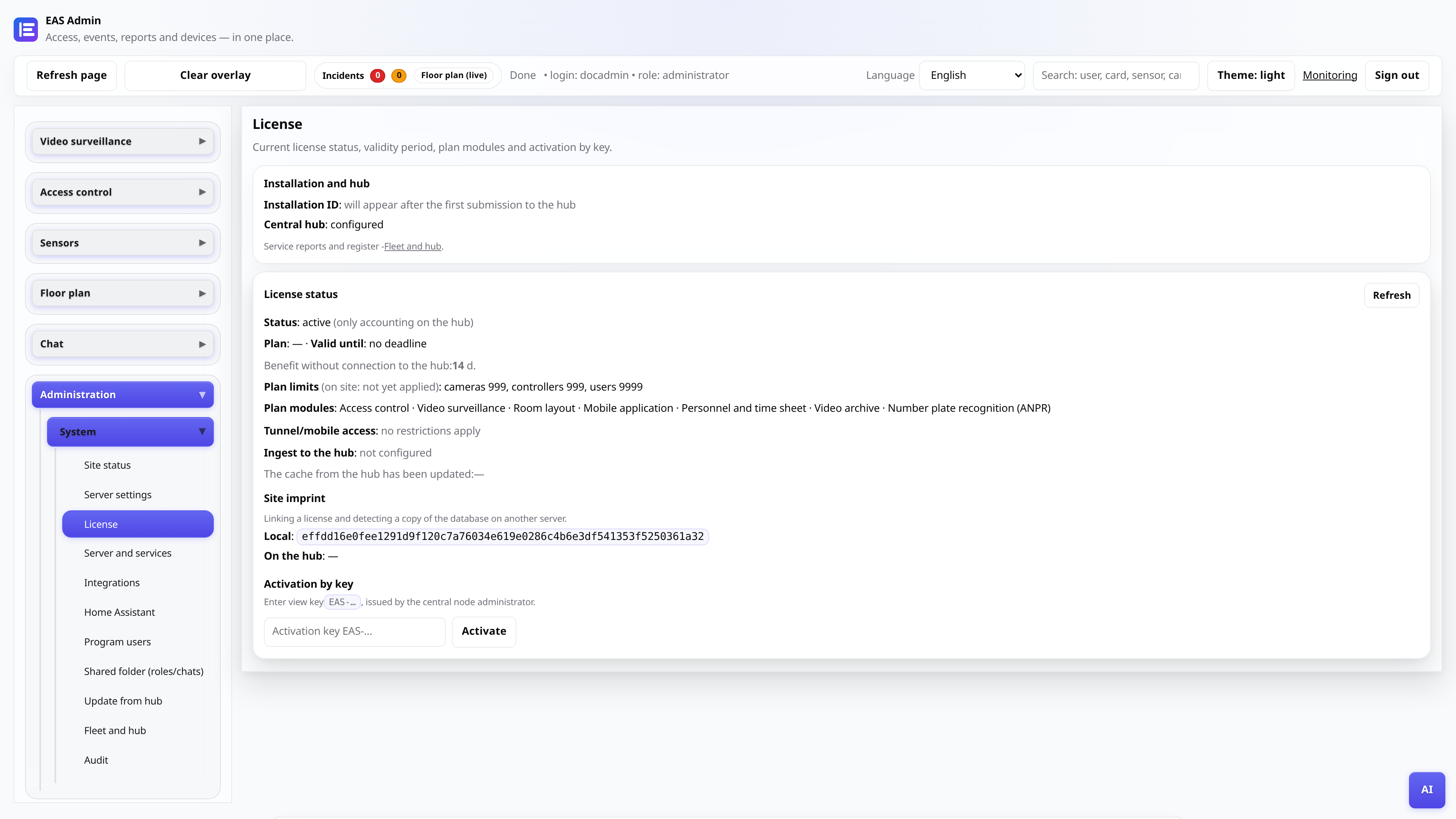
License and trial for 30 days
Receiving a key, activation in the admin panel, renewal through the central node.
AdministratorMoving EAS to new hardware
How to move a live site to a new server and restore mobile access and updates.
System administrator, integrator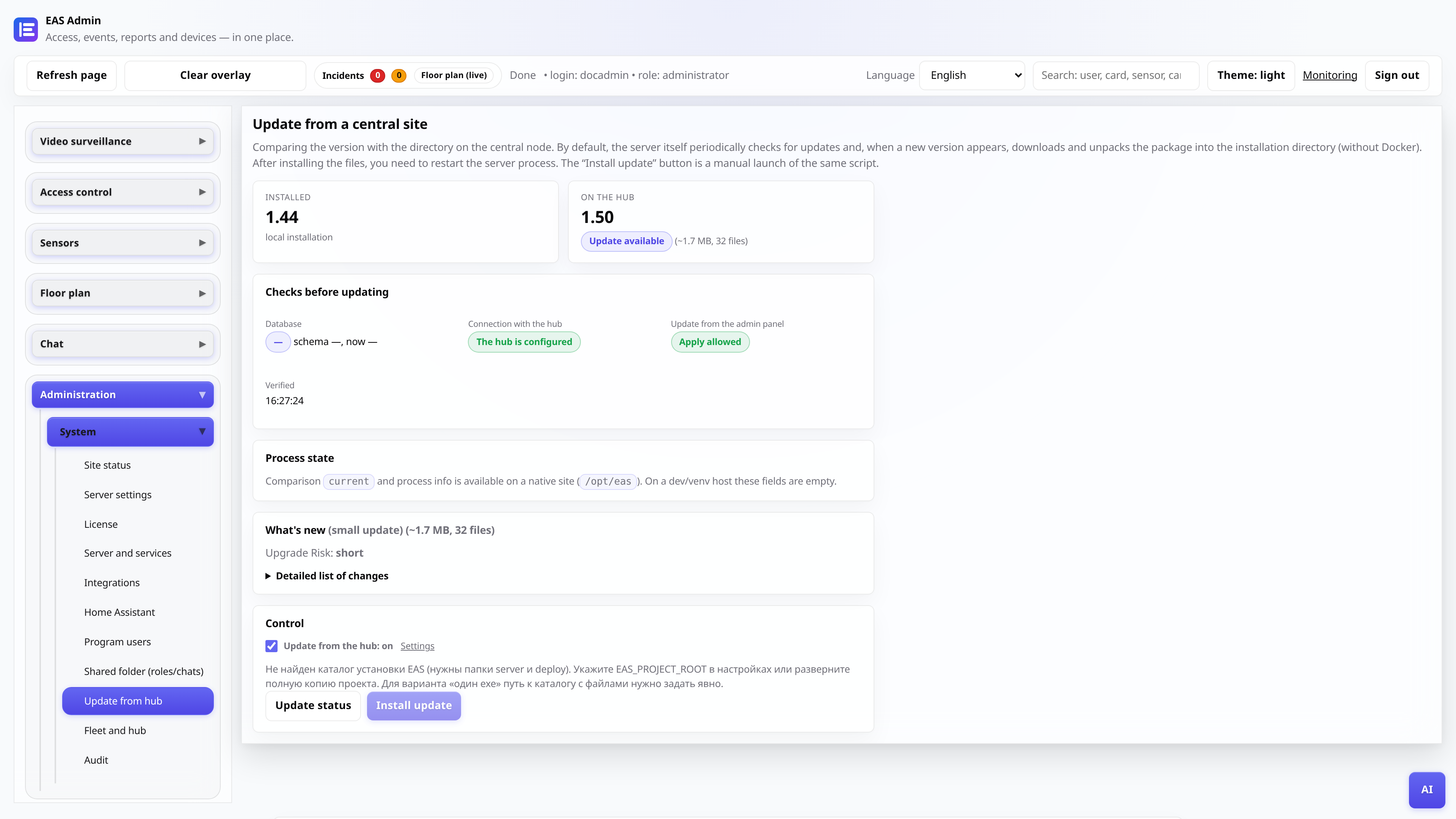
Updates from a central hub
EAS 1.0, patch 1.1+ (cumulative patch), changelog in the admin panel and application without data loss.
System administrator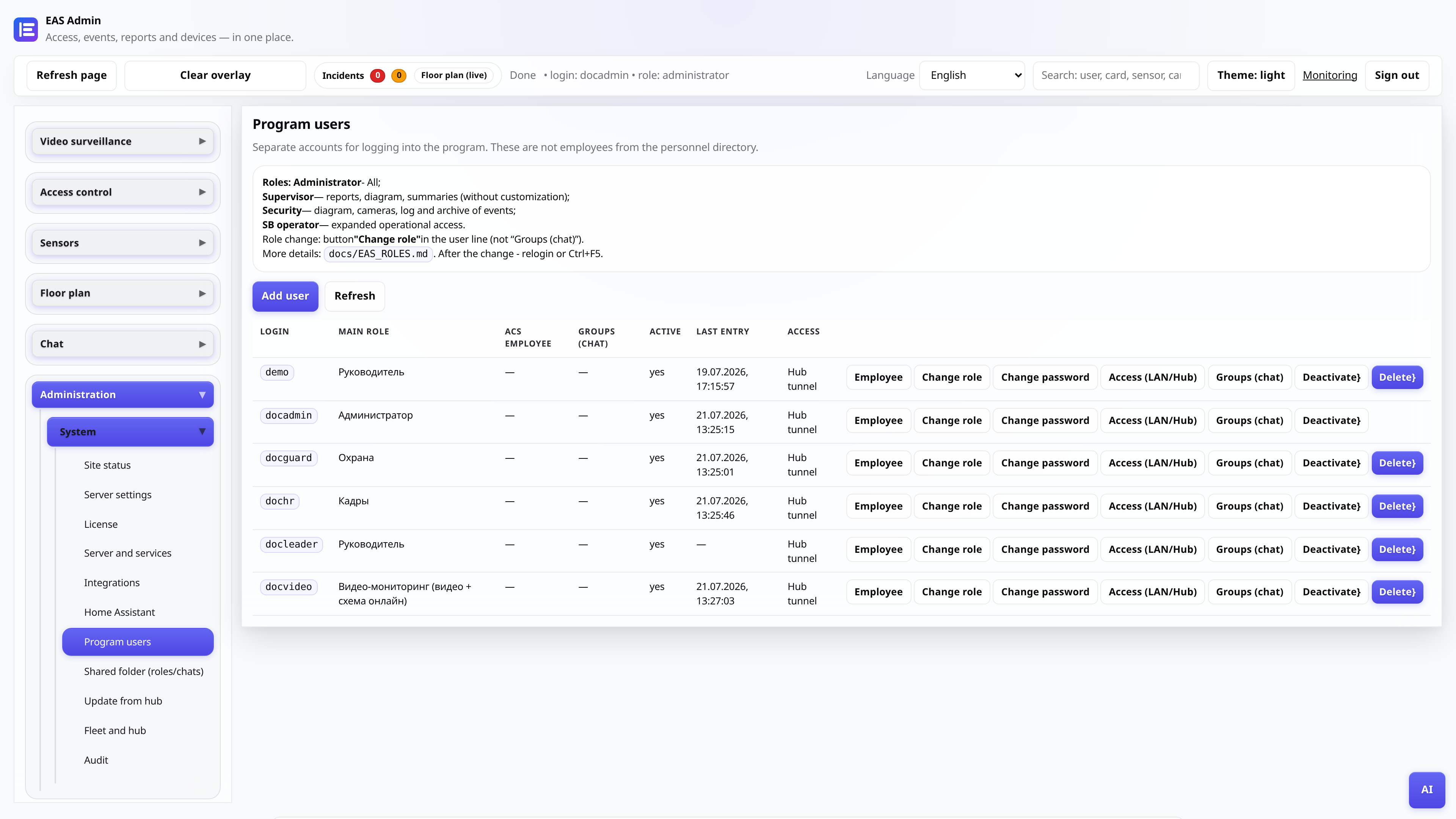
Web admin user roles
Who sees what: administrator, security, personnel, manager, video post.
AdministratorAdministrator
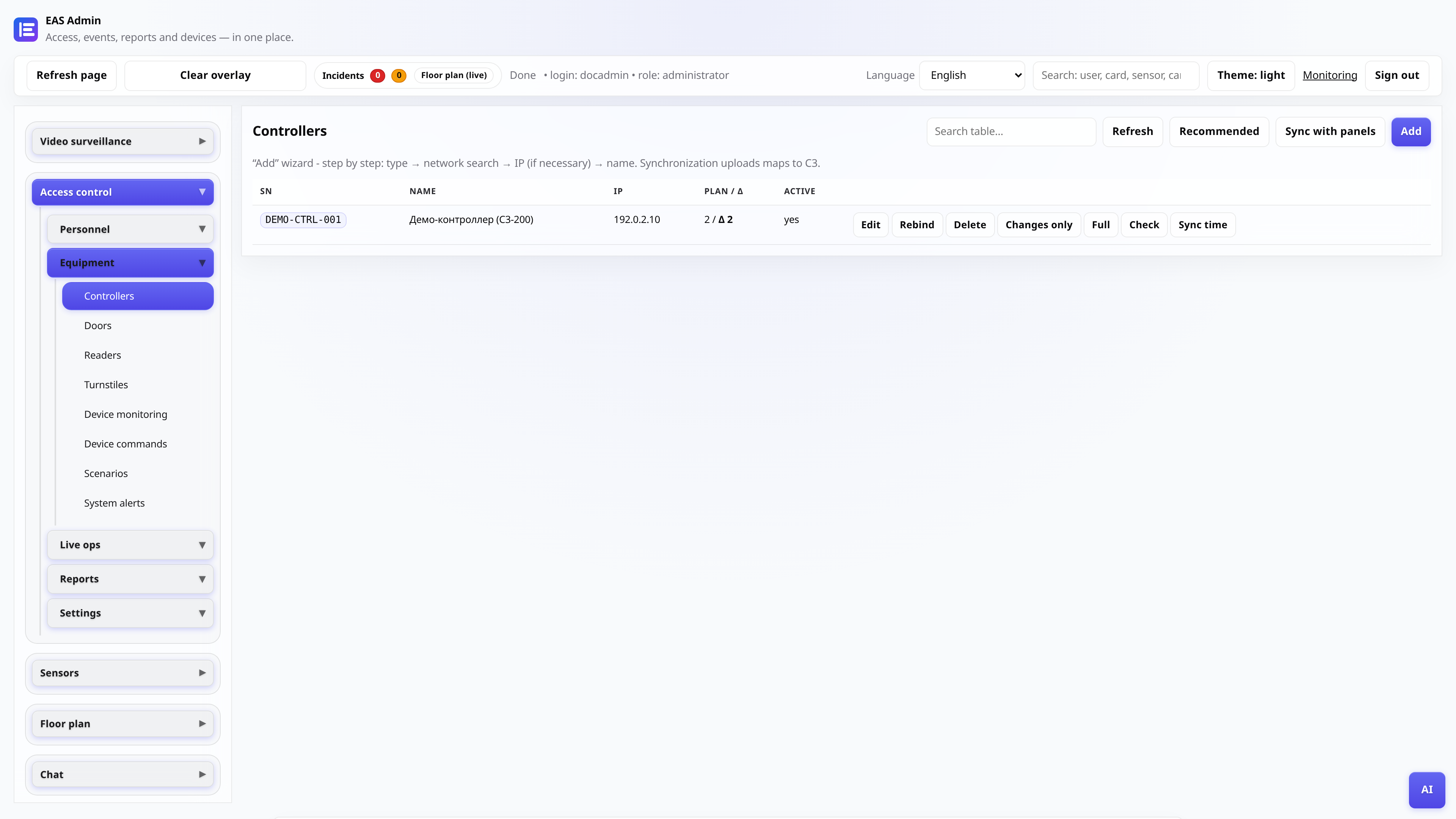
Connecting the access control controller
Adding ZKTeco C3, polling gateway, checking passes.
Administrator, integrator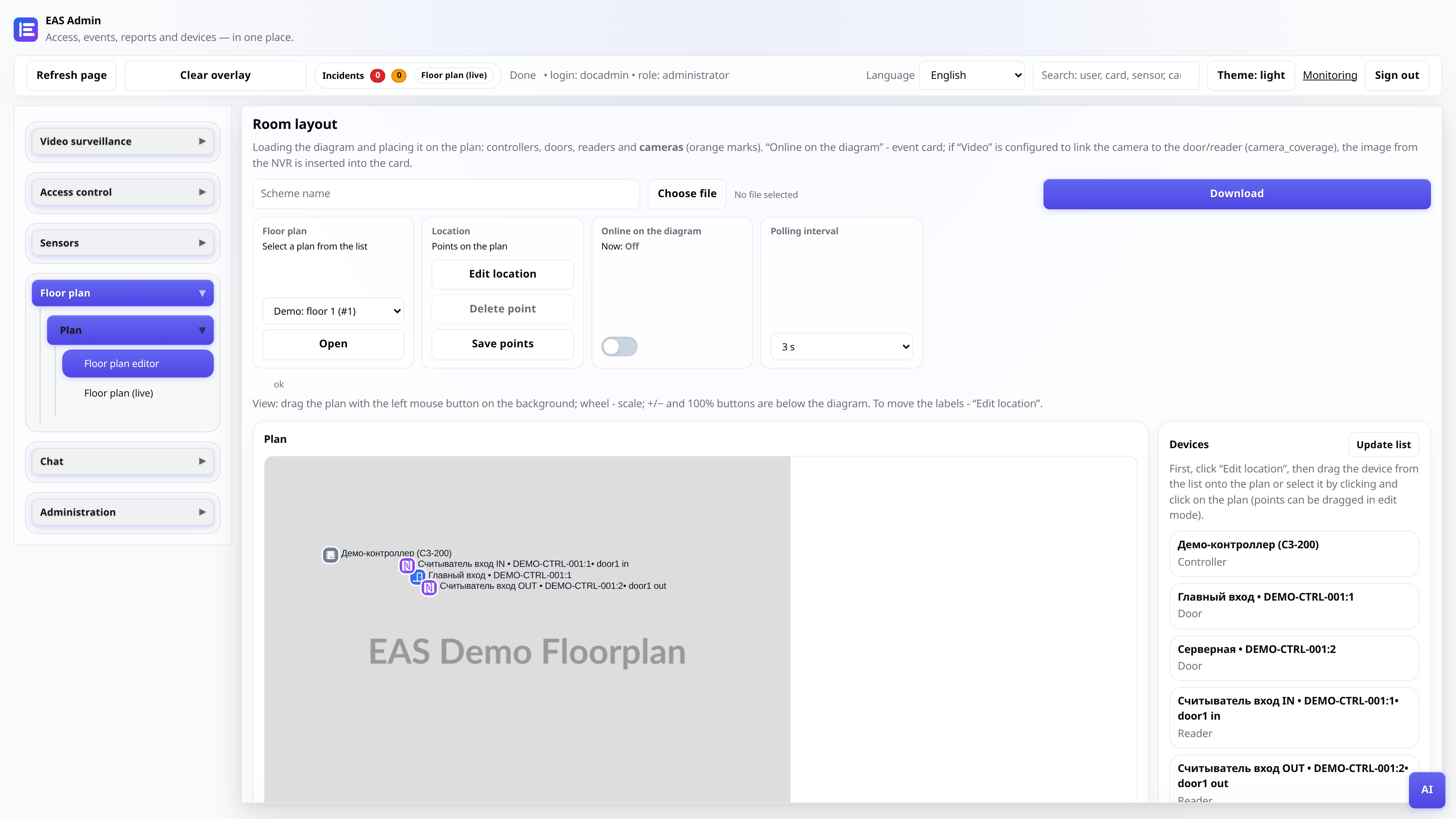
Object diagram
Loading the plan, placing tags, online mode for the post.
Administrator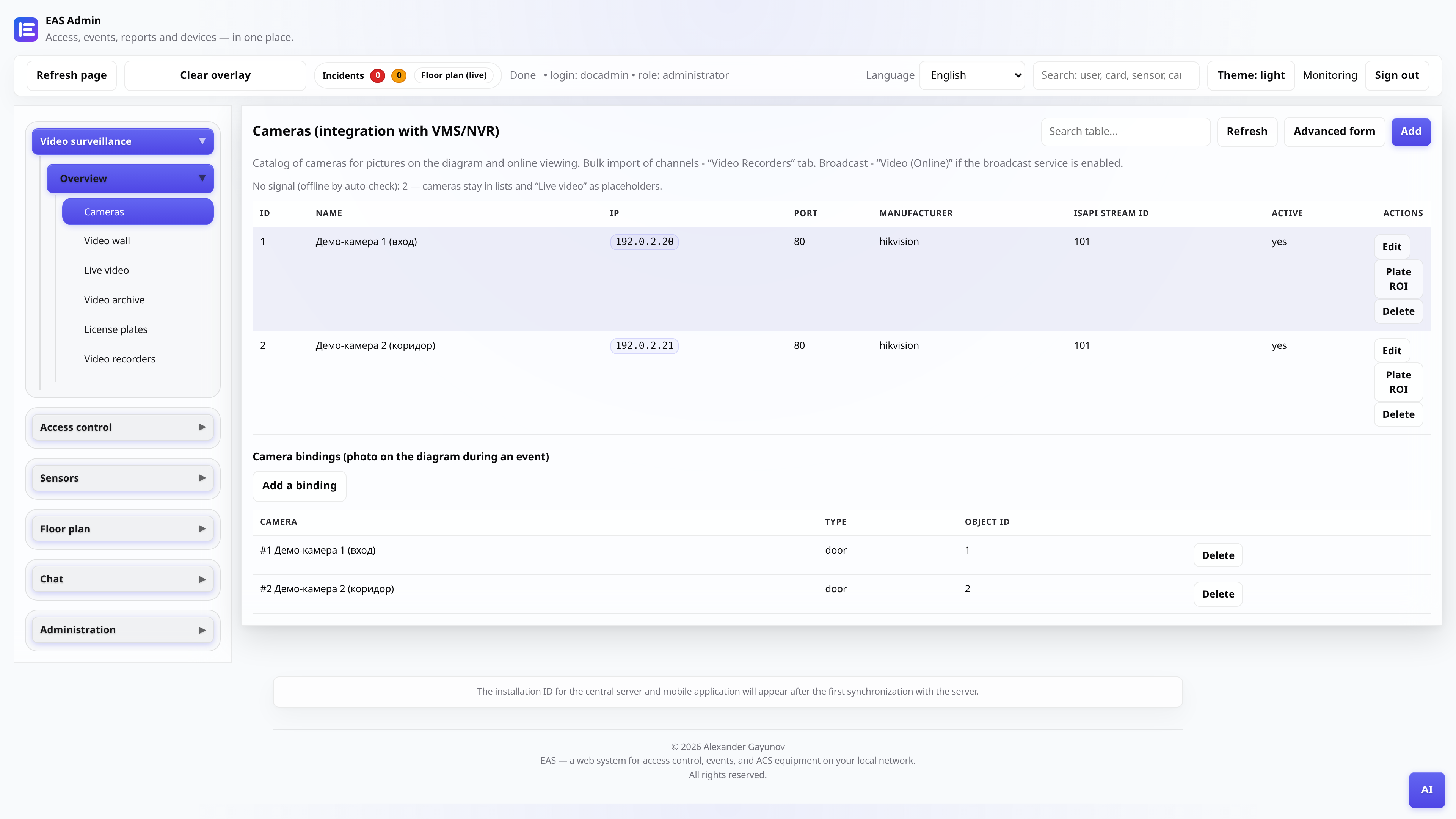
Cameras and video surveillance
Camera catalog, “Video (online)” - player and grid, “Video archive” - day with scale and export.
Administrator, video postTV Wall - mosaic on TV
Installing APK on Android TV / security post tablet (site LAN only).
Administrator, integratorController offline - diagnostics
What to check if the ZKTeco C3 panel does not respond in EAS: network, gateway, services.
Administrator, integratorDriver manifest (for integrators)
How to connect a new series of readers via gateway provider without editing the EAS core.
Integrator, developer