Object diagram
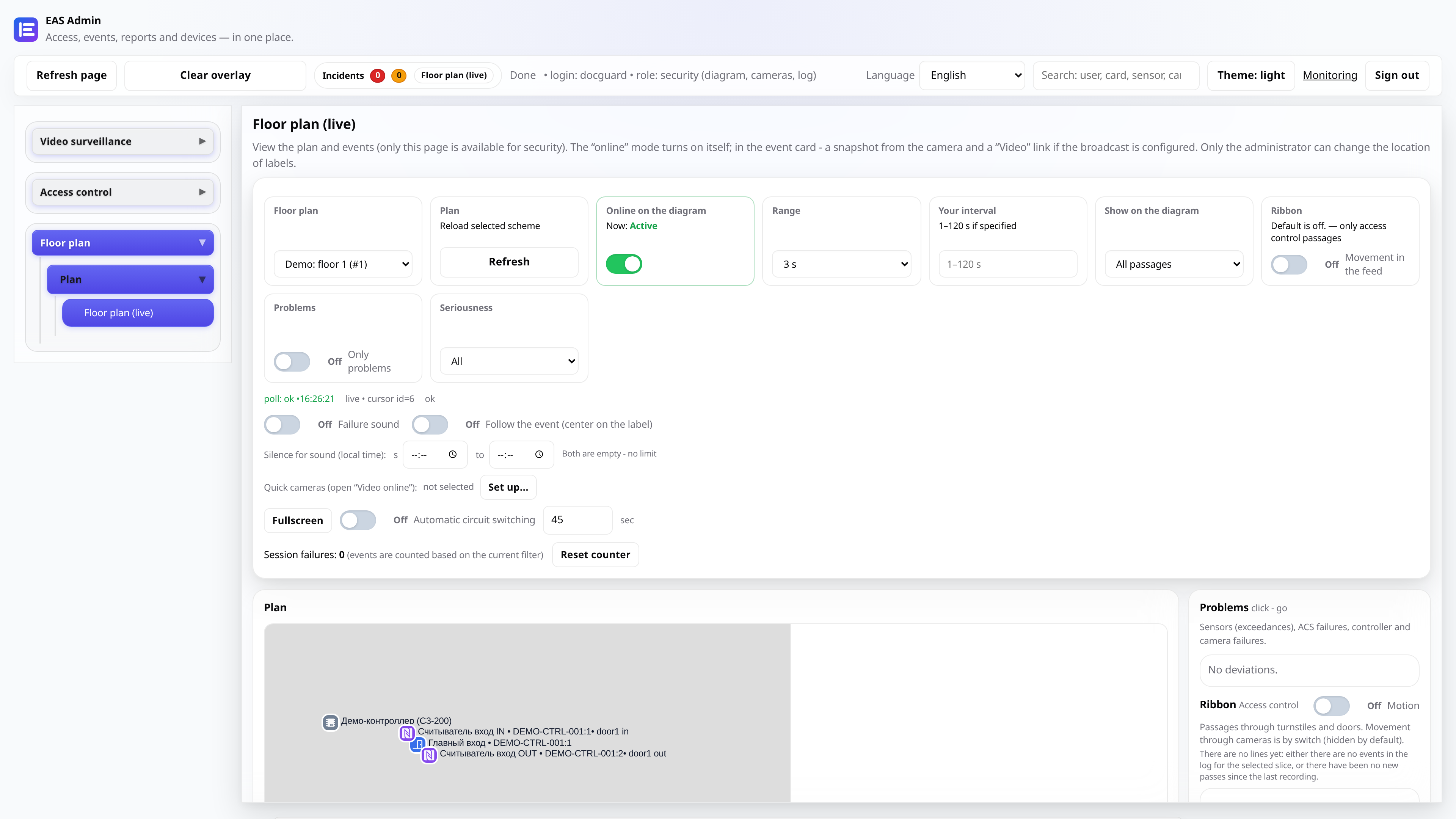
EAS flagship: interactive building plan with events from access control systems, cameras and sensors in one layer.
Why an object diagram?
Classic access control systems show tables. EAS provides a building layout: turnstile failure, sensor activation and camera - on one screen in the context of the zone.
TV Wall mode displays a grid of cameras and a diagram on the security post monitor.
How it works
- 1
- 2
- 3
Frequently asked questions
How many floors can you add?
Unlimited - each floor has a separate circuit with switching in the interface.
Is it possible to view only?
Yes, the guard and leader roles see the diagram without editing rights.
Try it on your server
Trial 30 days - full functionality, installation with one command.