Security, manager
Workplace of security and manager
Online diagram, feed of passages, alarms, quick access to video.
- 1
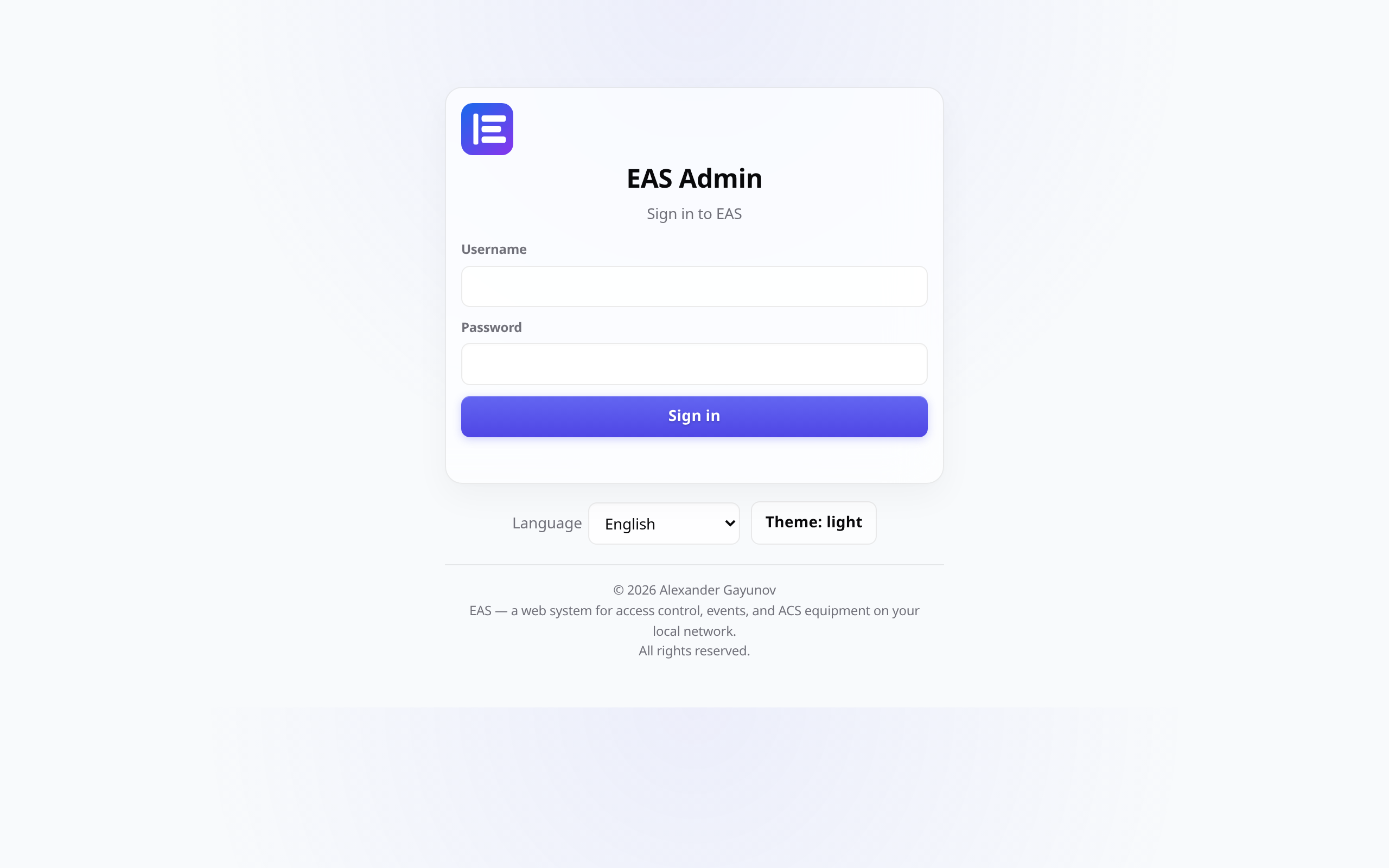
Login with your role
After entering, the security and the manager are taken to the “Scheme (online)” - this is the main screen of the post.
- 2
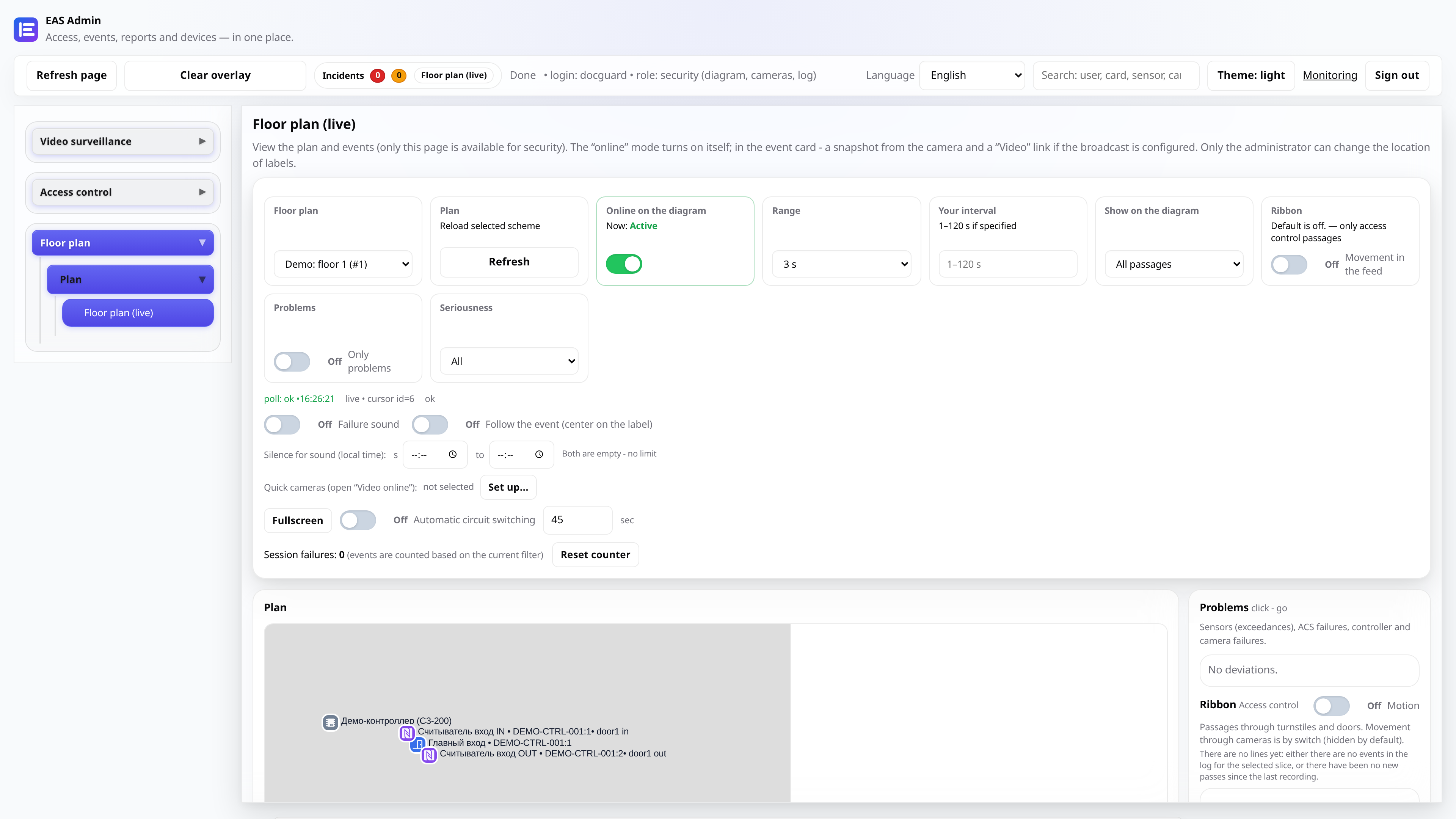
Follow the plan and tape
On the left is a plan with marks, on the right is “Problems” (malfunctions) and the “Tape” of passages and movements. New failures are highlighted on the plan.
- 3
Open the event card
Clicking on an event in the feed shows the details: who, when, the result, a snapshot from the camera and a “Video” link if there is an archive.
- 4
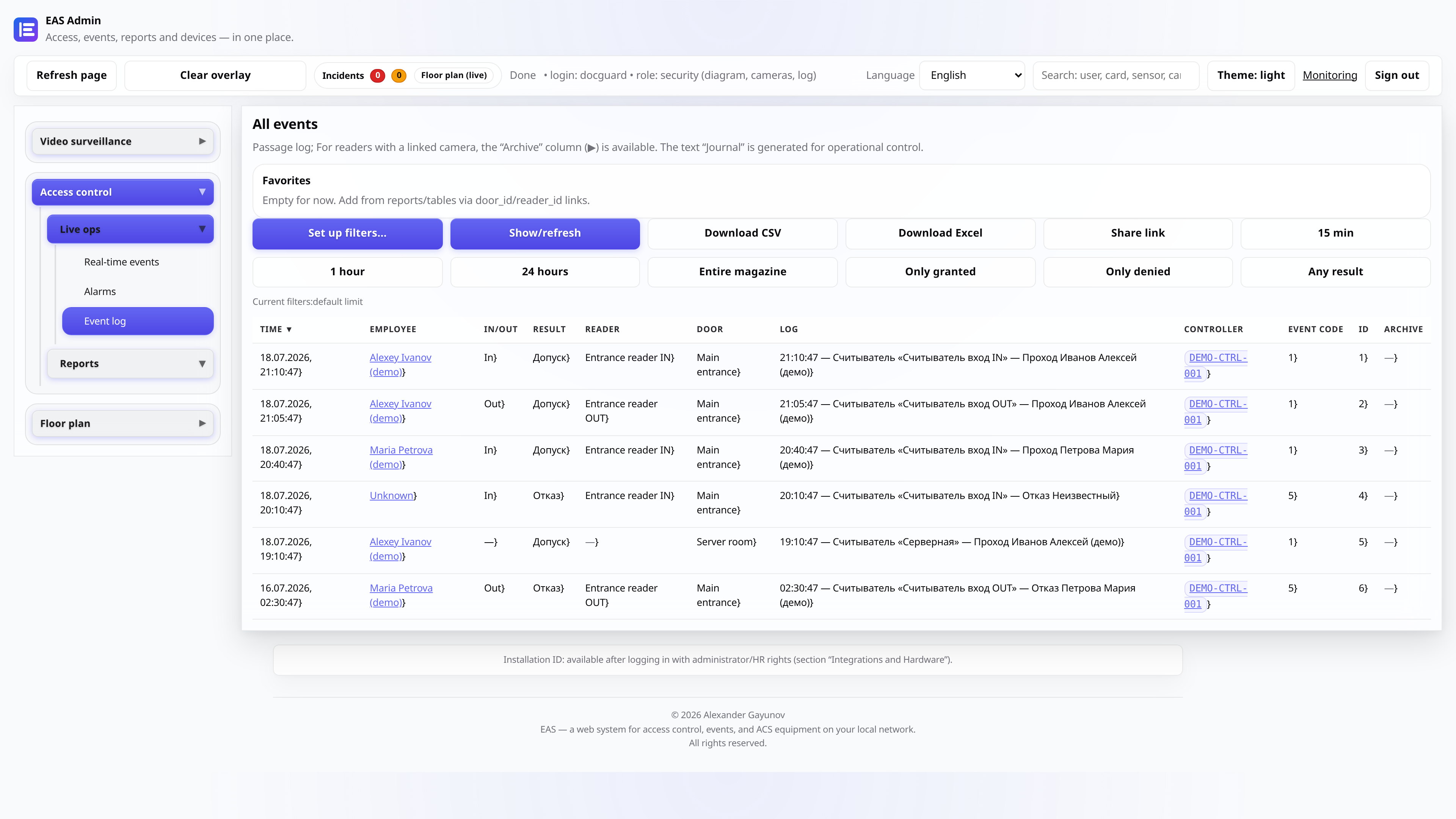
Journal for the period
“Event Log” tab - a complete list with filters by date, door and result. Convenient for analyzing an incident during a shift.
- 5
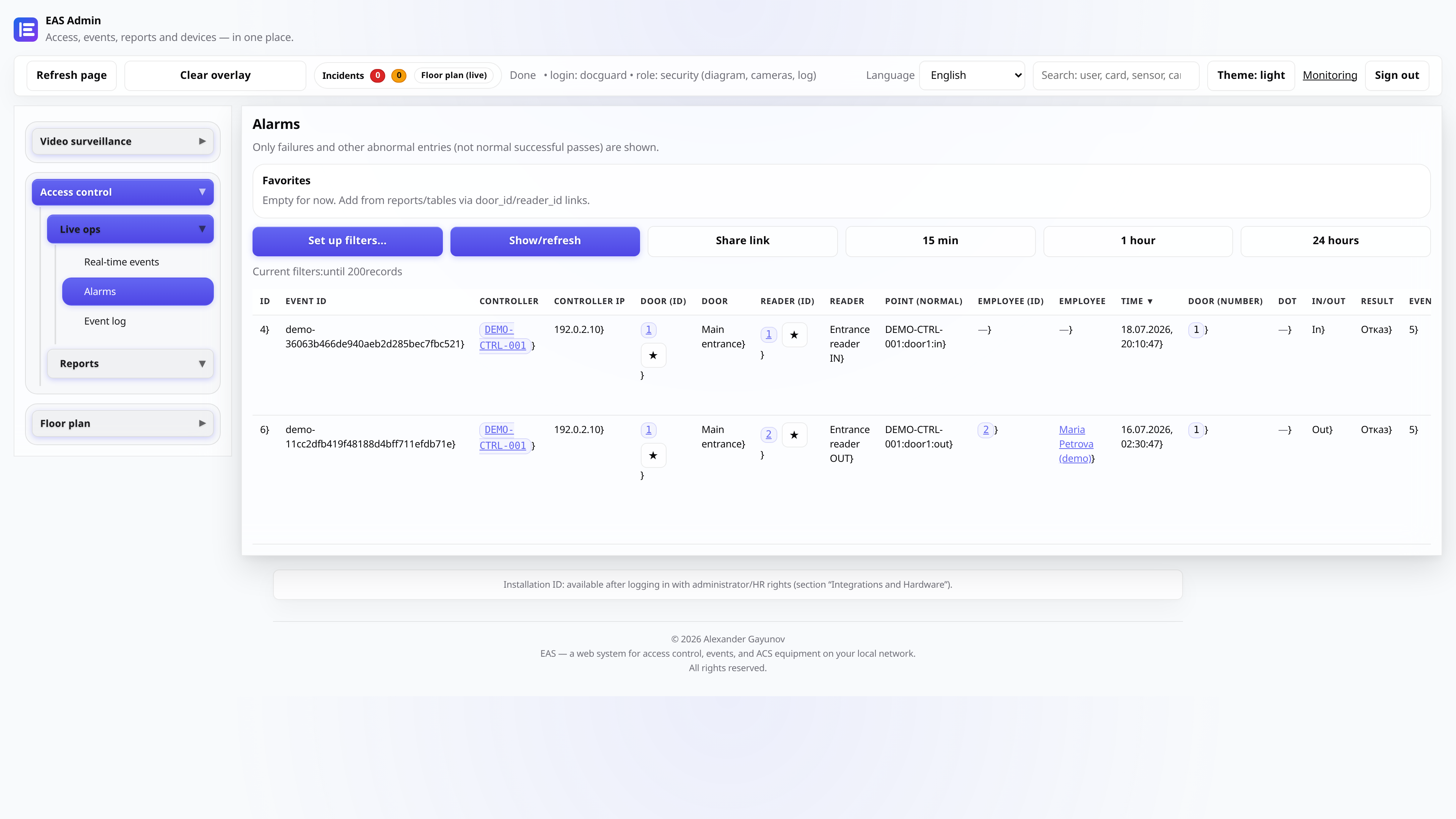
Alarms and notifications
The “Alarms” section collects open incidents: failures, low sensor charge, controller problems. You can confirm the processing.