Dokümanlar
EAS Talimatları
Step-by-step guides with screenshots: install the EAS software on Ubuntu, Astra, or Windows, then daily work for security, HR, and admins.
EAS yazılımını kurun
İşletim sistemi zaten kurulu olmalı. EAS, hazır Ubuntu 22.04+, Astra Linux SE 1.8 (beta) veya Windows Server üzerinde çalışır. Yolu seçin — tam kılavuz: Kurulum talimatları.
Ubuntu 22.04+ — One command on a ready Ubuntu server — downloads bundle 1.68 from https://asceas.ru/eas-hub/manifest.json:
- Ubuntu kurulum betiğini indir (.sh)
- EAS paketini indir (.tar.gz), çevrimiçi · online install — needs OS mirrors / usually PyPI
- Linux/Astra çevrimdışı fat indir (.tar.gz) · no PyPI; OS apt mirrors still needed
- Ubuntu üzerinde ACS · Denemeyi kur · Kurulum talimatları
Astra Linux SE 1.8 (beta) — Separate command and 90-day trial. Do not use the Ubuntu curl above.
- Astra kurulum betiğini indir (.sh)
- EAS paketini indir (.tar.gz), çevrimiçi · online install — needs OS mirrors / usually PyPI
- Linux/Astra çevrimdışı fat indir (.tar.gz) · no PyPI; OS apt mirrors still needed
- Astra Linux üzerinde ACS · ACS on Astra · Kurulum talimatları
Windows Server — Download setup.exe or the offline ZIP using the links below. 90-day trial.
Başlarken
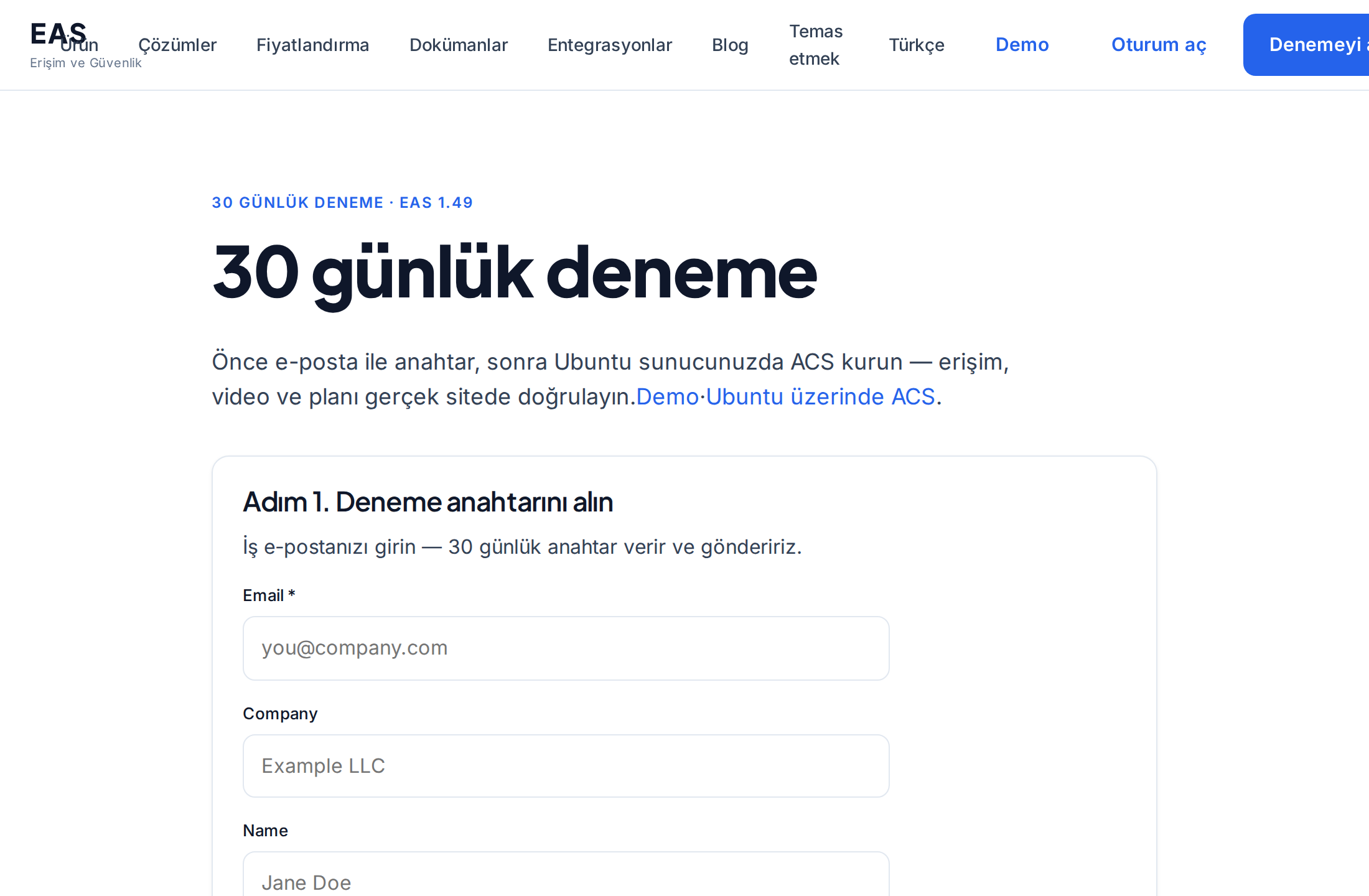
Sunucuya EAS kurulumu
Hazır bir sunucuya EAS yazılımını kurma: Ubuntu, Astra Linux SE 1.8 veya Windows Server. İlk giriş ve etkinleştirme.
Sistem yöneticisi, entegratörSunucu gereksinimleri ve donanım hesaplamaları
Pilot uygulama için minimum ve 100 kamera, 100 sensör ve 10 ACS kontrol cihazı için önerilen kaynaklar.
Sistem yöneticisi, entegratör, satın alma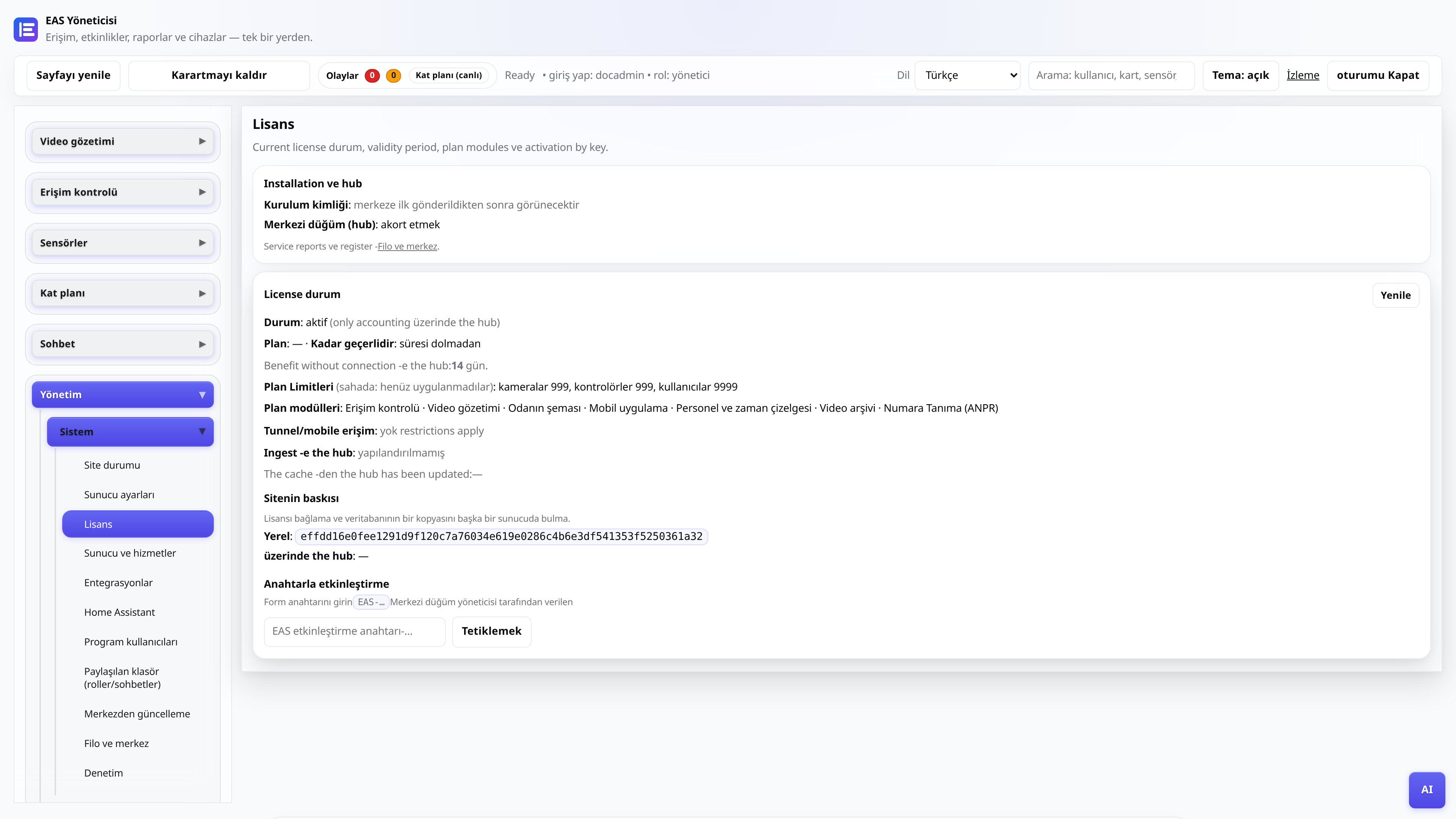
30 gün boyunca lisans ve deneme
Anahtar alma, yönetici panelinde aktivasyon, merkezi düğüm üzerinden yenileme.
YöneticiEAS’i yeni donanıma taşıma
Canlı bir sahayı yeni sunucuya taşıyıp mobil erişim ve güncellemeleri geri getirme.
Sistem yöneticisi, entegratör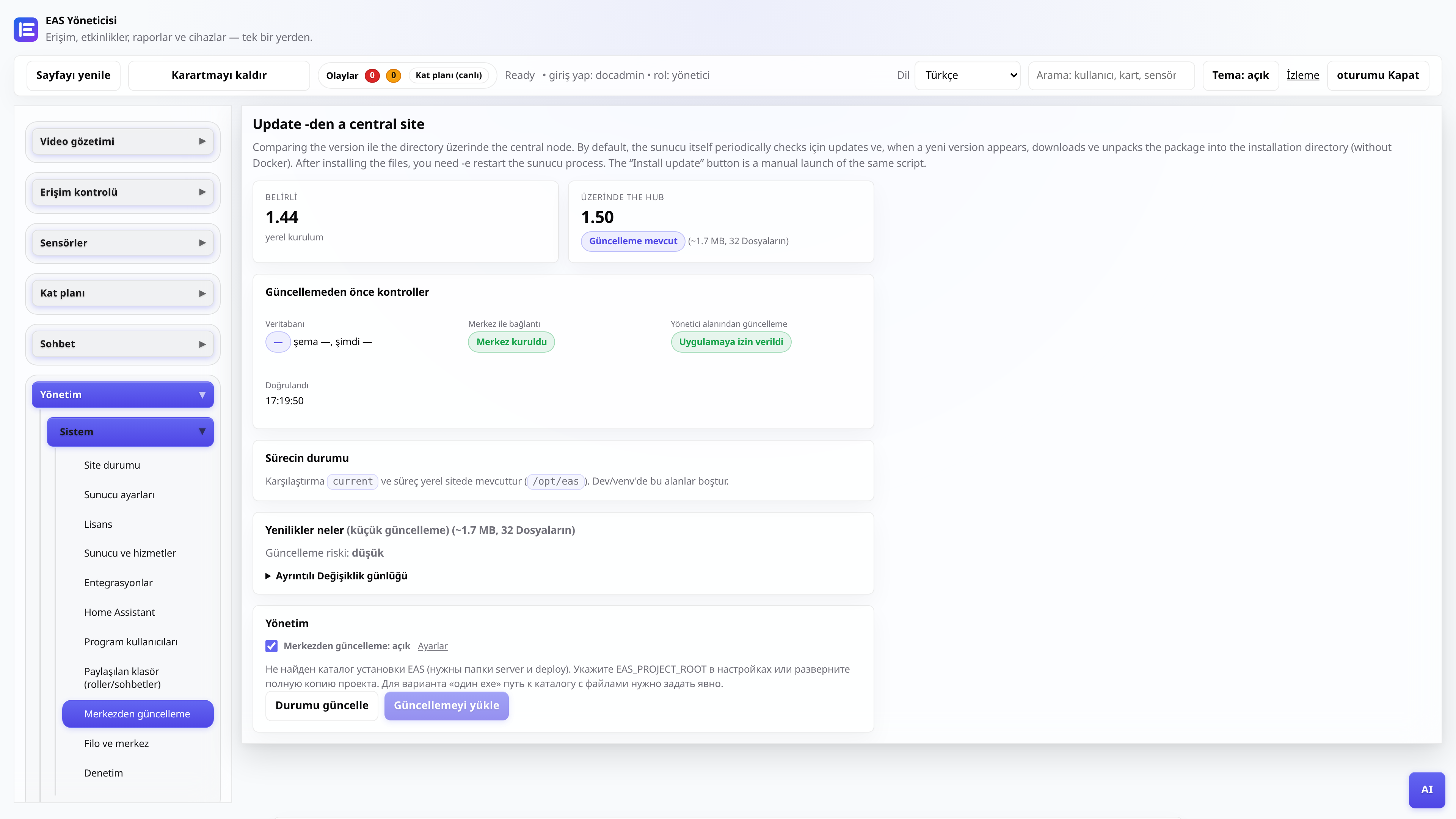
Merkezi bir merkezden güncellemeler
EAS 1.0, yama 1.1+ (kümülatif yama), yönetici panelinde değişiklik günlüğü ve veri kaybı olmadan uygulama.
Sistem yöneticisi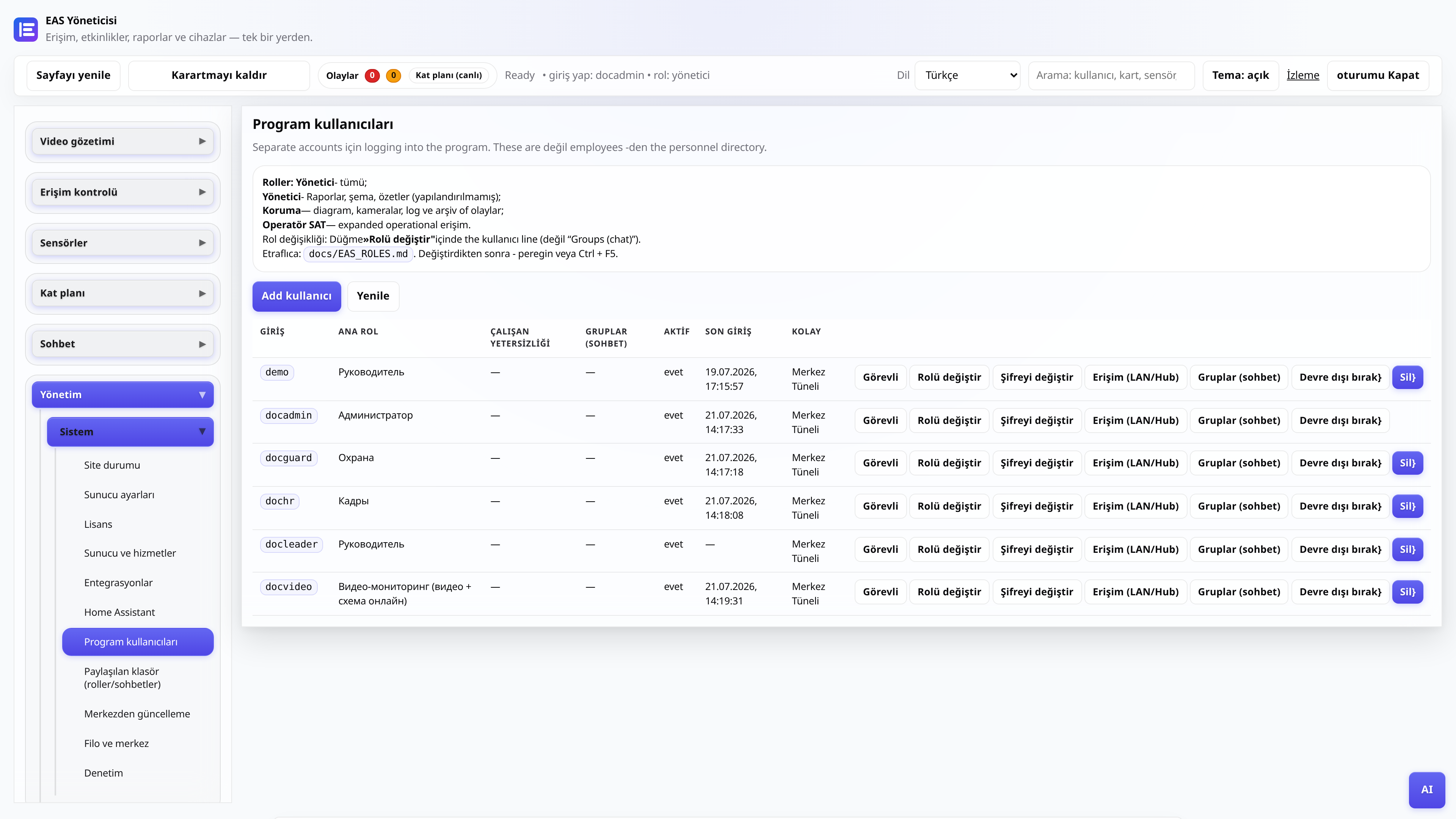
Web yöneticisi kullanıcı rolleri
Kim neyi görüyor: yönetici, güvenlik, personel, yönetici, video yayını.
YöneticiYönetici
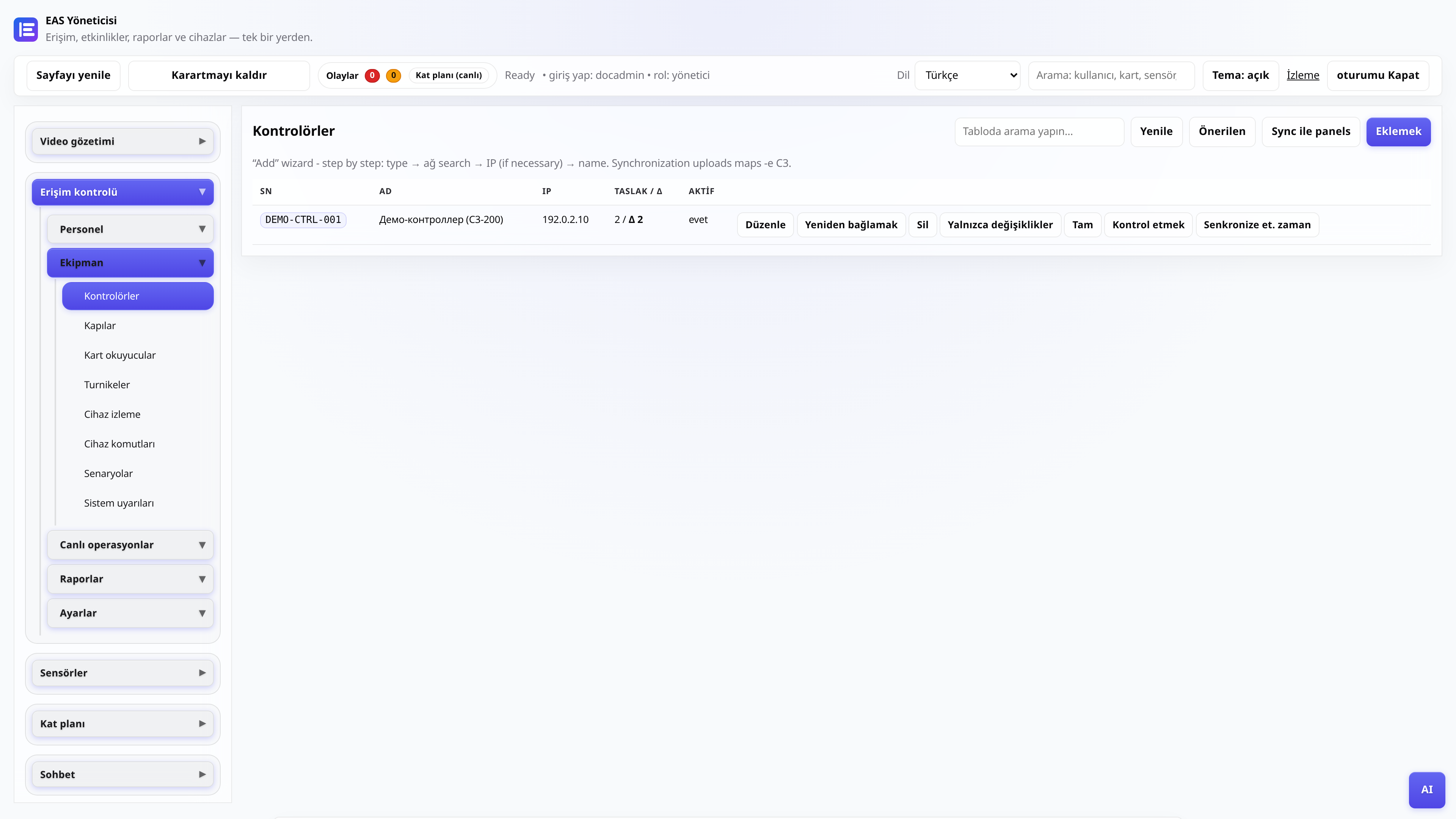
ACS kontrol ünitesinin bağlanması
ZKTeco C3 ekleniyor, ağ geçidi yoklanıyor, geçişler kontrol ediliyor.
Yönetici, entegratör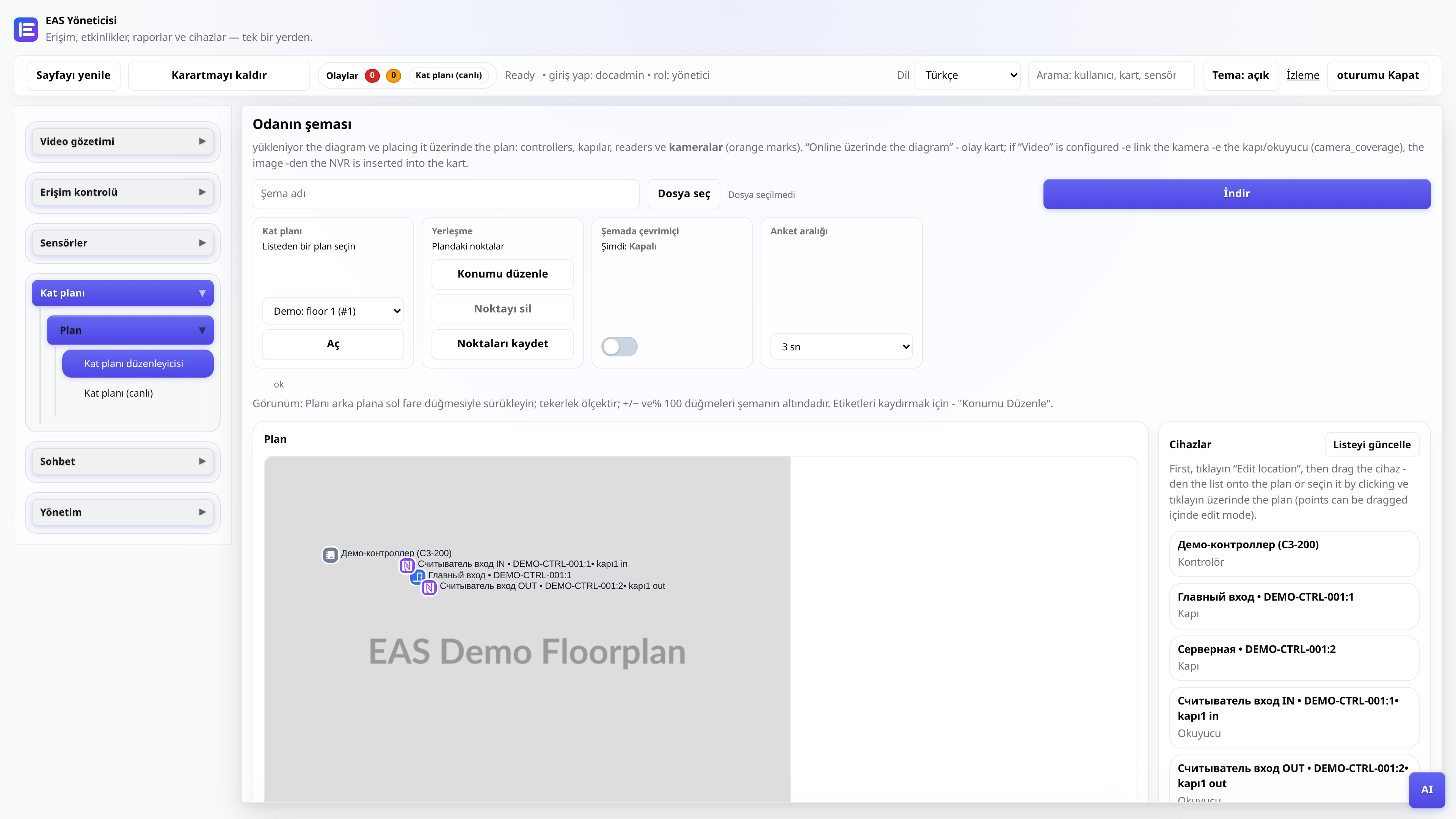
Nesne diyagramı
Planın yüklenmesi, etiketlerin yerleştirilmesi, gönderi için çevrimiçi mod.
Yönetici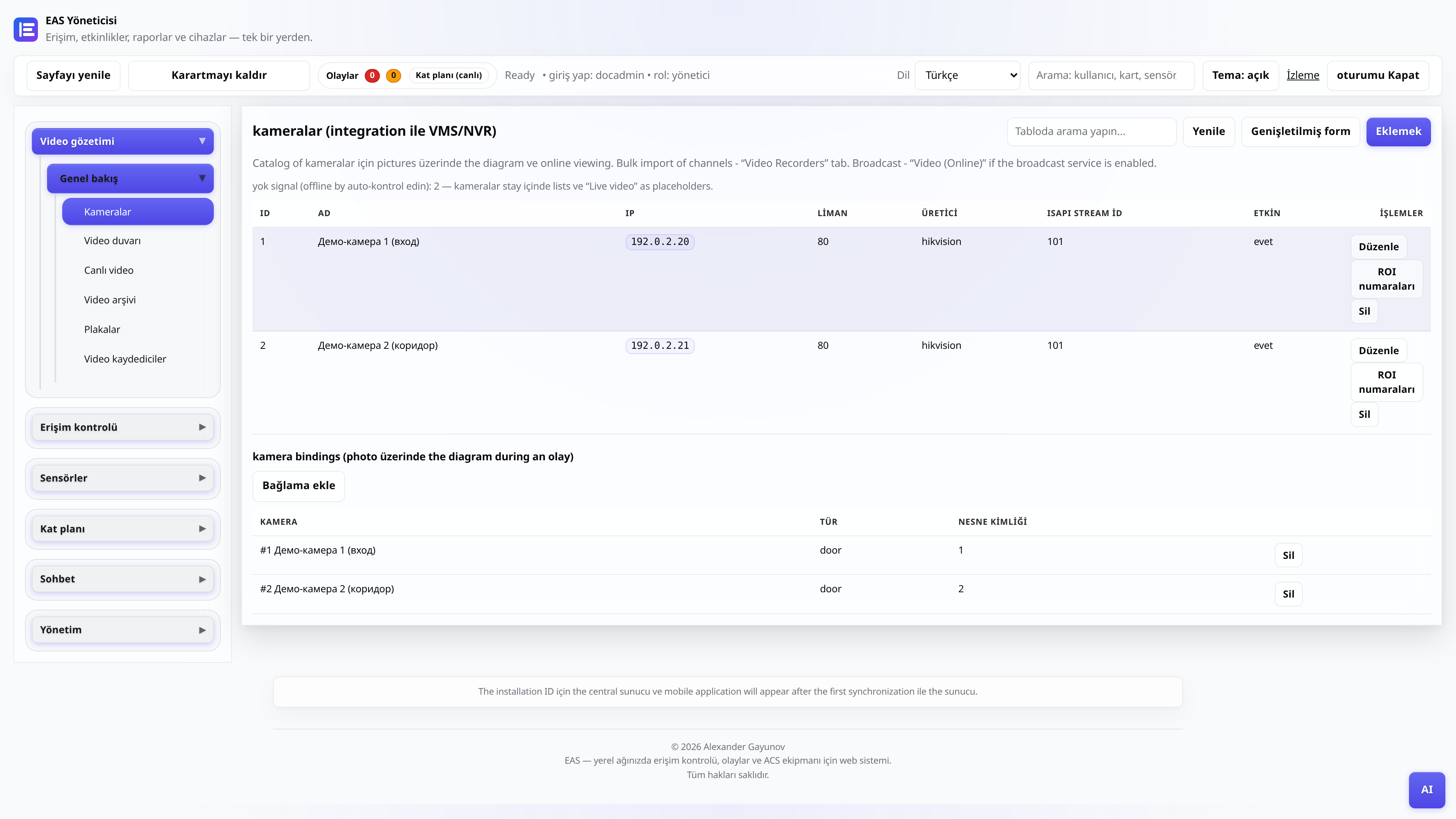
Kameralar ve video gözetimi
Kamera kataloğu, “Video (çevrimiçi)” - oynatıcı ve ızgara, “Video arşivi” - ölçek ve dışa aktarma içeren gün.
Yönetici, video yayınıTV Duvarı - TV'de mozaik
Android TV'ye / güvenlik sonrası tablete APK yükleme (yalnızca site LAN'ı).
Yönetici, entegratörDenetleyici çevrimdışı - teşhis
ZKTeco C3 paneli EAS'ta yanıt vermiyorsa kontrol edilmesi gerekenler: ağ, ağ geçidi, hizmetler.
Yönetici, entegratörSürücü bildirimi (entegratörler için)
EAS çekirdeğini düzenlemeden ağ geçidi sağlayıcısı aracılığıyla yeni bir okuyucu serisi nasıl bağlanır?
Entegratör, geliştirici