文件
EAS指令
Step-by-step guides with screenshots: install the EAS software on Ubuntu, Astra, or Windows, then daily work for security, HR, and admins.
安裝 EAS 軟體
作業系統必須已經裝好。EAS 安裝在現成的 Ubuntu 22.04+、Astra Linux SE 1.8(測試)或 Windows Server 上。選擇路徑 — 完整指南: 安裝說明.
Ubuntu 22.04+ — One command on a ready Ubuntu server — downloads bundle 1.68 from https://asceas.ru/eas-hub/manifest.json:
- 下載 Ubuntu 安裝指令碼 (.sh)
- 下載 EAS 套件 (.tar.gz),線上安裝 · online install — needs OS mirrors / usually PyPI
- 下載 Linux/Astra 離線包 (.tar.gz) · no PyPI; OS apt mirrors still needed
- Ubuntu 上門禁 · 安裝試用版 · 安裝說明
Astra Linux SE 1.8 (beta) — Separate command and 90-day trial. Do not use the Ubuntu curl above.
- 下載 Astra 安裝指令碼 (.sh)
- 下載 EAS 套件 (.tar.gz),線上安裝 · online install — needs OS mirrors / usually PyPI
- 下載 Linux/Astra 離線包 (.tar.gz) · no PyPI; OS apt mirrors still needed
- Astra Linux 上門禁 · ACS on Astra · 安裝說明
Windows Server — Download setup.exe or the offline ZIP using the links below. 90-day trial.
入門

在伺服器上安裝 EAS
如何在已就緒的伺服器上安裝 EAS 軟體:Ubuntu、Astra Linux SE 1.8 或 Windows Server。首次登入與啟用。
系統管理員、整合商伺服器需求和硬體計算
飛行員的最低要求和建議資源為 100 個攝影機、100 個感測器和 10 個 ACS 控制器。
系統管理員、整合商、採購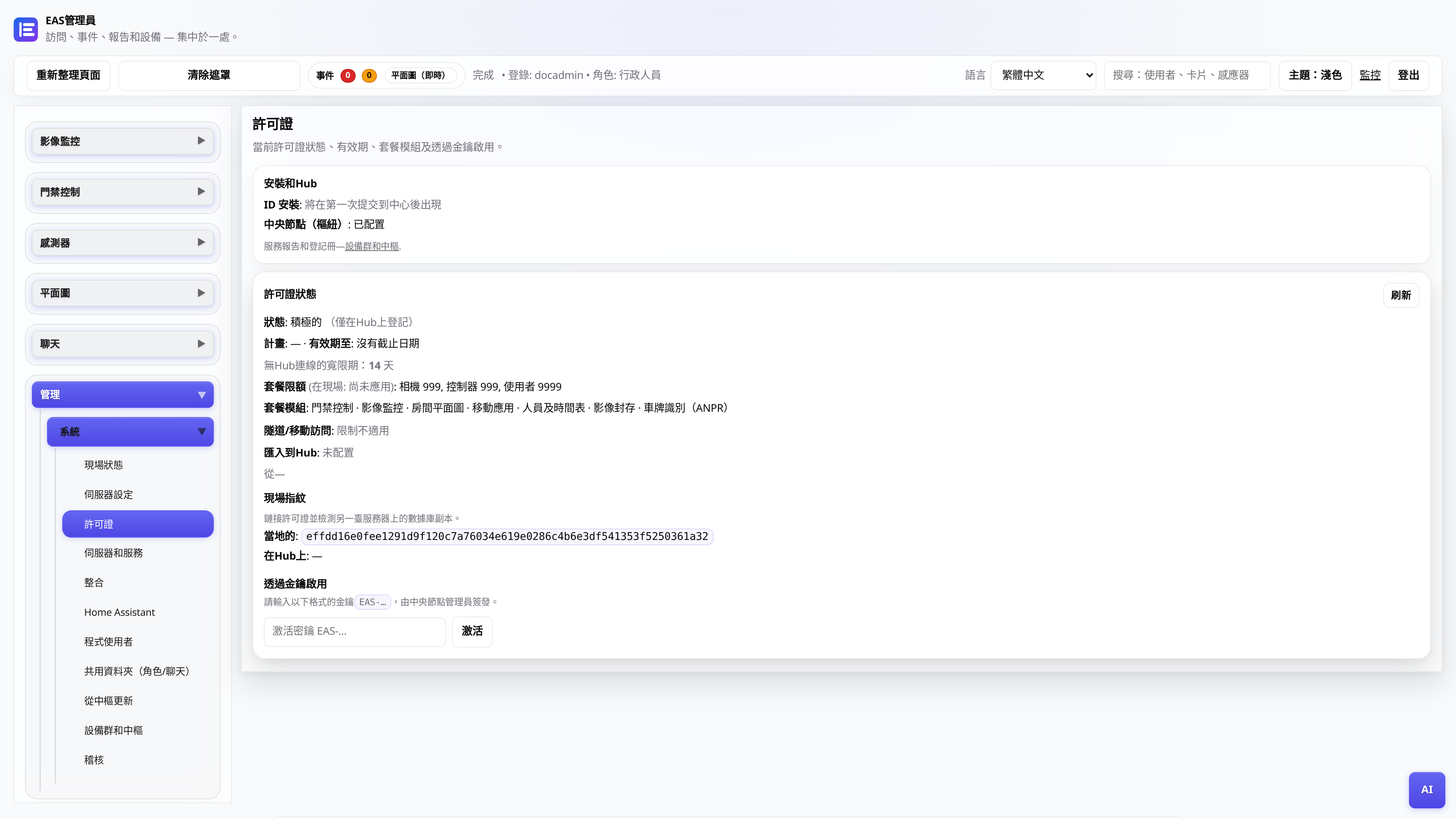
許可證和試用期 30 天
接收金鑰,在管理面板中激活,透過中央節點更新。
行政人員將 EAS 遷移到新硬體
如何將運行中的站點遷到新伺服器,並恢復行動端存取與更新。
系統管理員、整合商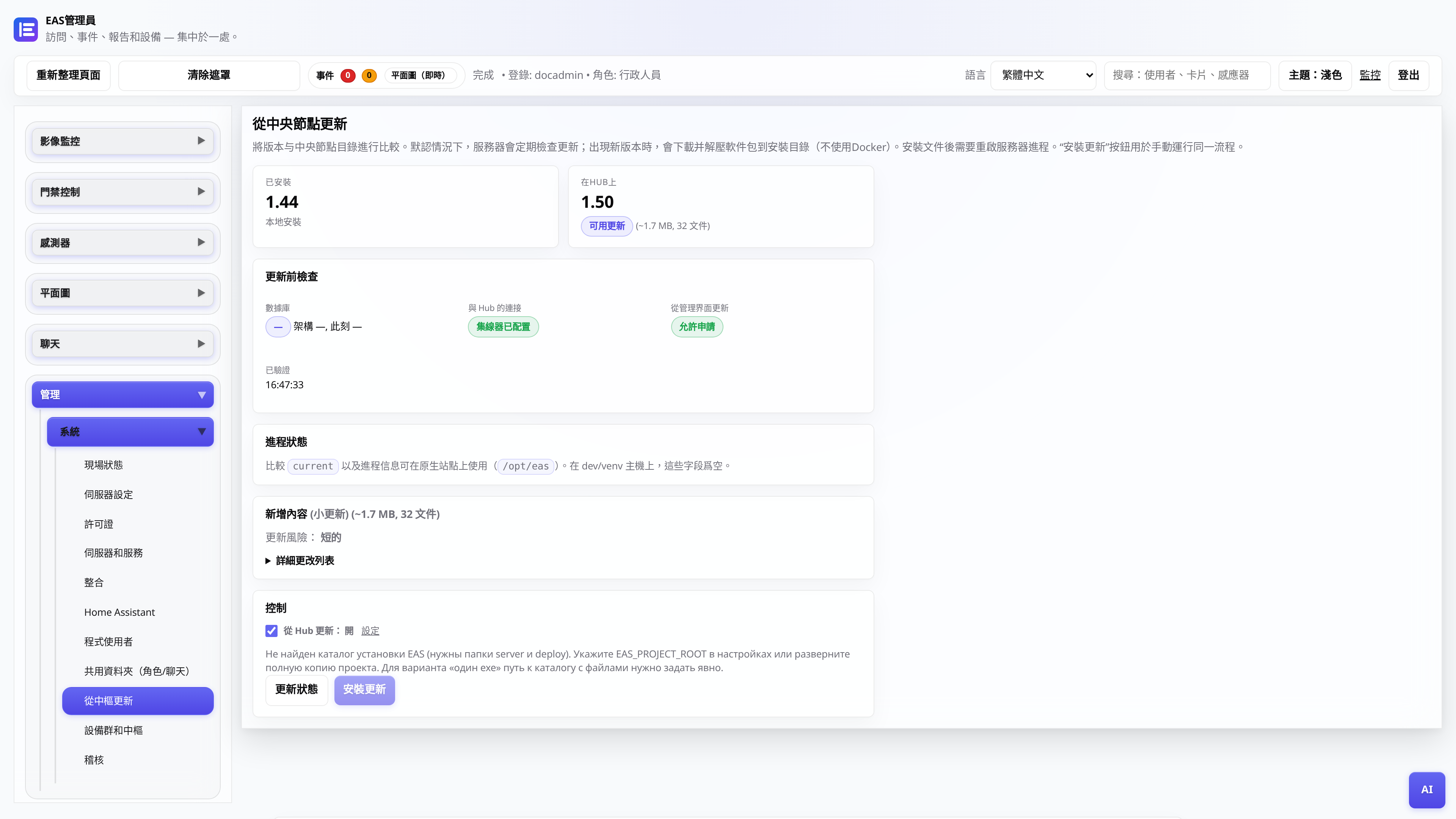
來自中央樞紐的更新
EAS 1.0,補丁 1.1+(累積補丁),管理面板和應用程式中的更改日誌,無資料遺失。
系統管理員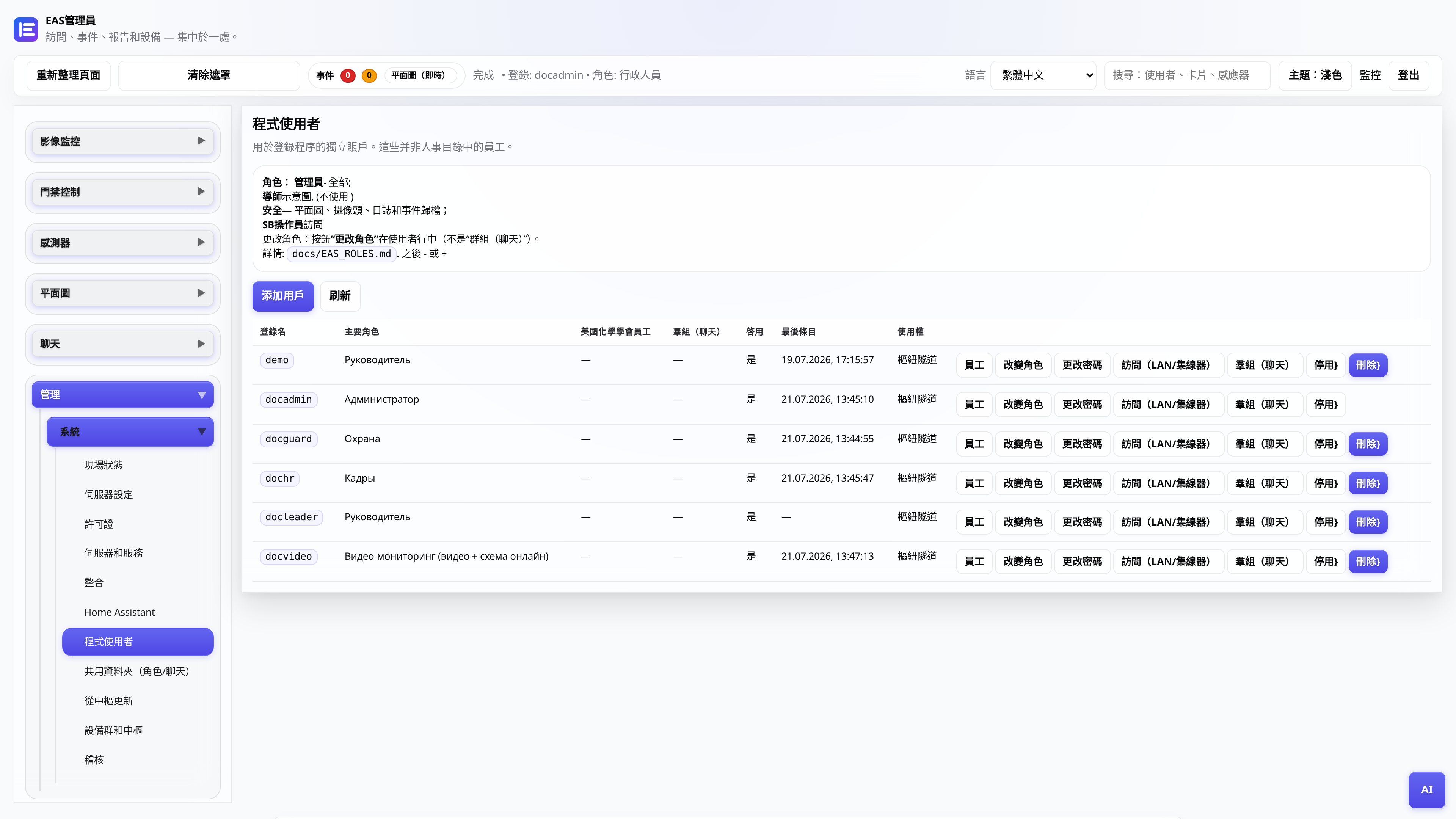
Web 管理員使用者角色
誰看到什麼:管理員、安全、人員、經理、影片貼文。
行政人員