dokumen
Instruksi EAS
Step-by-step guides with screenshots: install the EAS software on Ubuntu, Astra, or Windows, then daily work for security, HR, and admins.
Instal perangkat lunak EAS
OS harus sudah terpasang. EAS berjalan di Ubuntu 22.04+, Astra Linux SE 1.8 (beta), atau Windows Server siap. Pilih jalur — panduan lengkap: Petunjuk instalasi.
Ubuntu 22.04+ — One command on a ready Ubuntu server — downloads bundle 1.68 from https://asceas.ru/eas-hub/manifest.json:
- Unduh skrip instal Ubuntu (.sh)
- Unduh paket EAS (.tar.gz), online · online install — needs OS mirrors / usually PyPI
- Unduh fat offline Linux/Astra (.tar.gz) · no PyPI; OS apt mirrors still needed
- ACS di Ubuntu · Instal trial · Petunjuk instalasi
Astra Linux SE 1.8 (beta) — Separate command and 90-day trial. Do not use the Ubuntu curl above.
- Unduh skrip instal Astra (.sh)
- Unduh paket EAS (.tar.gz), online · online install — needs OS mirrors / usually PyPI
- Unduh fat offline Linux/Astra (.tar.gz) · no PyPI; OS apt mirrors still needed
- ACS di Astra Linux · ACS on Astra · Petunjuk instalasi
Windows Server — Download setup.exe or the offline ZIP using the links below. 90-day trial.
Memulai
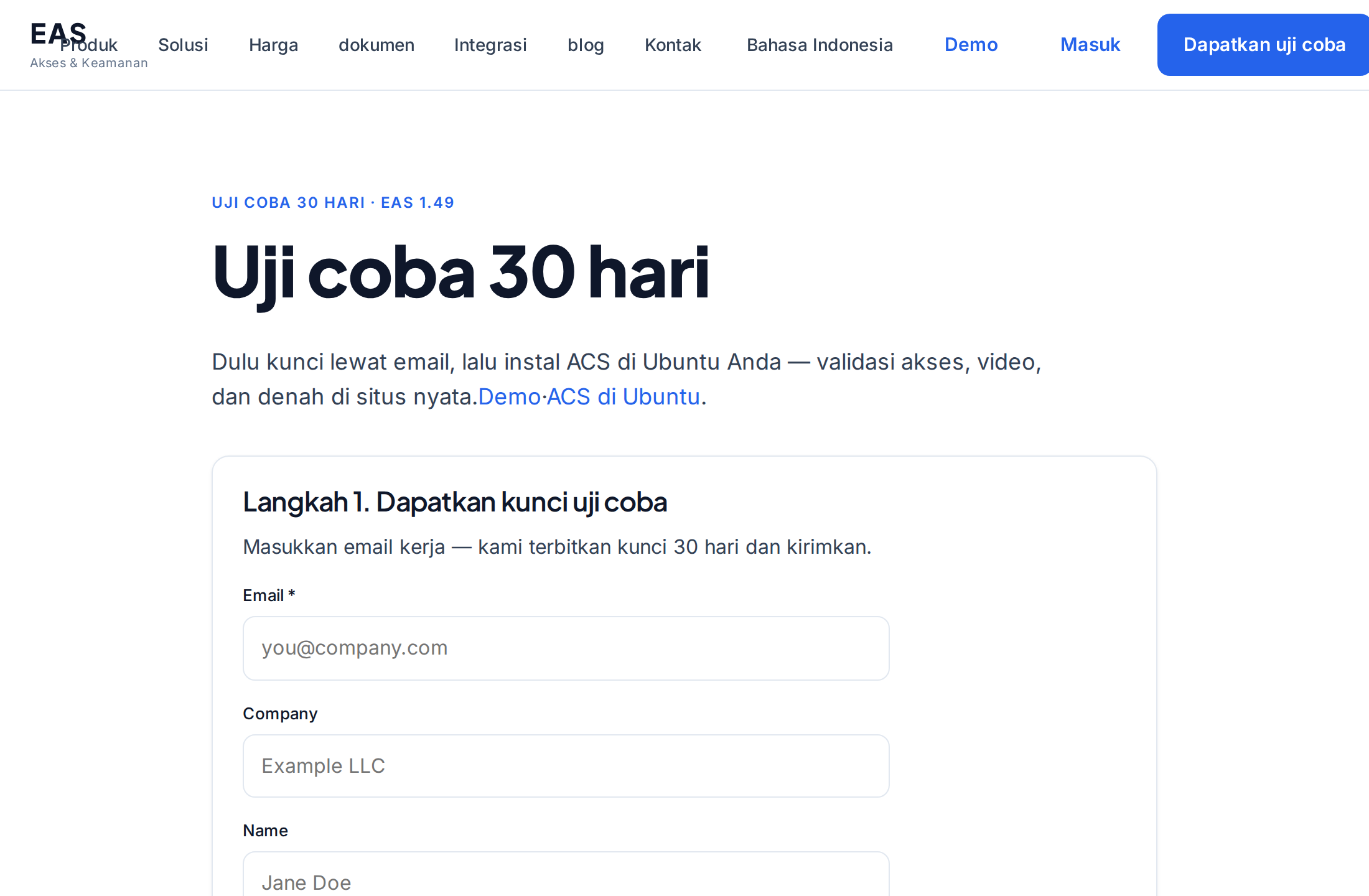
Menginstal EAS di server
Cara menginstal perangkat lunak EAS di server yang sudah siap: Ubuntu, Astra Linux SE 1.8, atau Windows Server. Login pertama dan aktivasi.
Administrator sistem, integratorPersyaratan server dan perhitungan perangkat keras
Minimum untuk implementasi pilot dan sumber daya yang direkomendasikan untuk 100 kamera, 100 sensor, dan 10 pengontrol ACS.
Administrator sistem, integrator, pembelian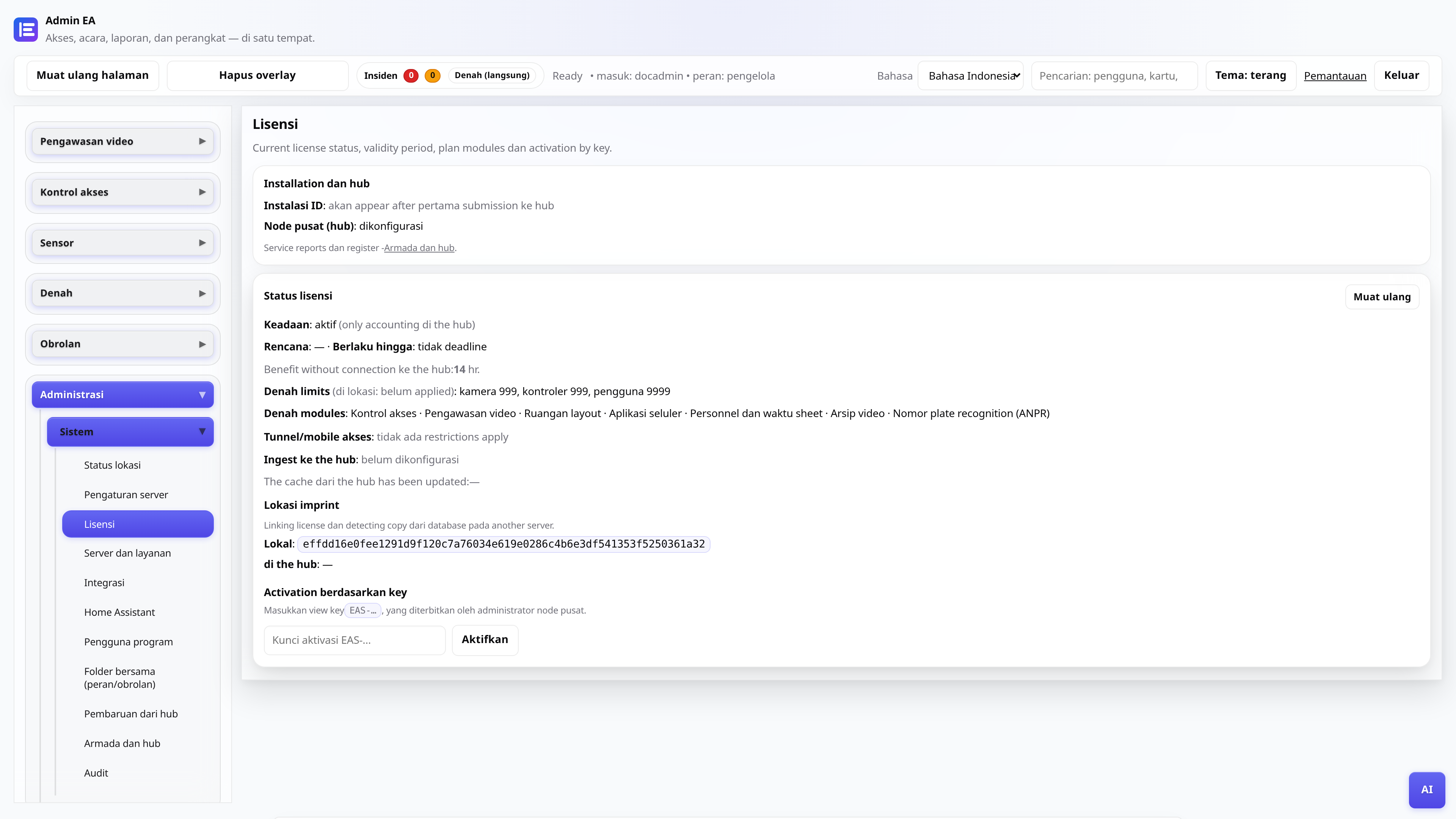
Lisensi dan uji coba selama 30 hari
Mendapatkan kunci, aktivasi di panel admin, pembaruan melalui node pusat.
AdministratorMemindahkan EAS ke perangkat keras baru
Cara memindahkan situs aktif ke server baru dan memulihkan akses seluler serta pembaruan.
Administrator sistem, integrator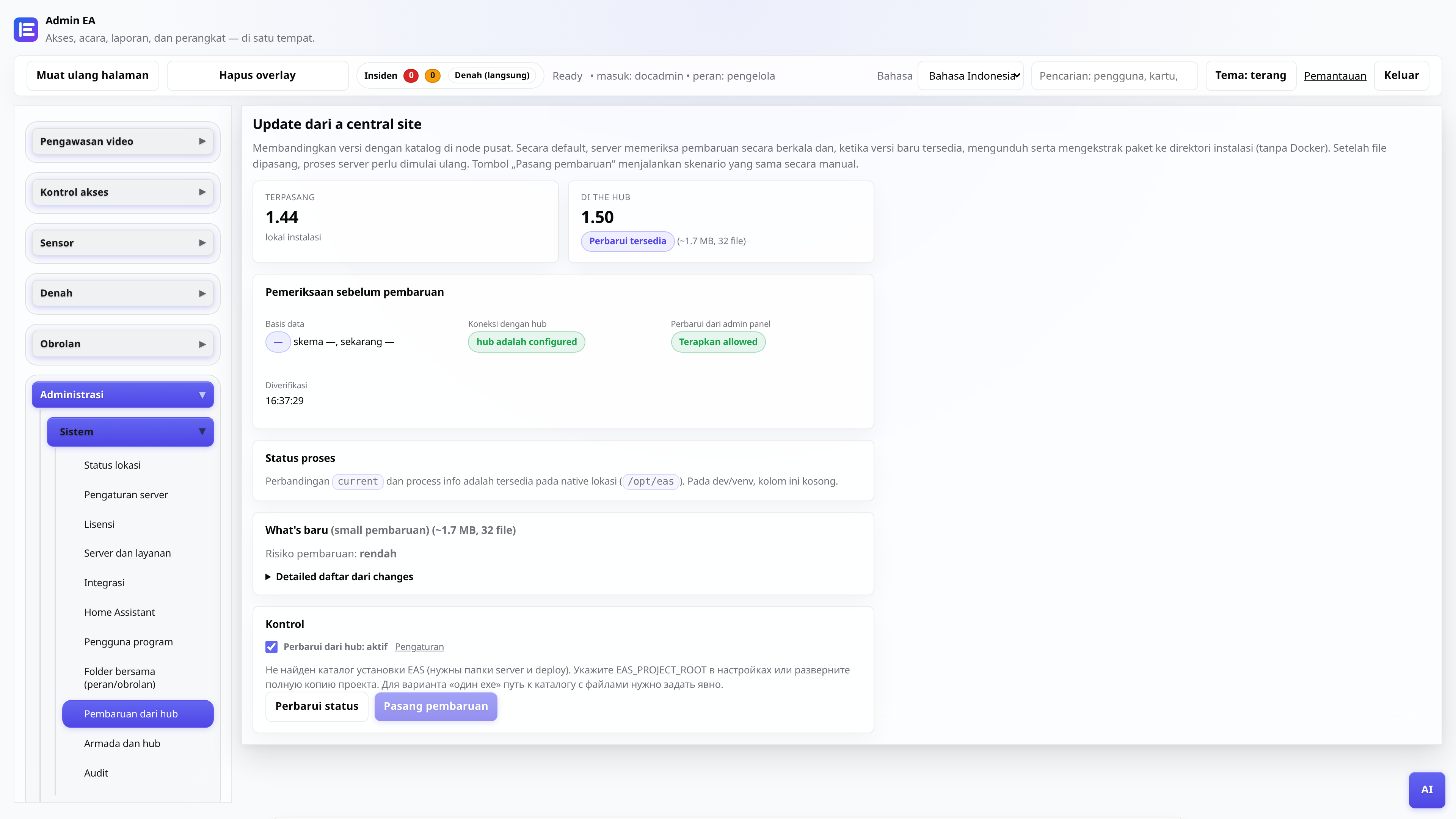
Pembaruan dari hub pusat
EAS 1.0, patch 1.1+ (patch kumulatif), changelog di panel admin dan aplikasi tanpa kehilangan data.
Administrator sistem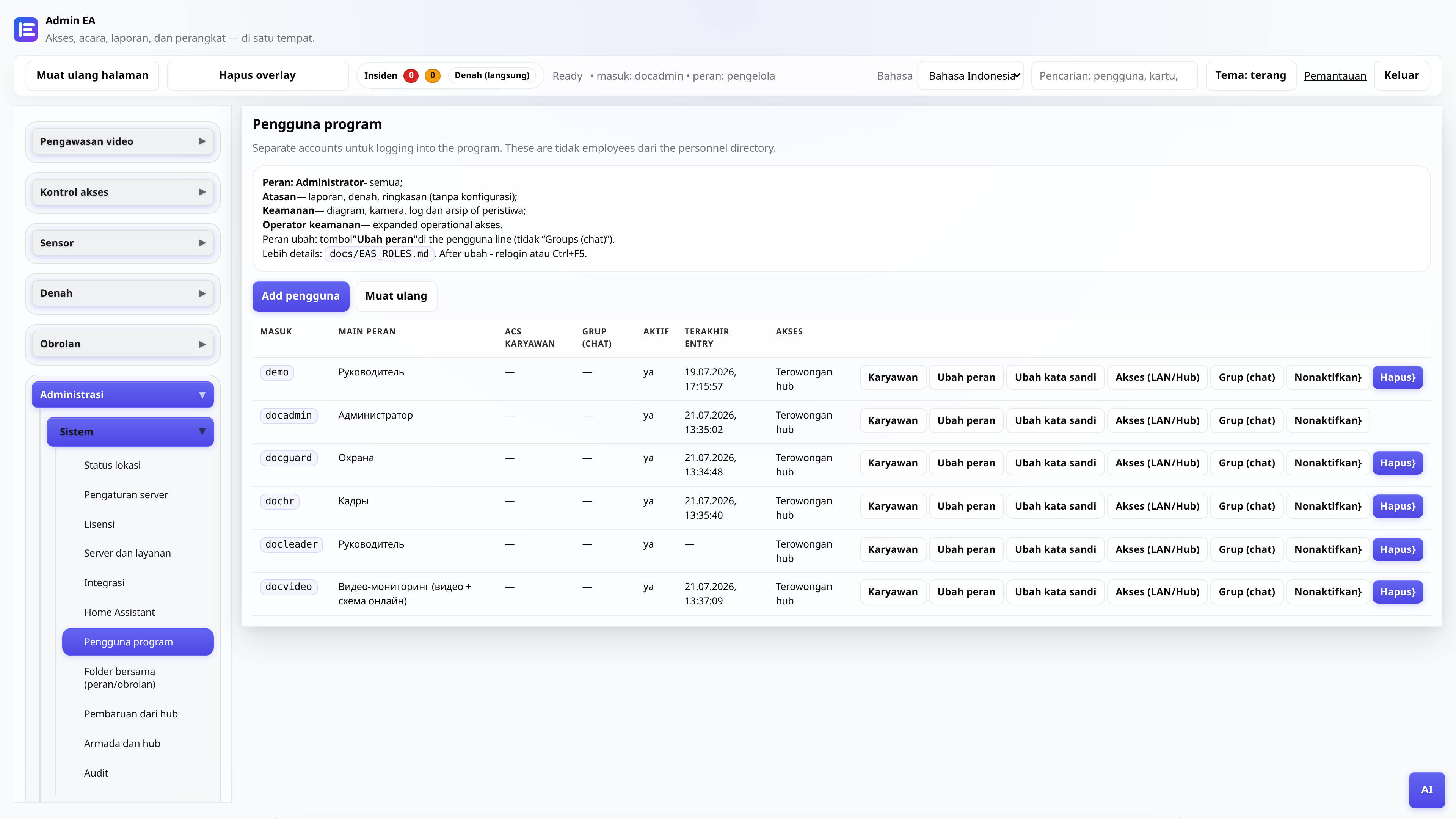
Peran pengguna admin web
Siapa yang melihat apa: administrator, keamanan, personel, manajer, postingan video.
AdministratorAdministrator
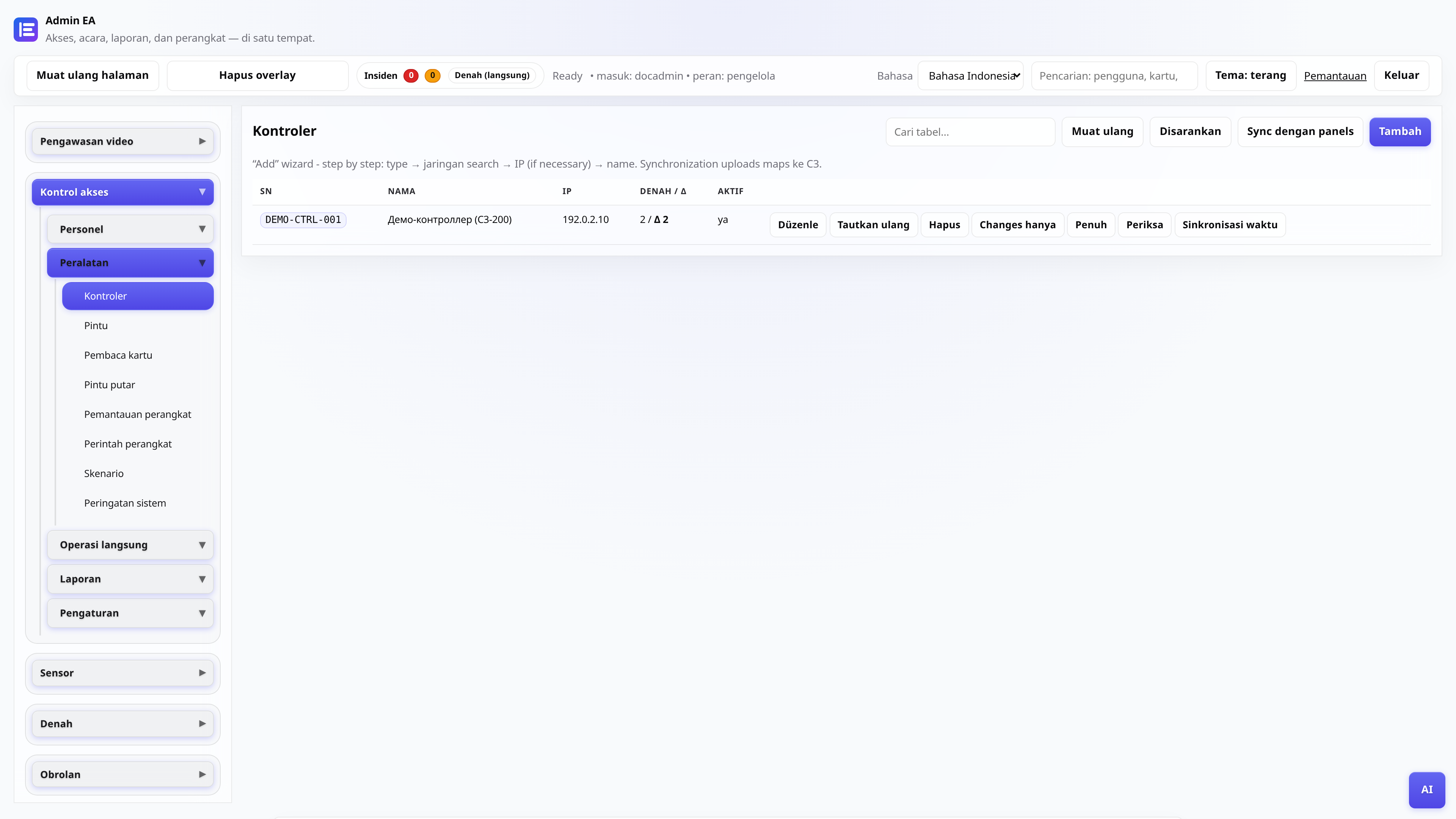
Menghubungkan pengontrol ACS
Menambahkan ZKTeco C3, gateway polling, pengecekan pass.
Administrator, integrator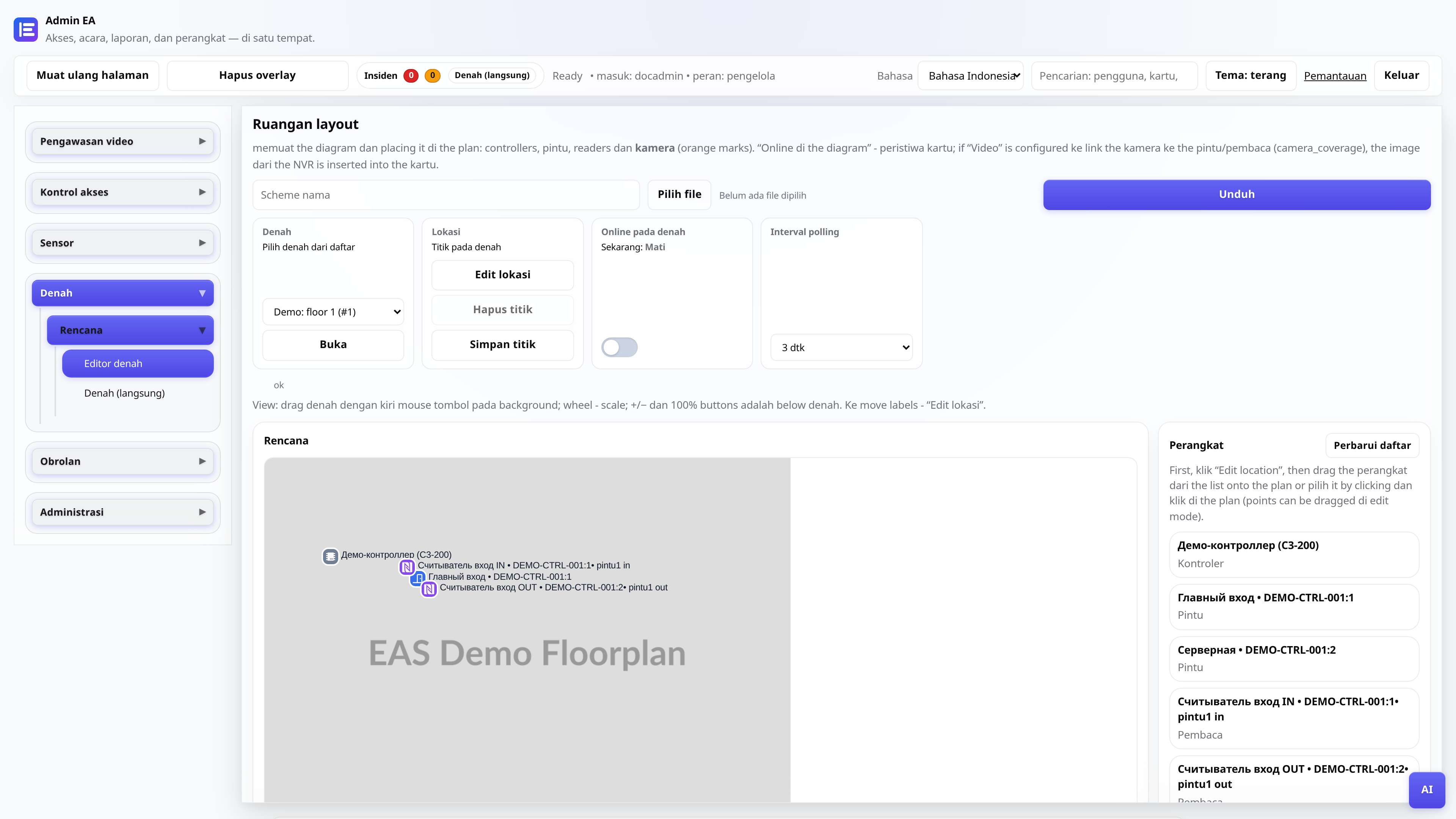
Diagram objek
Memuat paket, menempatkan tag, mode online untuk kiriman.
Administrator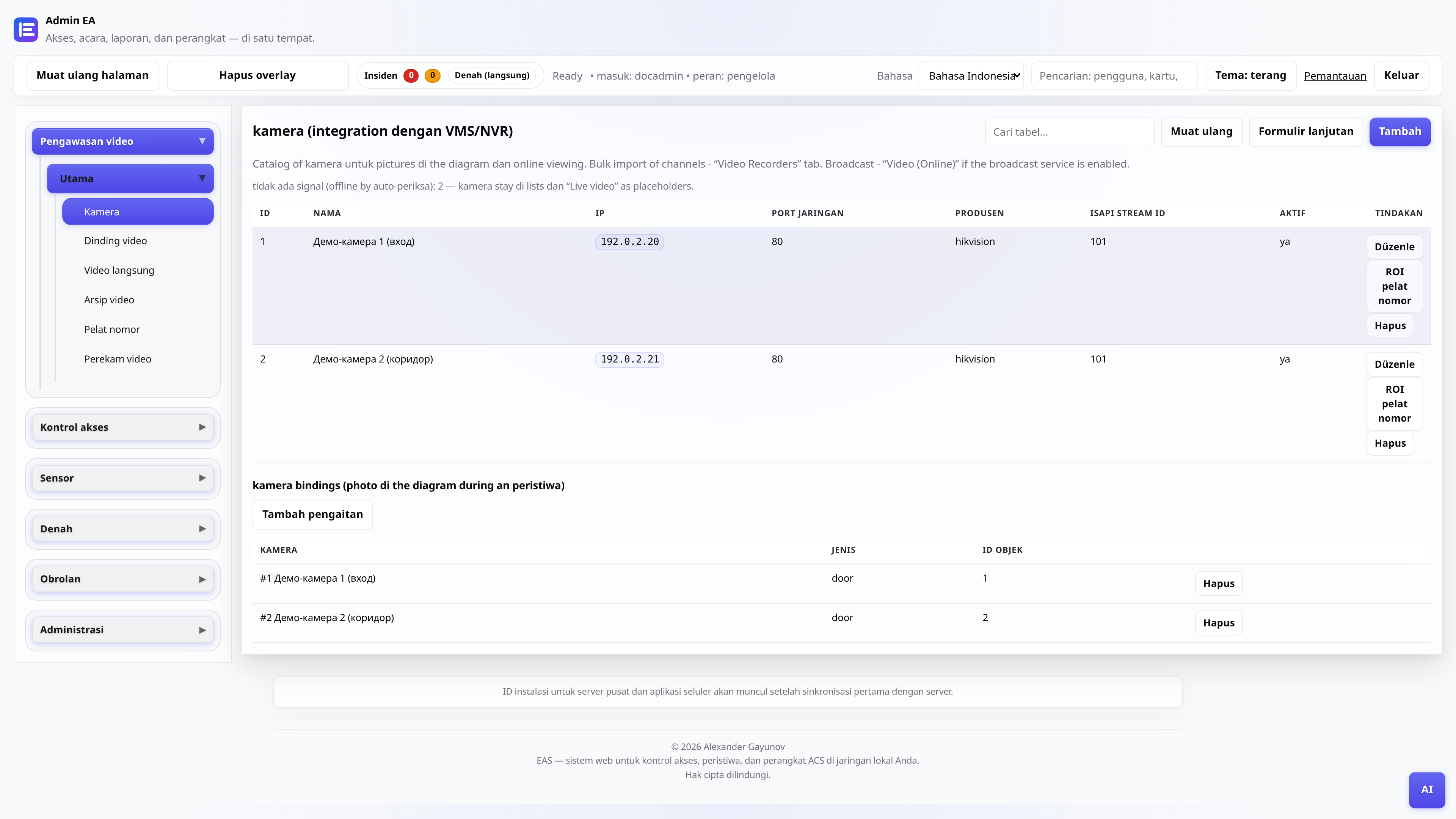
Kamera dan pengawasan video
Katalog kamera, "Video (online)" - pemutar dan kisi, "Arsip video" - hari dengan skala dan ekspor.
Administrator, postingan videoDinding TV - mosaik di TV
Menginstal APK di Android TV / tablet pos keamanan (khusus LAN situs).
Administrator, integratorPengontrol offline - diagnostik
Apa yang harus diperiksa jika panel ZKTeco C3 tidak merespons di EAS: jaringan, gateway, layanan.
Administrator, integratorManifes driver (untuk integrator)
Bagaimana menghubungkan seri pembaca baru melalui penyedia gateway tanpa mengedit inti EAS.
Integrator, pengembang