Docs
Instrucțiuni EAS
Step-by-step guides with screenshots: install the EAS software on Ubuntu, Astra, or Windows, then daily work for security, HR, and admins.
Instalarea software-ului EAS
OS-ul trebuie să fie deja instalat. EAS rulează pe Ubuntu 22.04+, Astra Linux SE 1.8 (beta) sau Windows Server gata. Alegeți calea — ghid complet: Instrucțiuni de instalare.
Ubuntu 22.04+ — One command on a ready Ubuntu server — downloads bundle 1.68 from https://asceas.ru/eas-hub/manifest.json:
- Descărcați scriptul de instalare Ubuntu (.sh)
- Descărcați pachetul EAS (.tar.gz), online · online install — needs OS mirrors / usually PyPI
- Descărcați fat offline Linux/Astra (.tar.gz) · no PyPI; OS apt mirrors still needed
- Control acces pe Ubuntu · Instalează trialul · Instrucțiuni de instalare
Astra Linux SE 1.8 (beta) — Separate command and 90-day trial. Do not use the Ubuntu curl above.
- Descărcați scriptul de instalare Astra (.sh)
- Descărcați pachetul EAS (.tar.gz), online · online install — needs OS mirrors / usually PyPI
- Descărcați fat offline Linux/Astra (.tar.gz) · no PyPI; OS apt mirrors still needed
- Control acces pe Astra Linux · ACS on Astra · Instrucțiuni de instalare
Windows Server — Download setup.exe or the offline ZIP using the links below. 90-day trial.
Noțiuni de bază
Instalarea EAS pe server
Cum instalați software-ul EAS pe un server deja pregătit: Ubuntu, Astra Linux SE 1.8 sau Windows Server. Prima autentificare și activare.
Administrator de sistem, integratorCerințele serverului și calculele hardware
Minimum pentru implementare pilot și resurse recomandate pentru 100 de camere, 100 de senzori și 10 controlere ACS.
Administrator de sistem, integrator, achiziții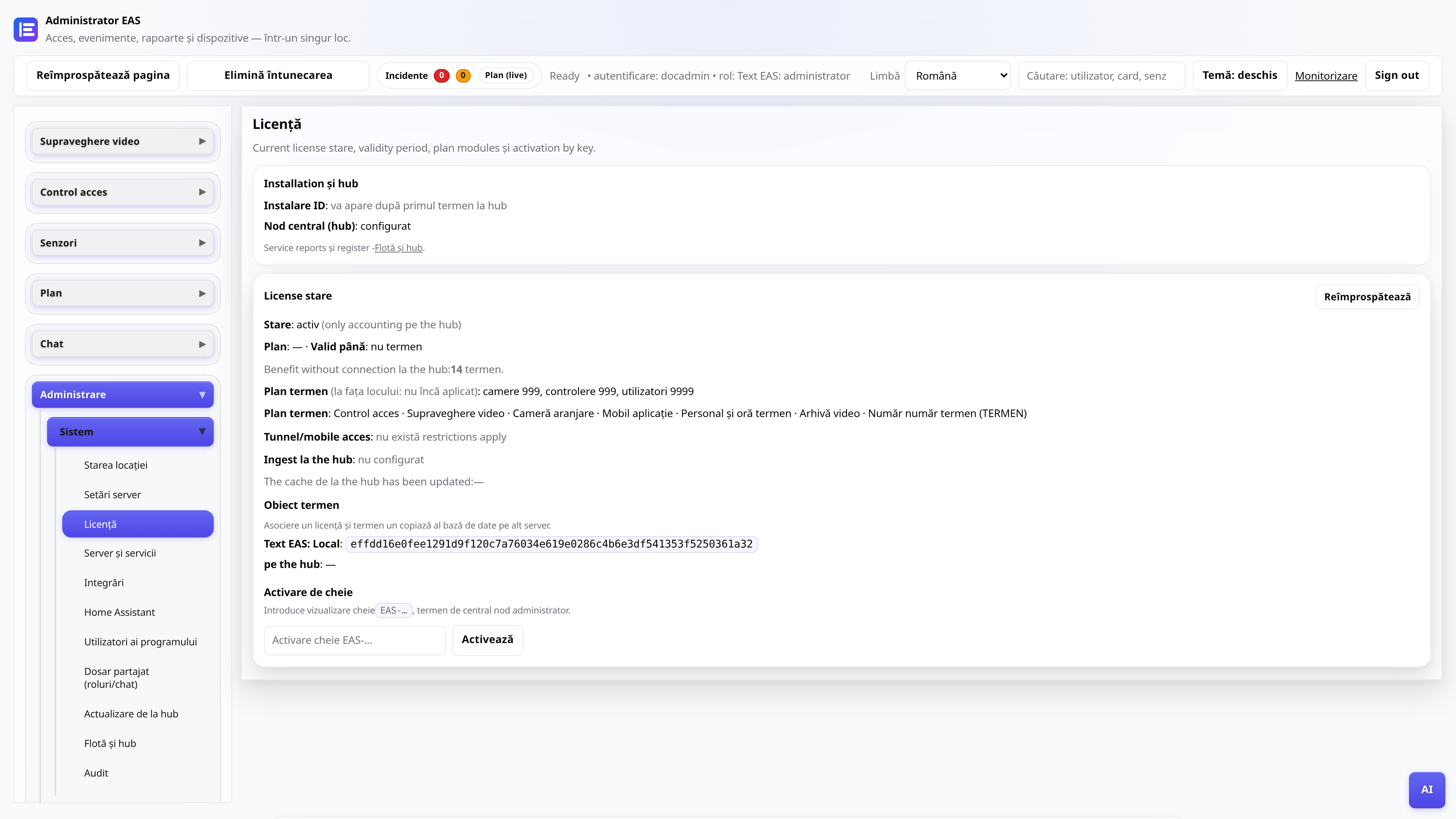
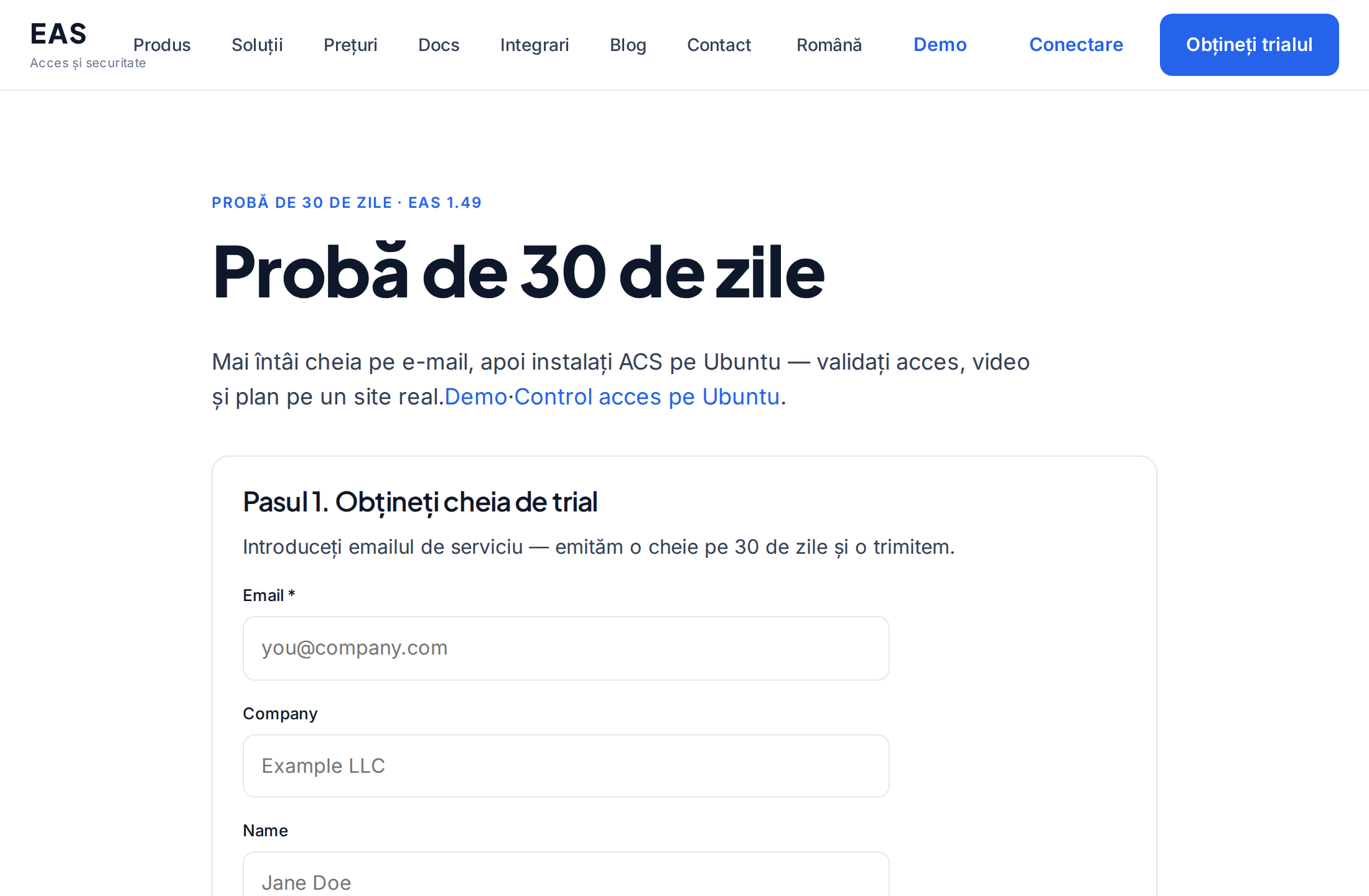
Licență și probă pentru 30 de zile
Primirea unei chei, activare în panoul de administrare, reînnoire prin nodul central.
AdministratorMutarea EAS pe hardware nou
Cum mutați un site activ pe un server nou și restabiliți accesul mobil și actualizările.
Administrator de sistem, integrator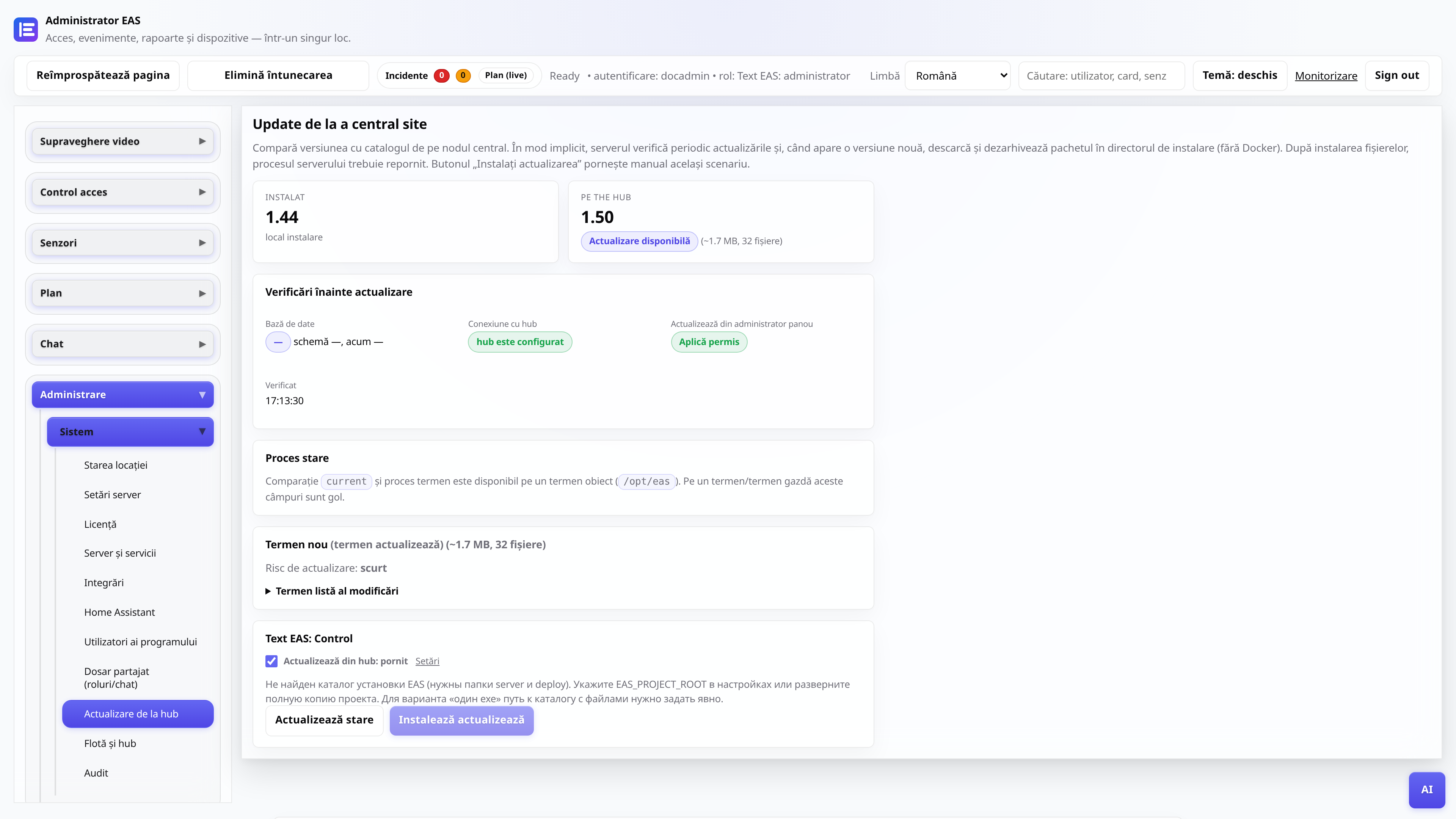
Actualizări de la un hub central
EAS 1.0, patch 1.1+ (patch cumulativ), jurnal de modificări în panoul de administrare și aplicație fără pierderi de date.
Administrator de sistem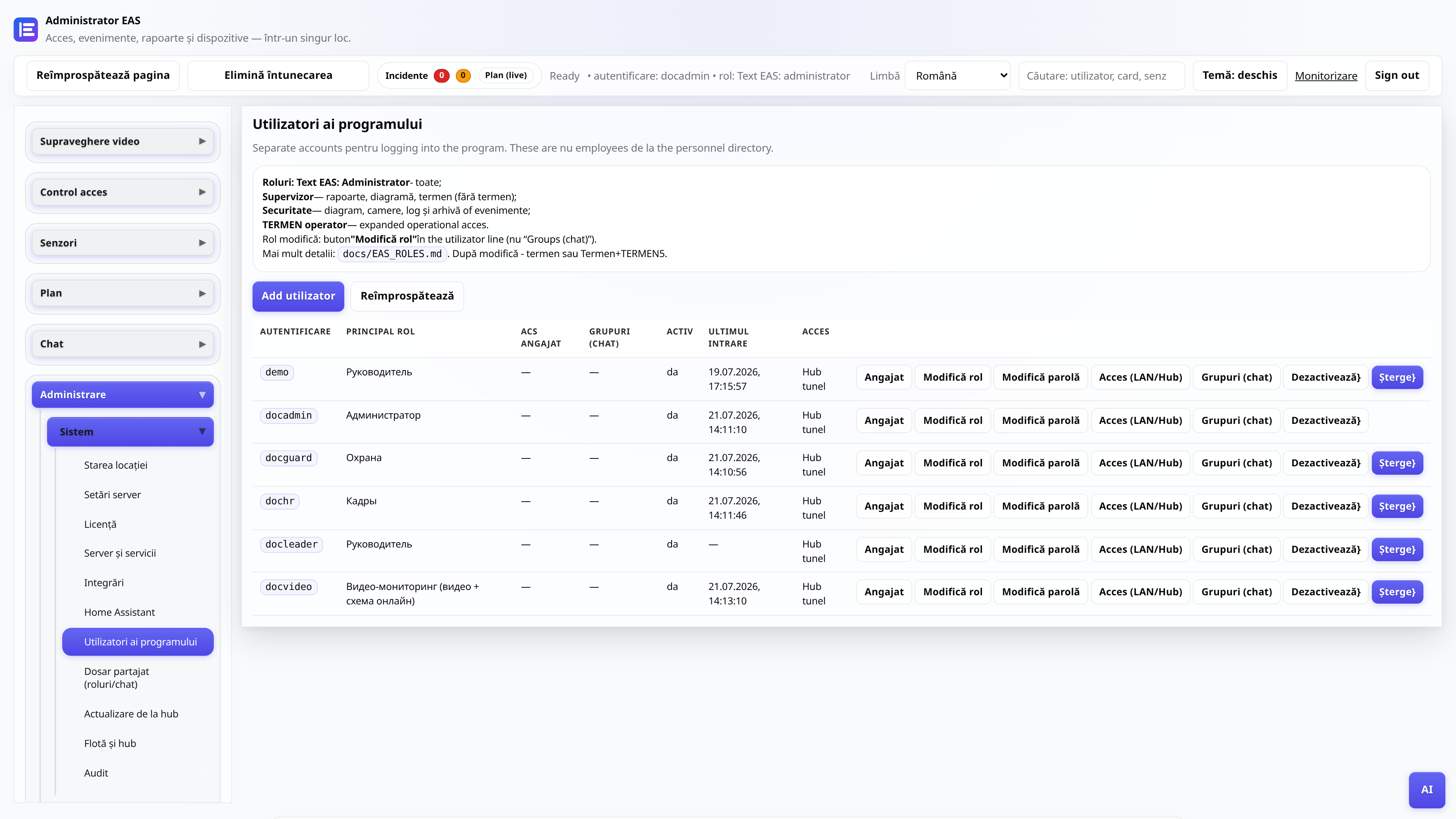
Roluri de utilizator de administrator web
Cine vede ce: administrator, securitate, personal, manager, postare video.
AdministratorAdministrator
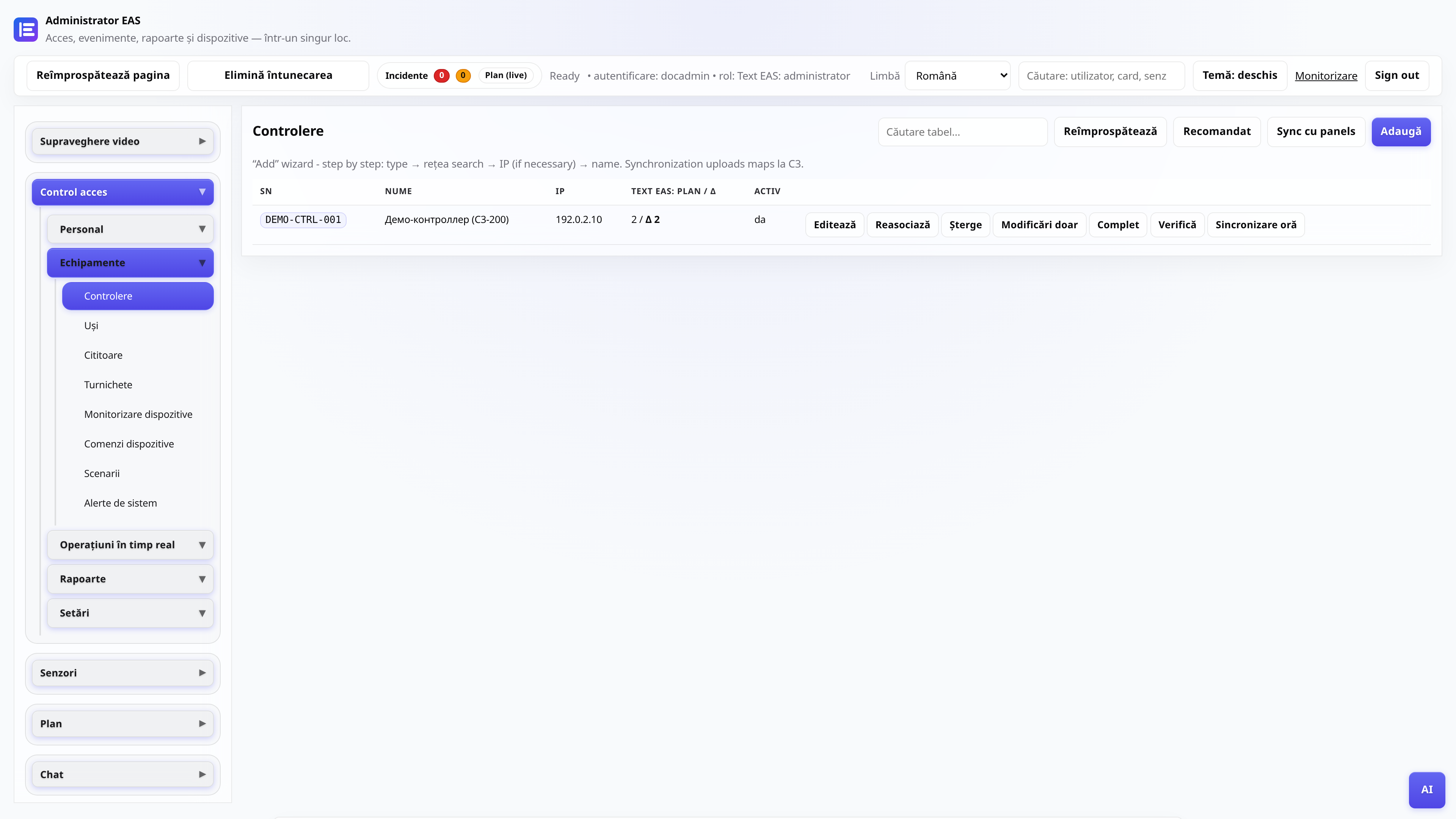
Conectarea controlerului ACS
Adăugarea ZKTeco C3, gateway de sondare, verificarea permiselor.
Administrator, integrator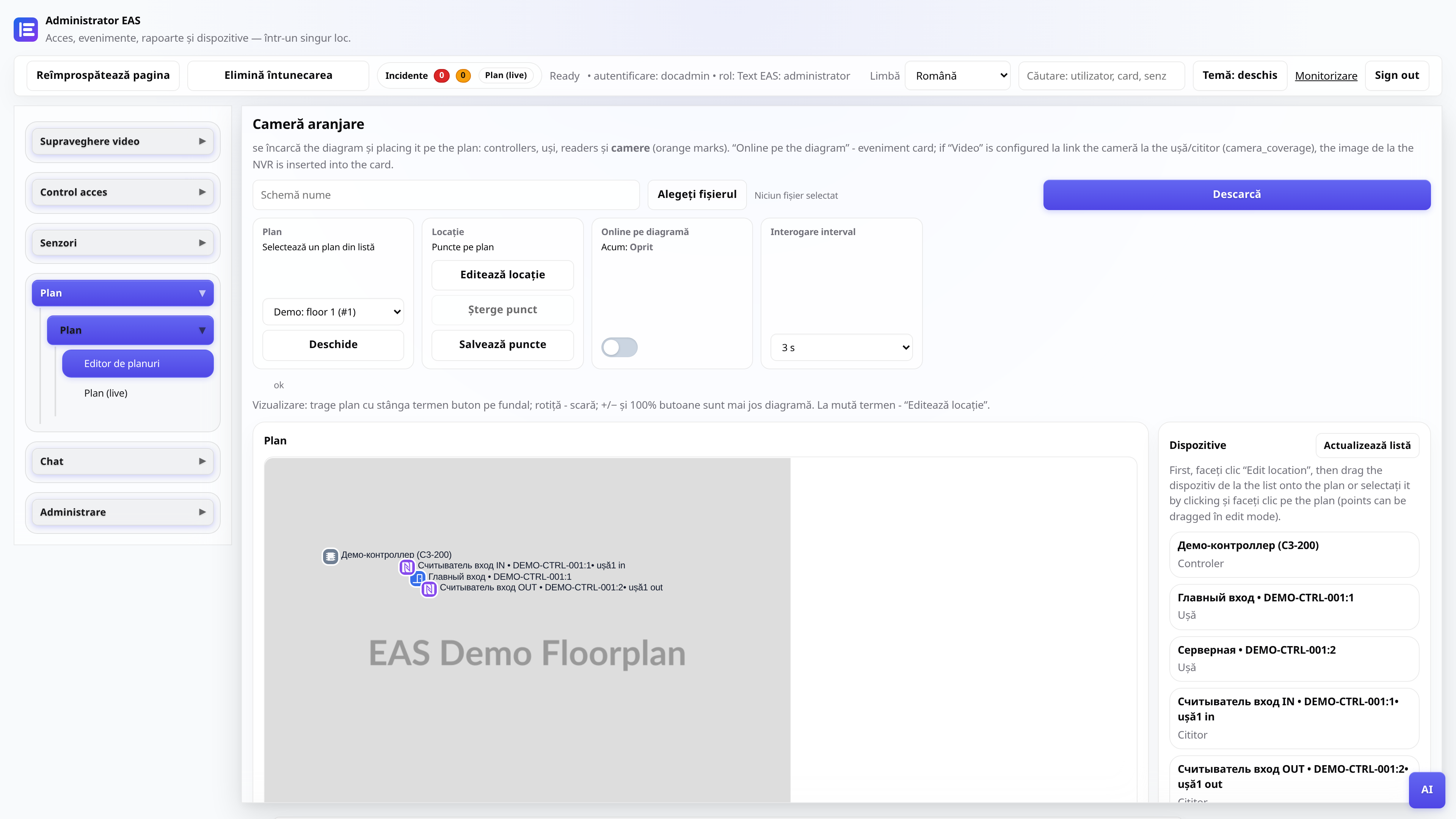
Diagrama obiectului
Încărcarea planului, plasarea etichetelor, modul online pentru postare.
Administrator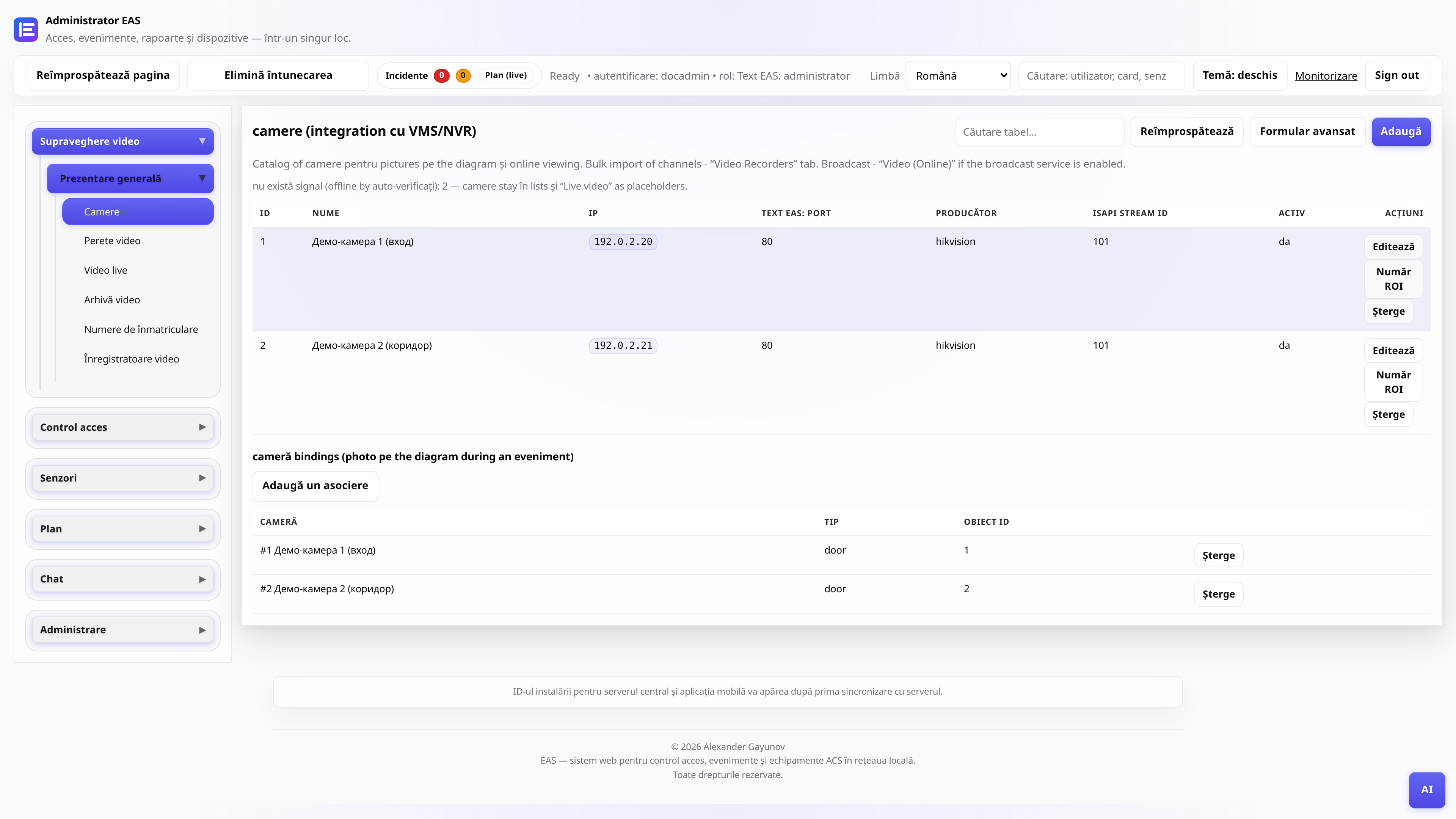
Camere și supraveghere video
Catalog camere, „Video (online)” - player și grilă, „Arhivă video” - zi cu scară și export.
Administrator, postare videoTV Wall - mozaic la televizor
Instalarea APK-ului pe Android TV / tabletă post de securitate (numai LAN-ul site-ului).
Administrator, integratorControler offline - diagnosticare
Ce să verificați dacă panoul ZKTeco C3 nu răspunde în EAS: rețea, gateway, servicii.
Administrator, integratorManifestul driverului (pentru integratori)
Cum să conectați o nouă serie de cititoare prin intermediul furnizorului de gateway fără a edita nucleul EAS.
Integrator, dezvoltator