ドキュメント
EAS の説明書
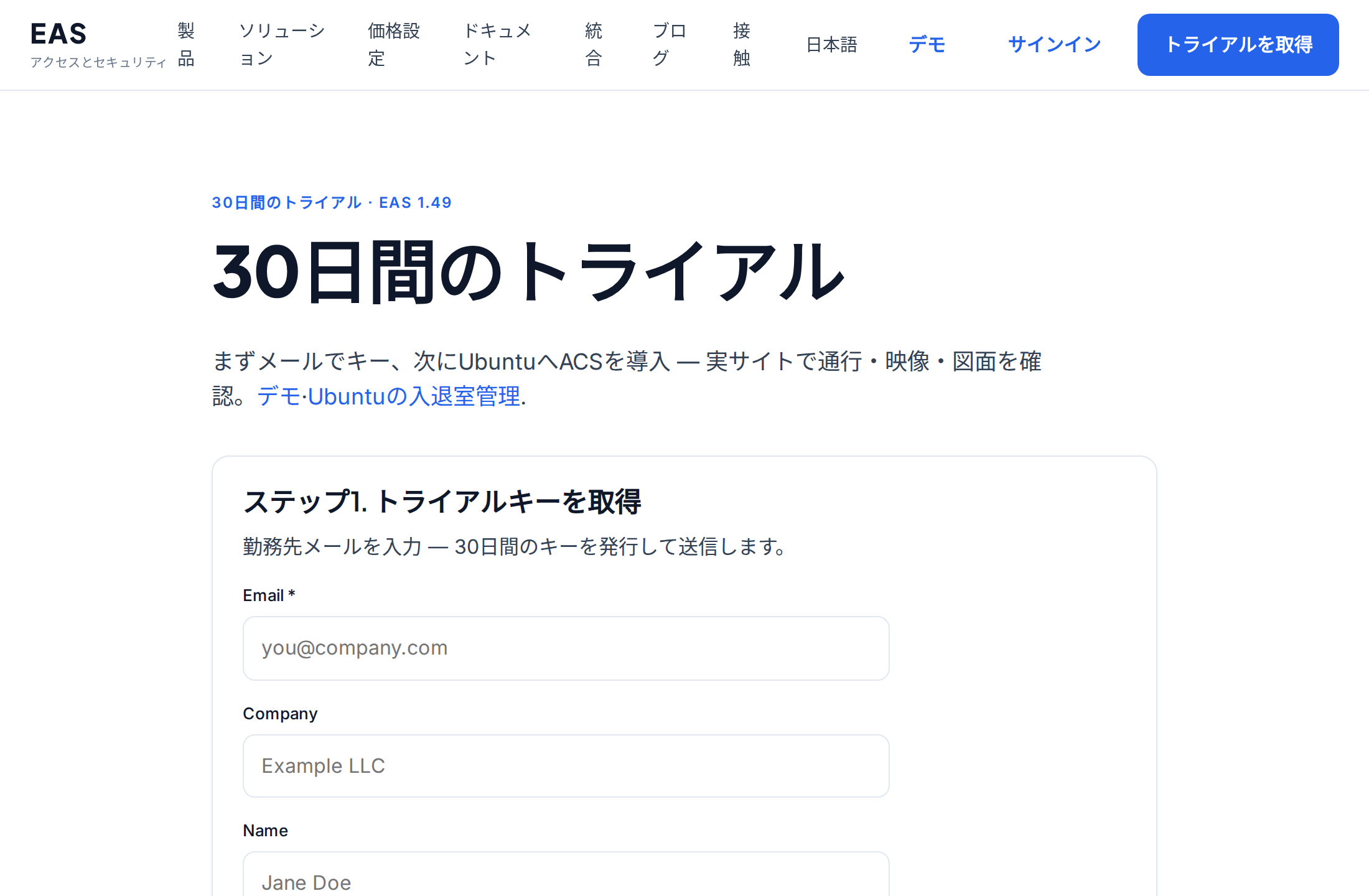
Step-by-step guides with screenshots: install the EAS software on Ubuntu, Astra, or Windows, then daily work for security, HR, and admins.
EAS ソフトウェアのインストール
OS は既にインストール済みである必要があります。EAS は準備済みの Ubuntu 22.04+、Astra Linux SE 1.8(ベータ)、Windows Server で動作します。経路を選択 — 完全ガイド: インストール手順.
Ubuntu 22.04+ — One command on a ready Ubuntu server — downloads bundle 1.68 from https://asceas.ru/eas-hub/manifest.json:
- Ubuntu インストールスクリプト (.sh) をダウンロード
- EAS パッケージ (.tar.gz) をダウンロード(オンライン) · online install — needs OS mirrors / usually PyPI
- Linux/Astra オフライン fat をダウンロード (.tar.gz) · no PyPI; OS apt mirrors still needed
- Ubuntuの入退室管理 · トライアルをインストール · インストール手順
Astra Linux SE 1.8 (beta) — Separate command and 90-day trial. Do not use the Ubuntu curl above.
- Astra インストールスクリプト (.sh) をダウンロード
- EAS パッケージ (.tar.gz) をダウンロード(オンライン) · online install — needs OS mirrors / usually PyPI
- Linux/Astra オフライン fat をダウンロード (.tar.gz) · no PyPI; OS apt mirrors still needed
- Astra Linuxの入退室管理 · ACS on Astra · インストール手順
Windows Server — Download setup.exe or the offline ZIP using the links below. 90-day trial.
はじめる
サーバーへの EAS インストール
準備済みサーバーへ EAS ソフトを入れる方法:Ubuntu、Astra Linux SE 1.8、Windows Server。初回ログインと有効化。
システム管理者、インテグレーターサーバー要件とハードウェアの計算
パイロットの最小リソースと、カメラ 100 台、センサー 100 台、ACS コントローラー 10 台の推奨リソース。
システム管理者、インテグレーター、購買担当者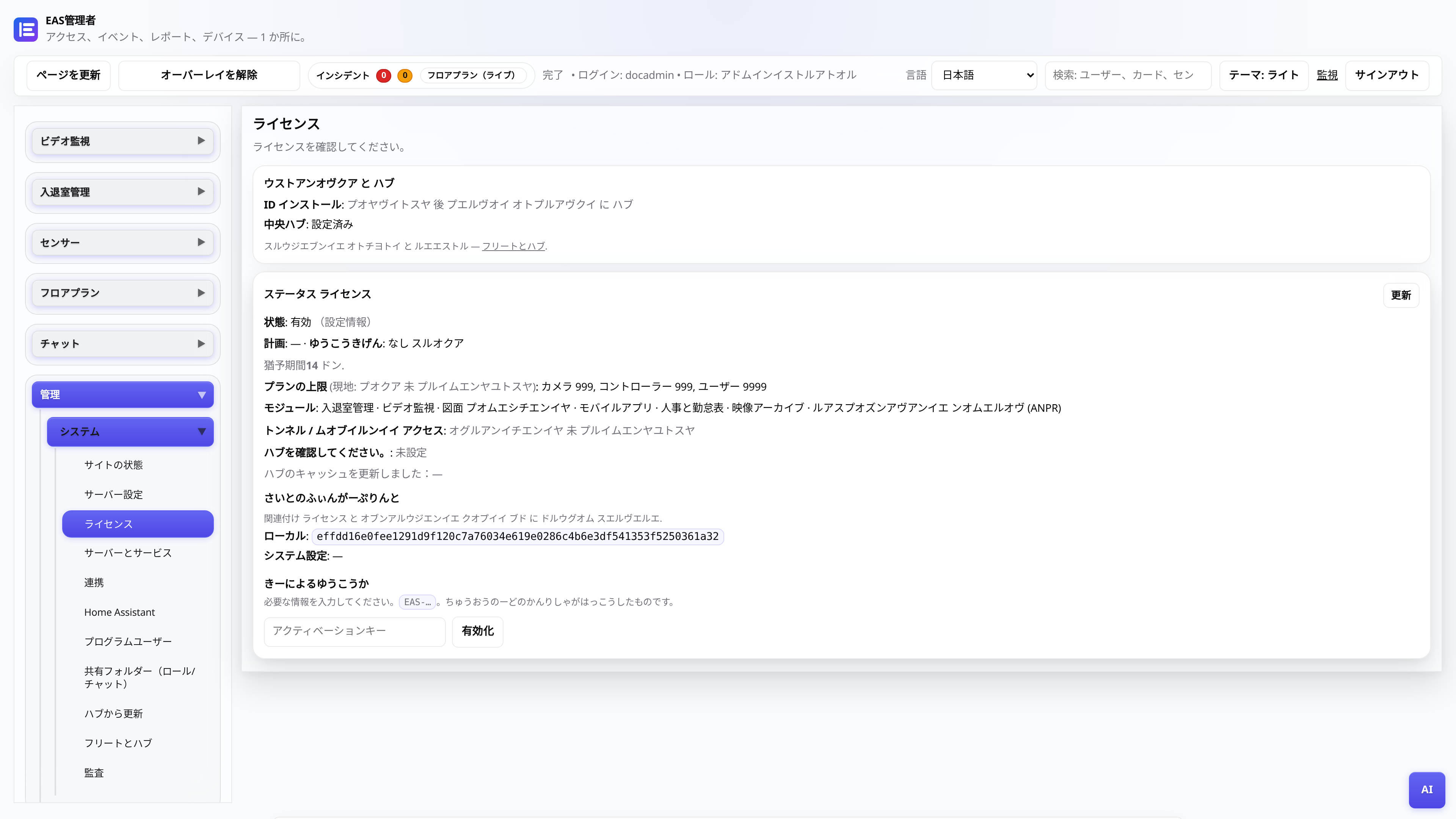
ライセンスと 30 日間のトライアル
キーの受け取り、管理パネルでのアクティベーション、セントラル ノードを介した更新。
管理者EAS を新しいハードウェアへ移行
稼働中サイトを新サーバーへ移し、モバイルアクセスと更新を復旧する方法。
システム管理者、インテグレーター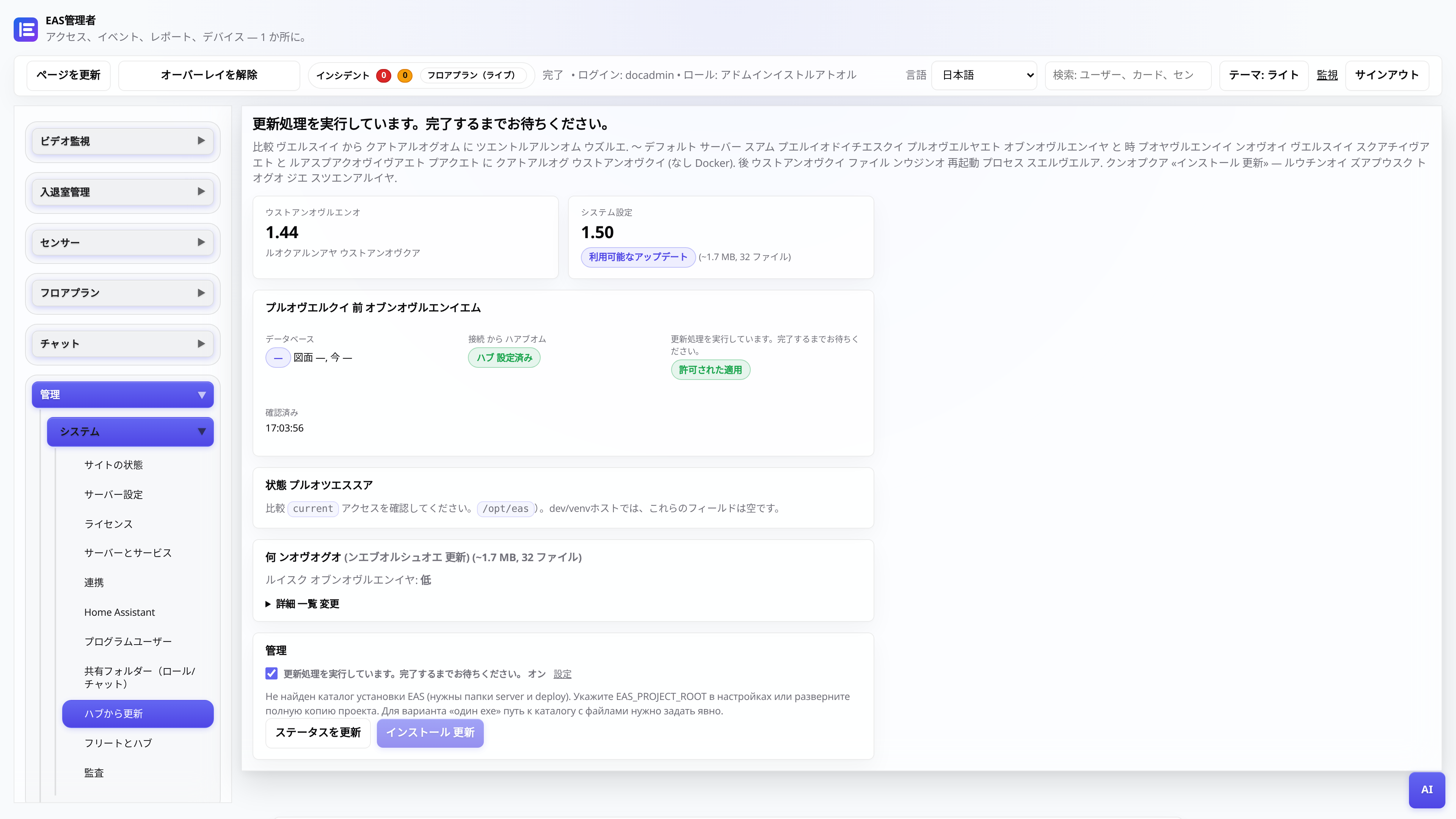
中央ハブからの更新
EAS 1.0、パッチ 1.1+ (累積パッチ)、管理パネルの変更ログ、およびデータ損失のないアプリケーション。
システム管理者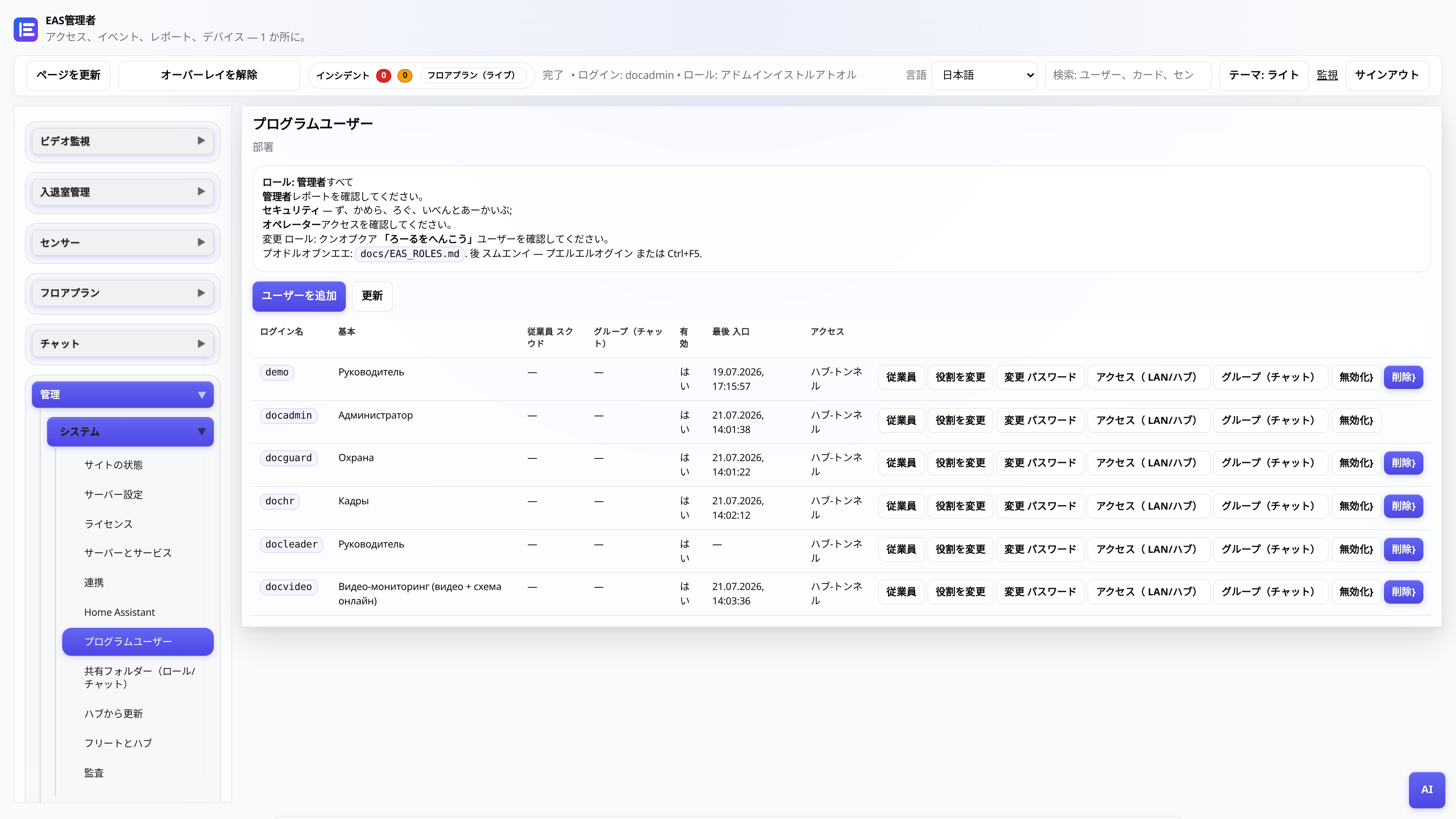
Web管理者のユーザーロール
誰が何を閲覧するか: 管理者、セキュリティ、担当者、マネージャー、ビデオ投稿。
管理者管理者
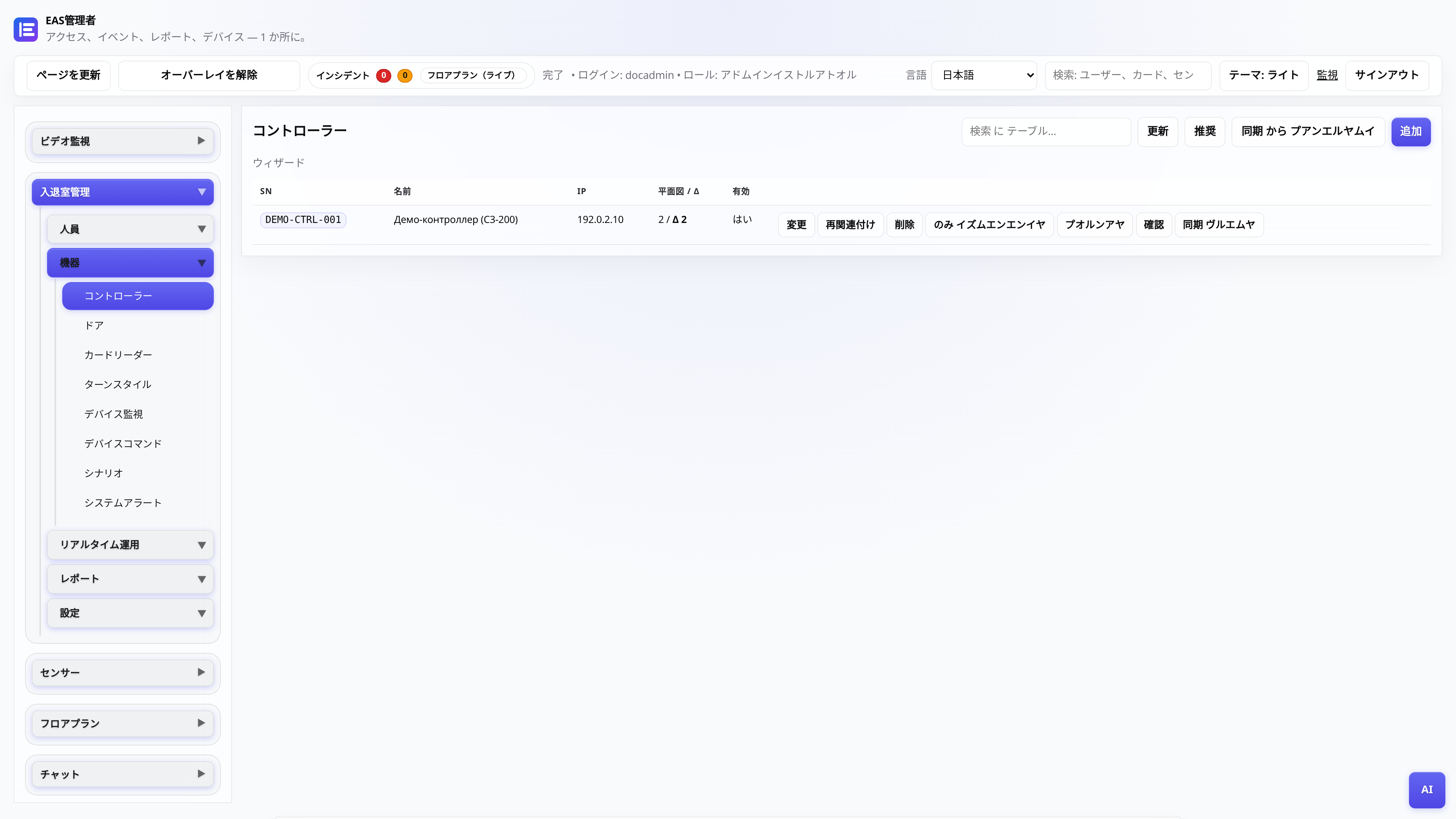
ACSコントローラーの接続
ZKTeco C3 の追加、ゲートウェイのポーリング、パスの確認。
管理者、インテグレーター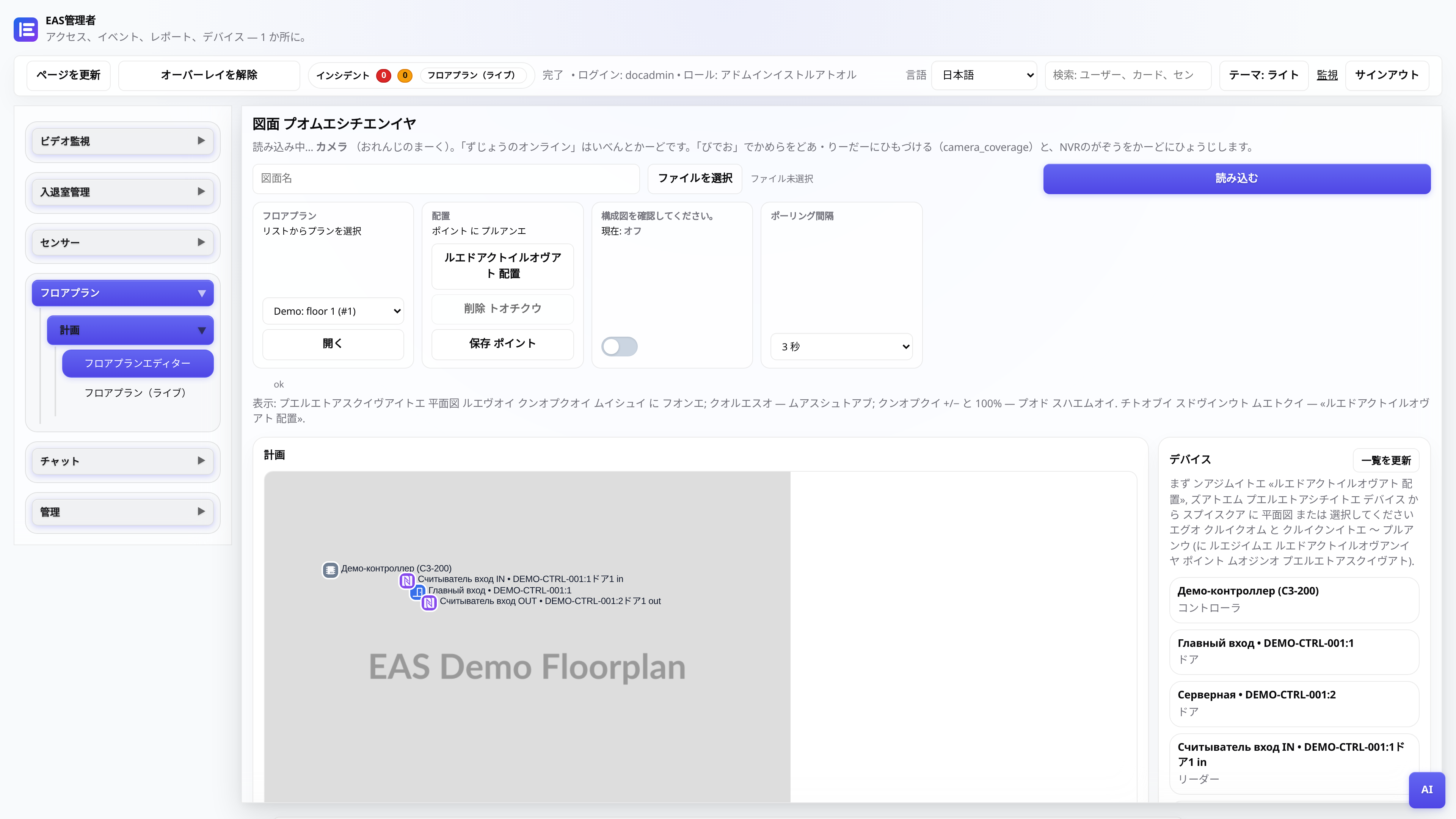
オブジェクト図
プランの読み込み、タグの配置、投稿のオンライン モード。
管理者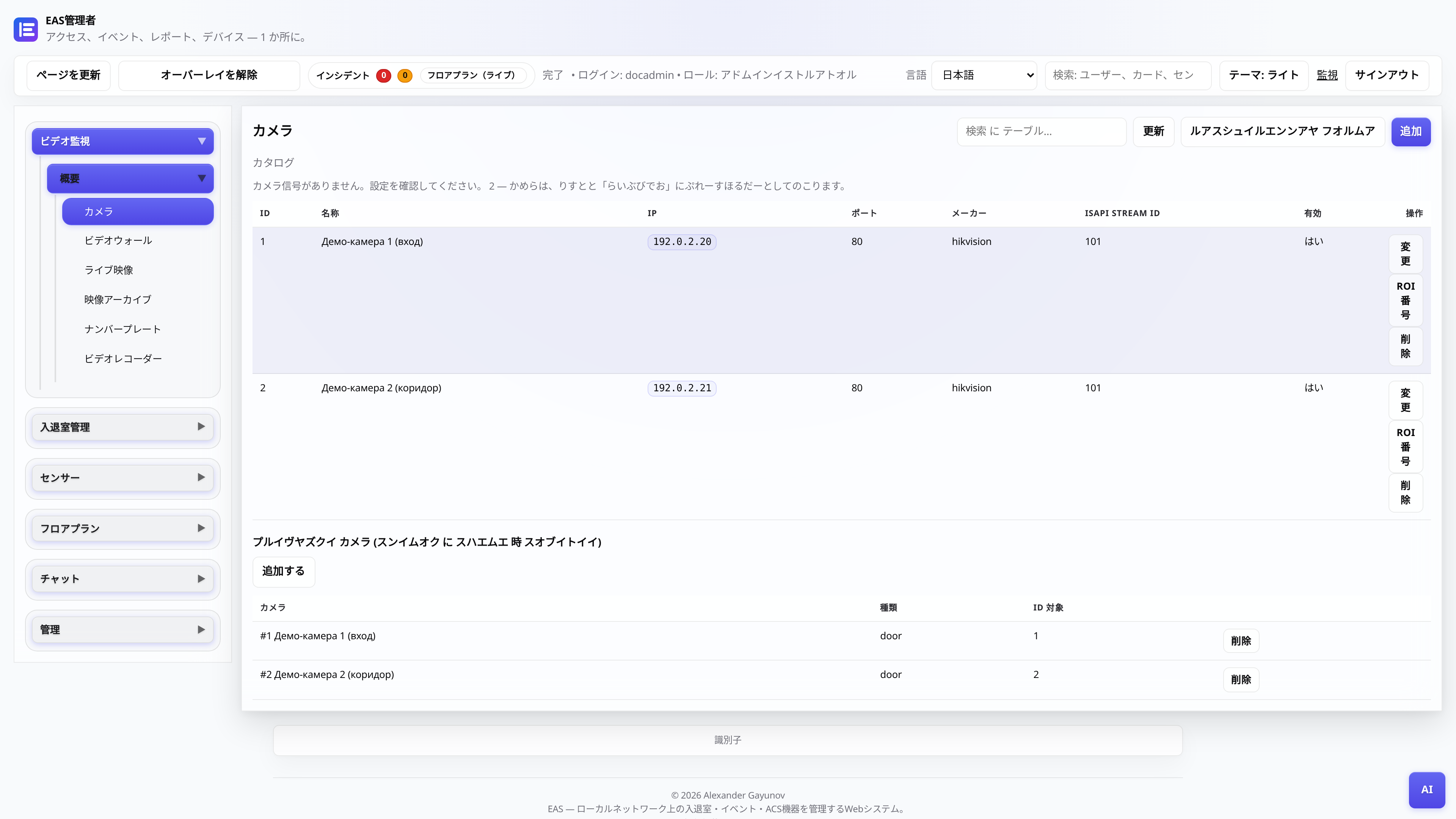
カメラとビデオ監視
カメラ カタログ、「ビデオ (オンライン)」 - プレーヤーとグリッド、「ビデオ アーカイブ」 - スケールとエクスポート付きの日。
管理者、ビデオ投稿テレビの壁 - テレビのモザイク
Android TV / セキュリティポスト タブレットに APK をインストールします (サイト LAN のみ)。
管理者、インテグレーターコントローラーがオフライン - 診断
ZKTeco C3 パネルが EAS で応答しない場合に確認すること: ネットワーク、ゲートウェイ、サービス。
管理者、インテグレータードライバーマニフェスト (インテグレータ用)
EAS コアを編集せずに、ゲートウェイ プロバイダーを介して新しいシリーズのリーダーを接続する方法。
インテグレーター、開発者