Tài liệu
Hướng dẫn EAS
Step-by-step guides with screenshots: install the EAS software on Ubuntu, Astra, or Windows, then daily work for security, HR, and admins.
Cài đặt phần mềm EAS
Hệ điều hành phải đã được cài. EAS chạy trên Ubuntu 22.04+, Astra Linux SE 1.8 (beta) hoặc Windows Server sẵn sàng. Chọn lộ trình — hướng dẫn đầy đủ: Hướng dẫn cài đặt.
Ubuntu 22.04+ — One command on a ready Ubuntu server — downloads bundle 1.68 from https://asceas.ru/eas-hub/manifest.json:
- Tải script cài Ubuntu (.sh)
- Tải gói EAS (.tar.gz), online · online install — needs OS mirrors / usually PyPI
- Tải fat offline Linux/Astra (.tar.gz) · no PyPI; OS apt mirrors still needed
- ACS trên Ubuntu · Cài bản dùng thử · Hướng dẫn cài đặt
Astra Linux SE 1.8 (beta) — Separate command and 90-day trial. Do not use the Ubuntu curl above.
- Tải script cài Astra (.sh)
- Tải gói EAS (.tar.gz), online · online install — needs OS mirrors / usually PyPI
- Tải fat offline Linux/Astra (.tar.gz) · no PyPI; OS apt mirrors still needed
- ACS trên Astra Linux · ACS on Astra · Hướng dẫn cài đặt
Windows Server — Download setup.exe or the offline ZIP using the links below. 90-day trial.
Bắt đầu
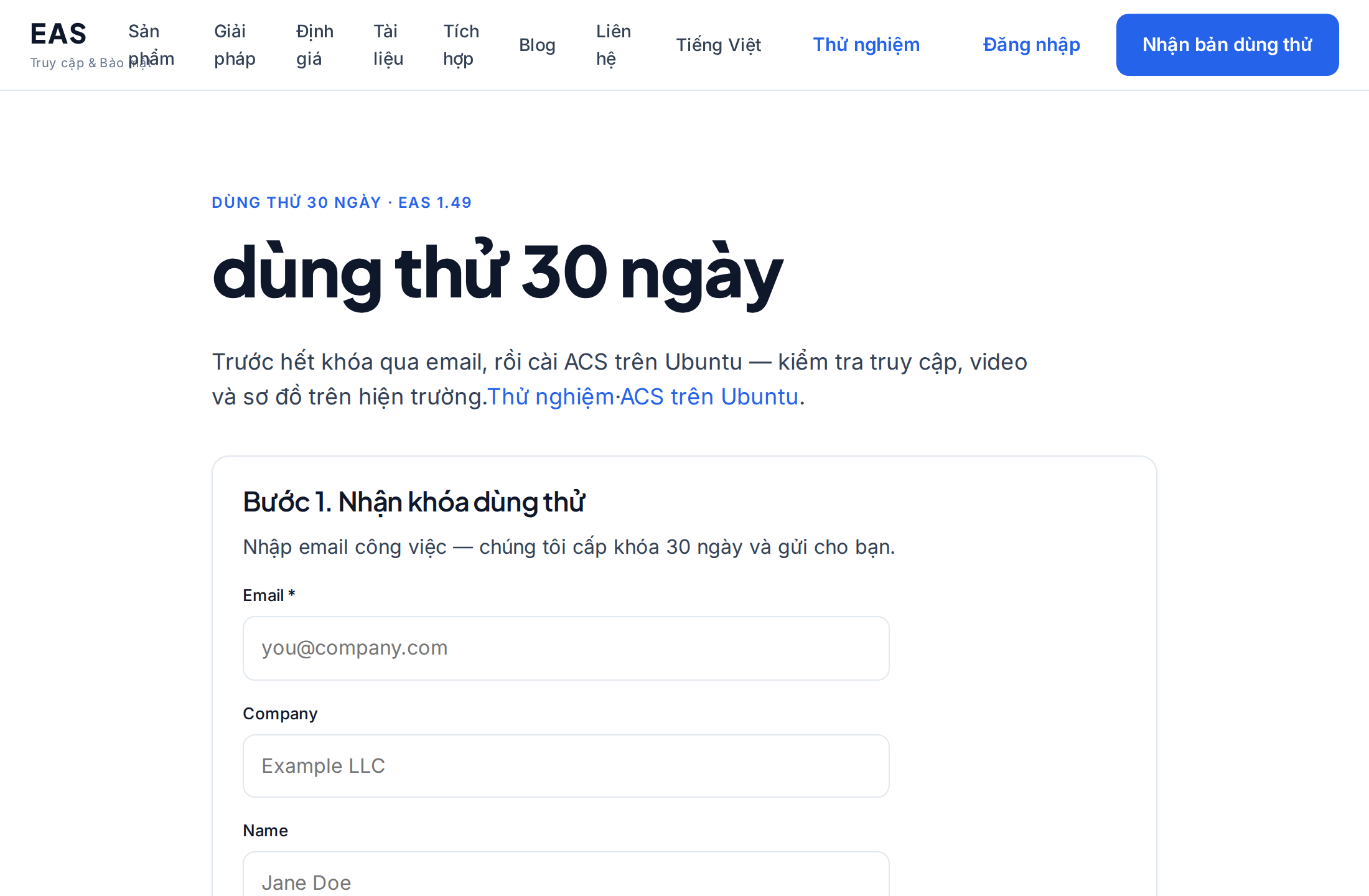
Cài đặt EAS trên máy chủ
Cách cài phần mềm EAS trên máy chủ đã sẵn sàng: Ubuntu, Astra Linux SE 1.8 hoặc Windows Server. Đăng nhập lần đầu và kích hoạt.
Quản trị hệ thống, nhà tích hợpYêu cầu máy chủ và tính toán phần cứng
Mức tối thiểu cho triển khai thử nghiệm và tài nguyên đề xuất cho 100 camera, 100 cảm biến và 10 bộ điều khiển ACS.
Quản trị hệ thống, tích hợp, mua hàng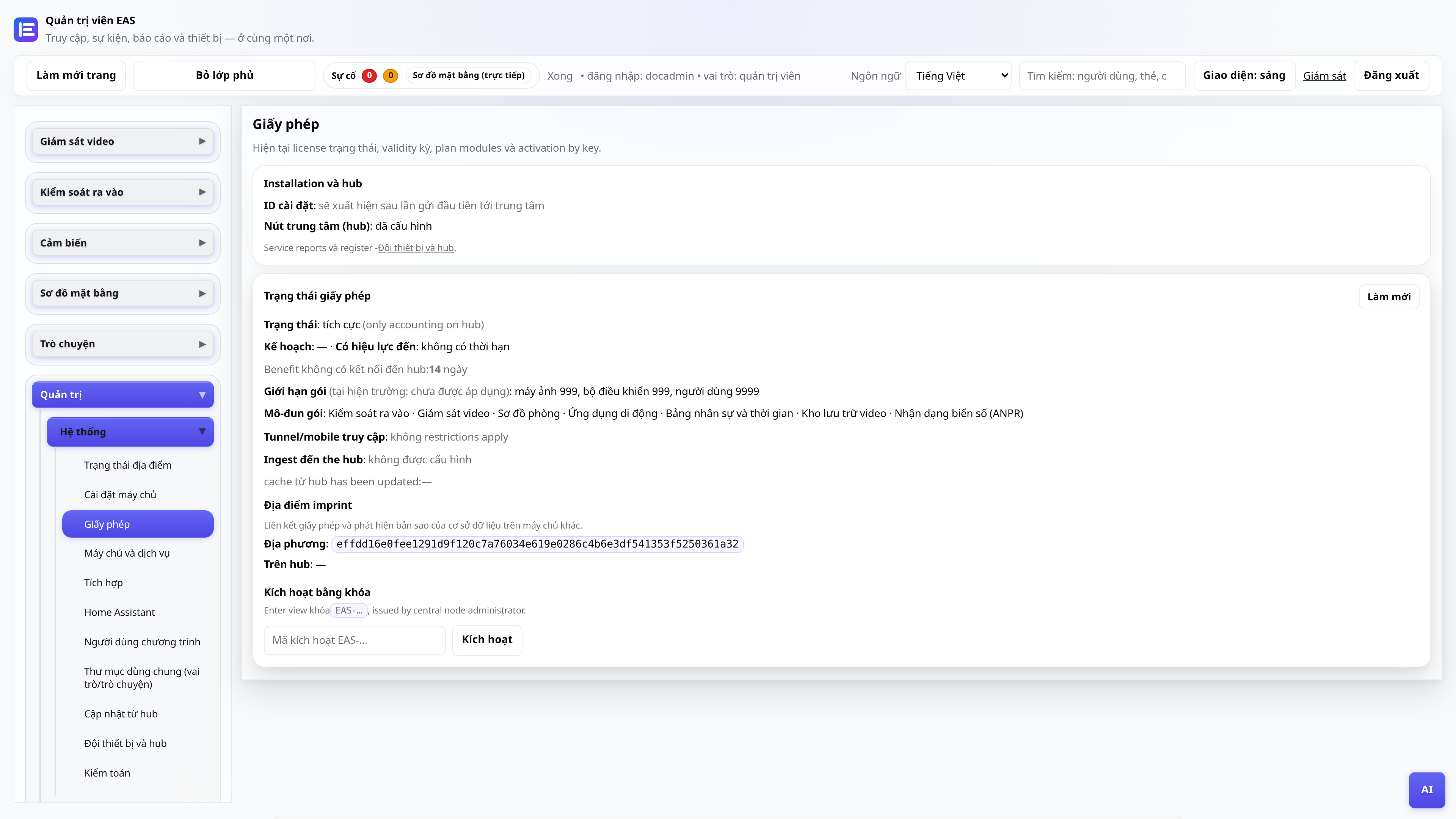
Giấy phép và dùng thử trong 30 ngày
Nhận khóa, kích hoạt trong bảng quản trị, gia hạn thông qua nút trung tâm.
Quản trị viênChuyển EAS sang phần cứng mới
Cách chuyển site đang chạy sang máy chủ mới và khôi phục truy cập di động cùng cập nhật.
Quản trị hệ thống, nhà tích hợp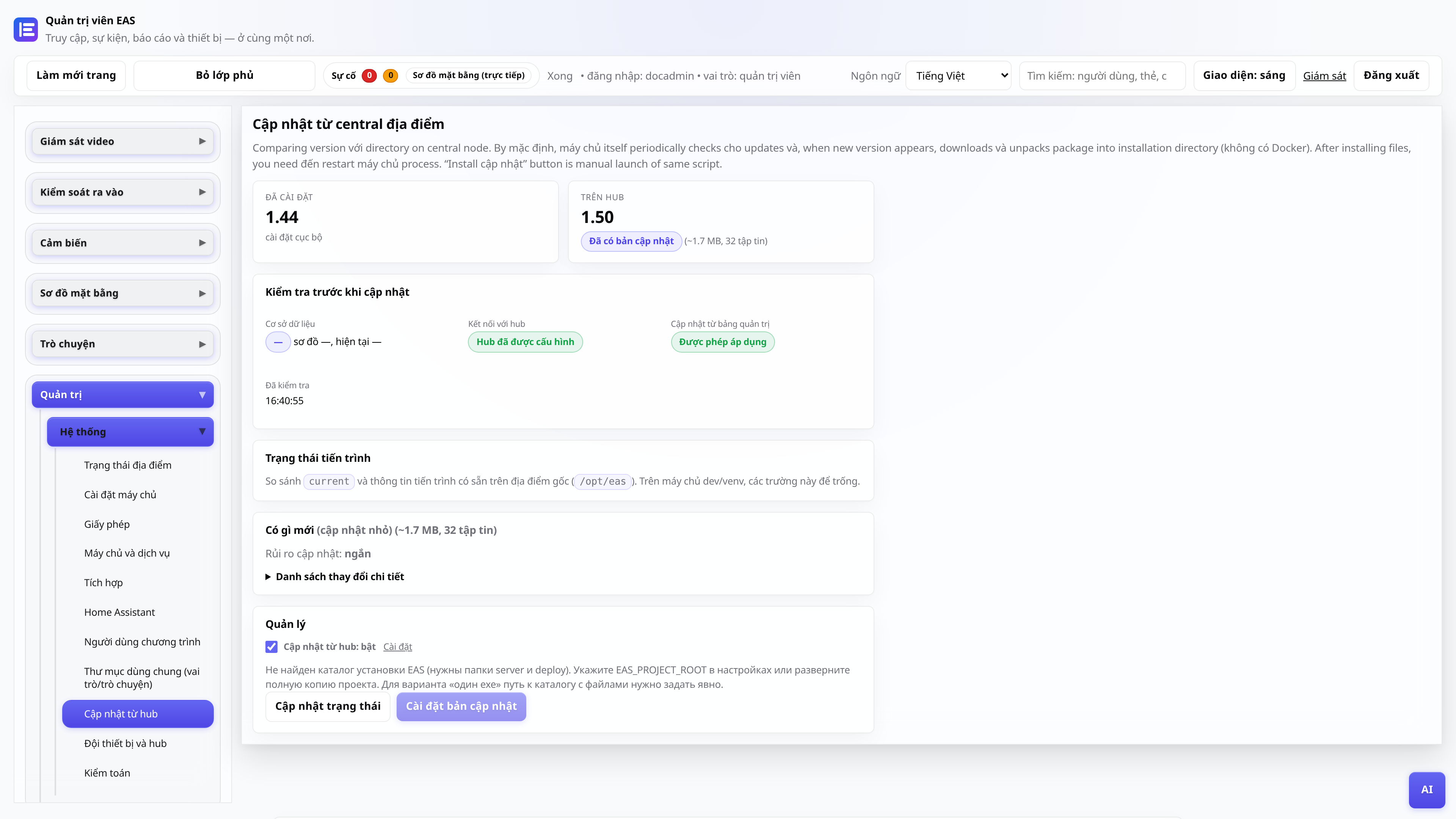
Cập nhật từ trung tâm trung tâm
EAS 1.0, bản vá 1.1+ (bản vá tích lũy), nhật ký thay đổi trong bảng quản trị và ứng dụng mà không mất dữ liệu.
Quản trị viên hệ thống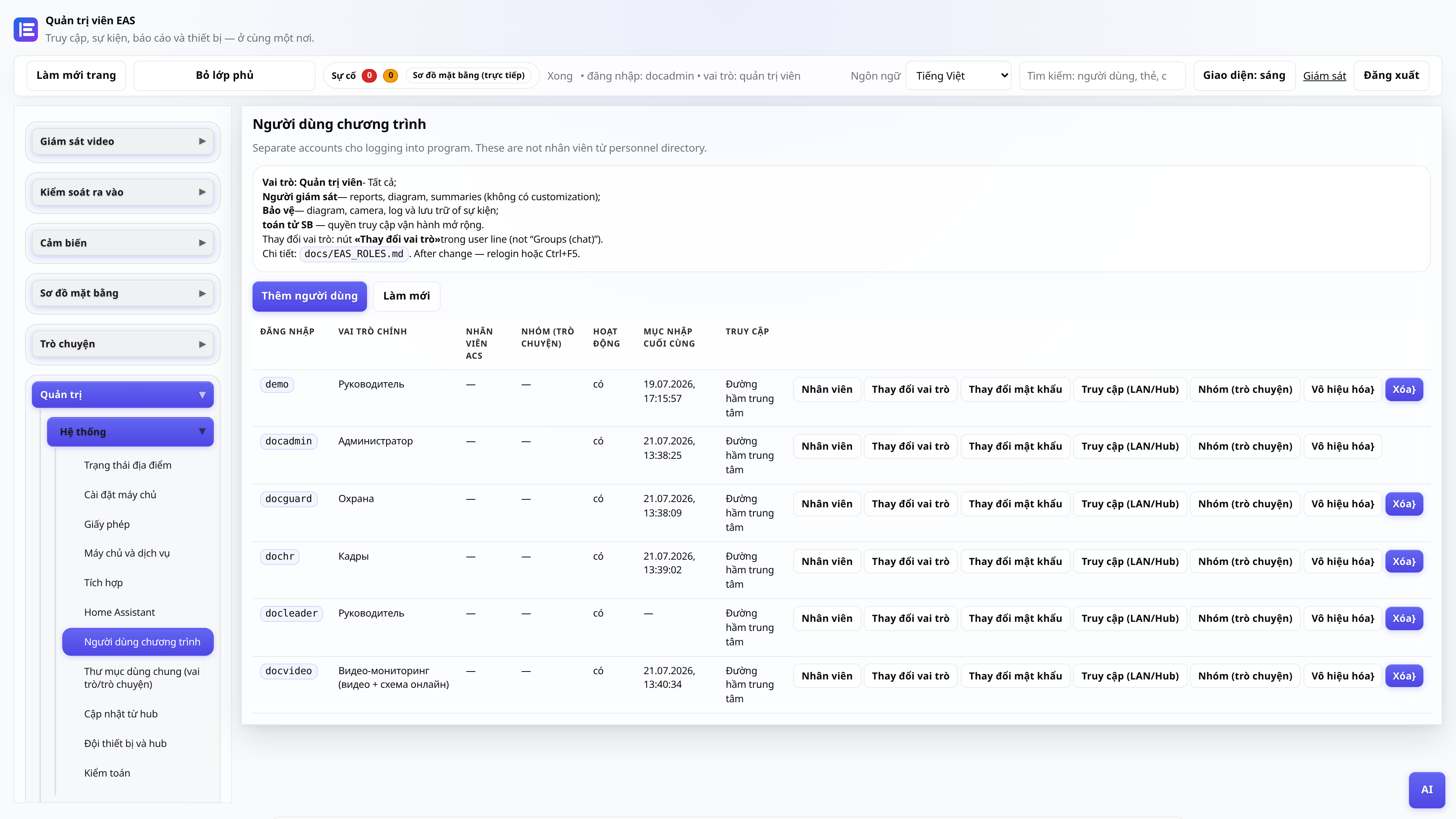
Vai trò người dùng quản trị web
Ai nhìn thấy những gì: quản trị viên, bảo mật, nhân sự, người quản lý, bài đăng video.
Quản trị viênQuản trị viên
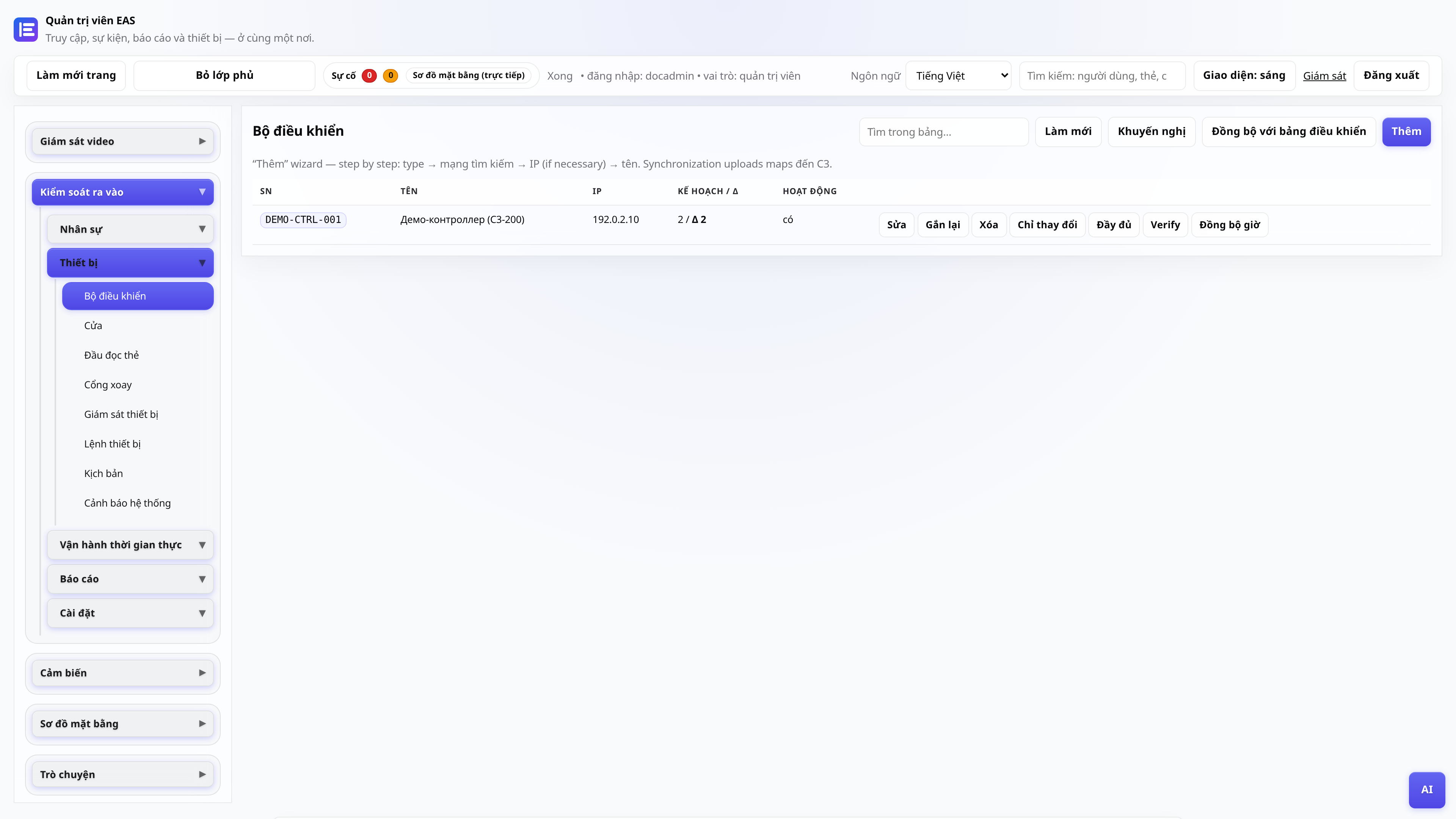
Kết nối bộ điều khiển ACS
Thêm ZKTeco C3, cổng bỏ phiếu, kiểm tra thẻ.
Quản trị viên, nhà tích hợp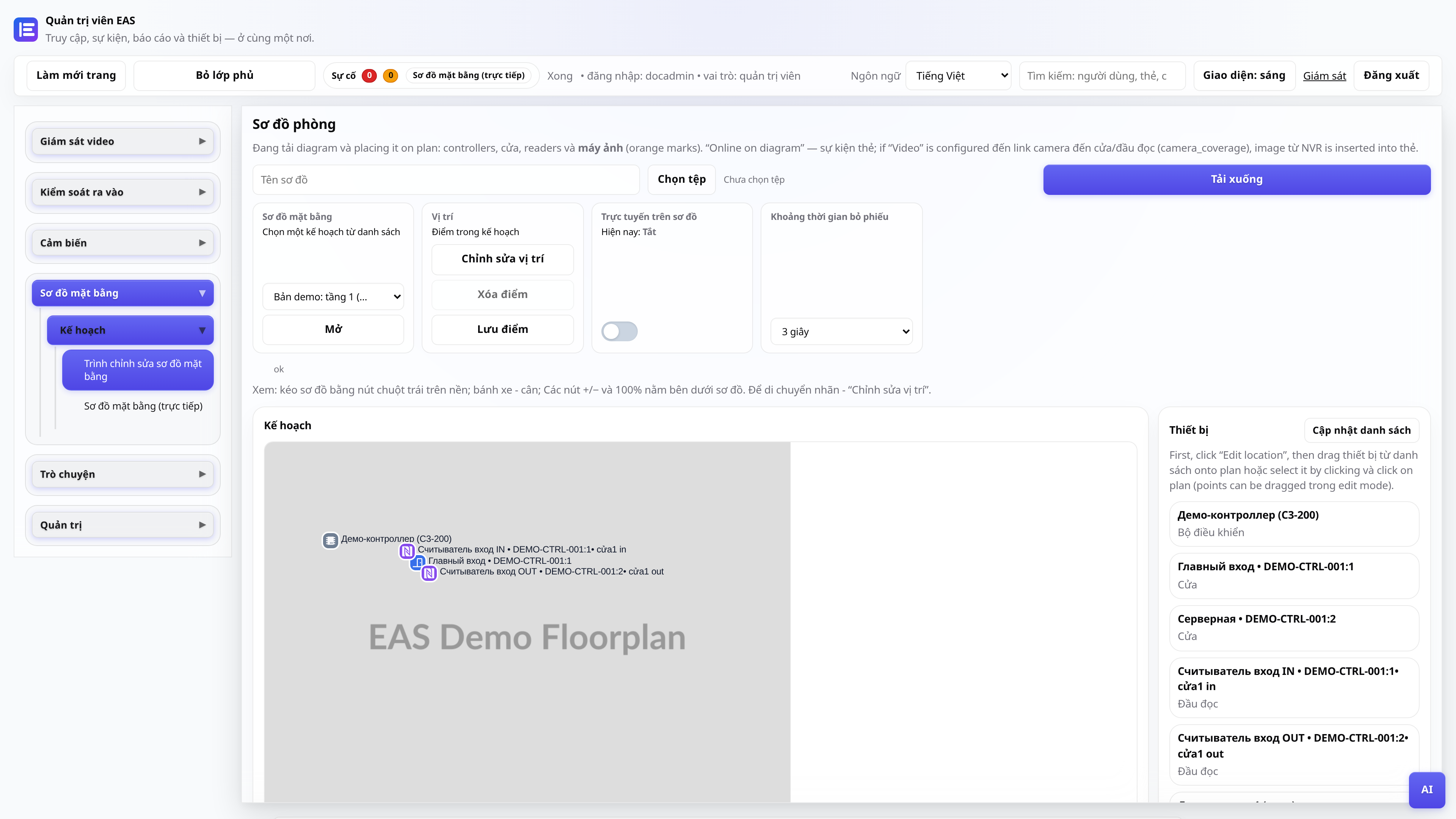
Sơ đồ đối tượng
Đang tải kế hoạch, đặt thẻ, chế độ trực tuyến cho bài viết.
Quản trị viên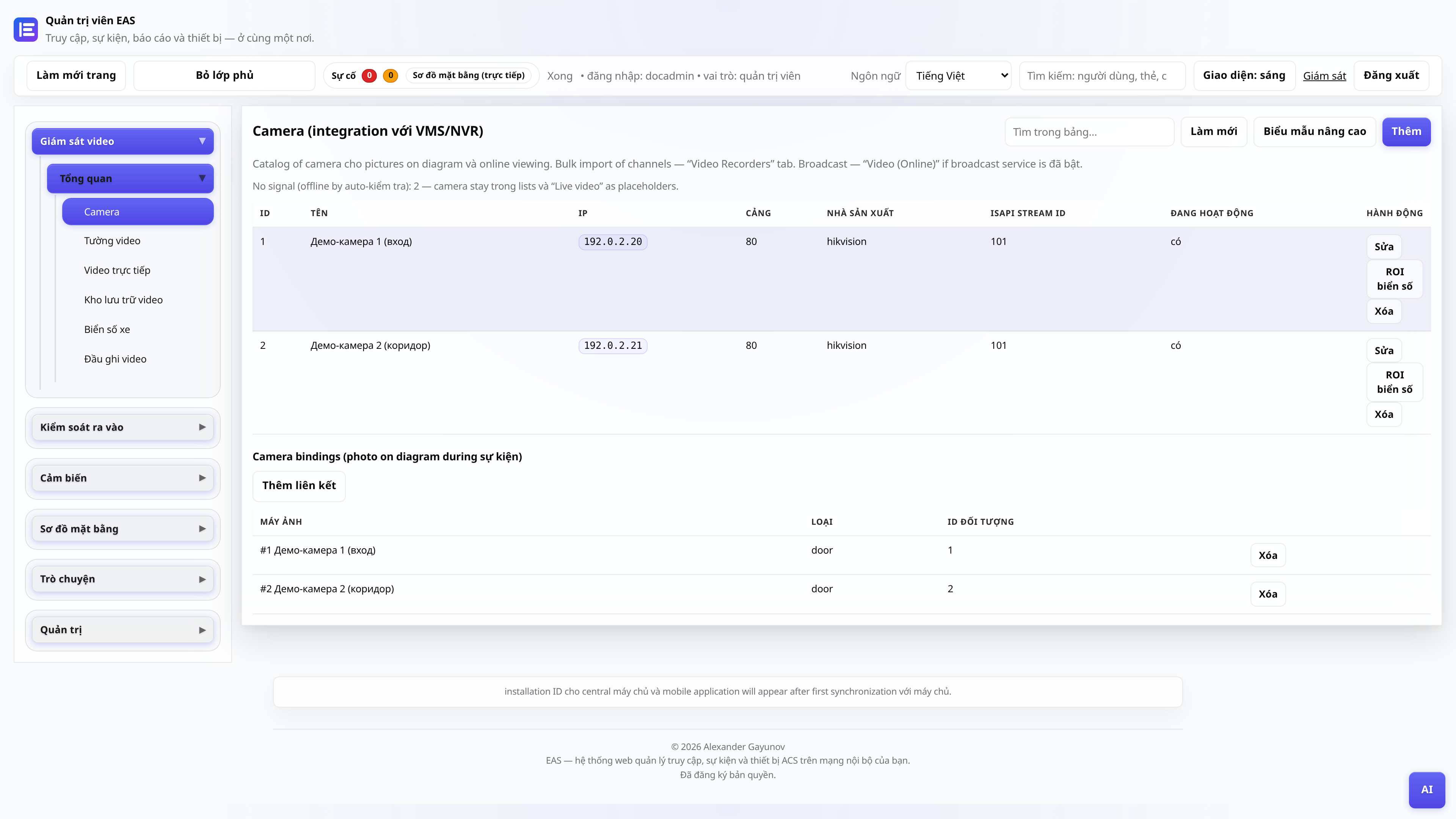
Camera và video giám sát
Danh mục máy ảnh, “Video (trực tuyến)” - trình phát và lưới, “Lưu trữ video” - ngày với tỷ lệ và xuất.
Quản trị viên, đăng videoTường Tivi - khảm trên Tivi
Cài đặt APK trên Android TV / máy tính bảng bảo mật (chỉ mạng LAN của trang web).
Quản trị viên, nhà tích hợpBộ điều khiển ngoại tuyến - chẩn đoán
Cần kiểm tra những gì nếu bảng điều khiển ZKTeco C3 không phản hồi trong EAS: mạng, cổng, dịch vụ.
Quản trị viên, nhà tích hợpBản kê khai trình điều khiển (dành cho nhà tích hợp)
Cách kết nối hàng loạt đầu đọc mới thông qua nhà cung cấp cổng mà không cần chỉnh sửa lõi EAS.
Nhà tích hợp, nhà phát triển