Administrator, integrator
Connecting the access control controller
Adding ZKTeco C3, polling gateway, checking passes.
- 1
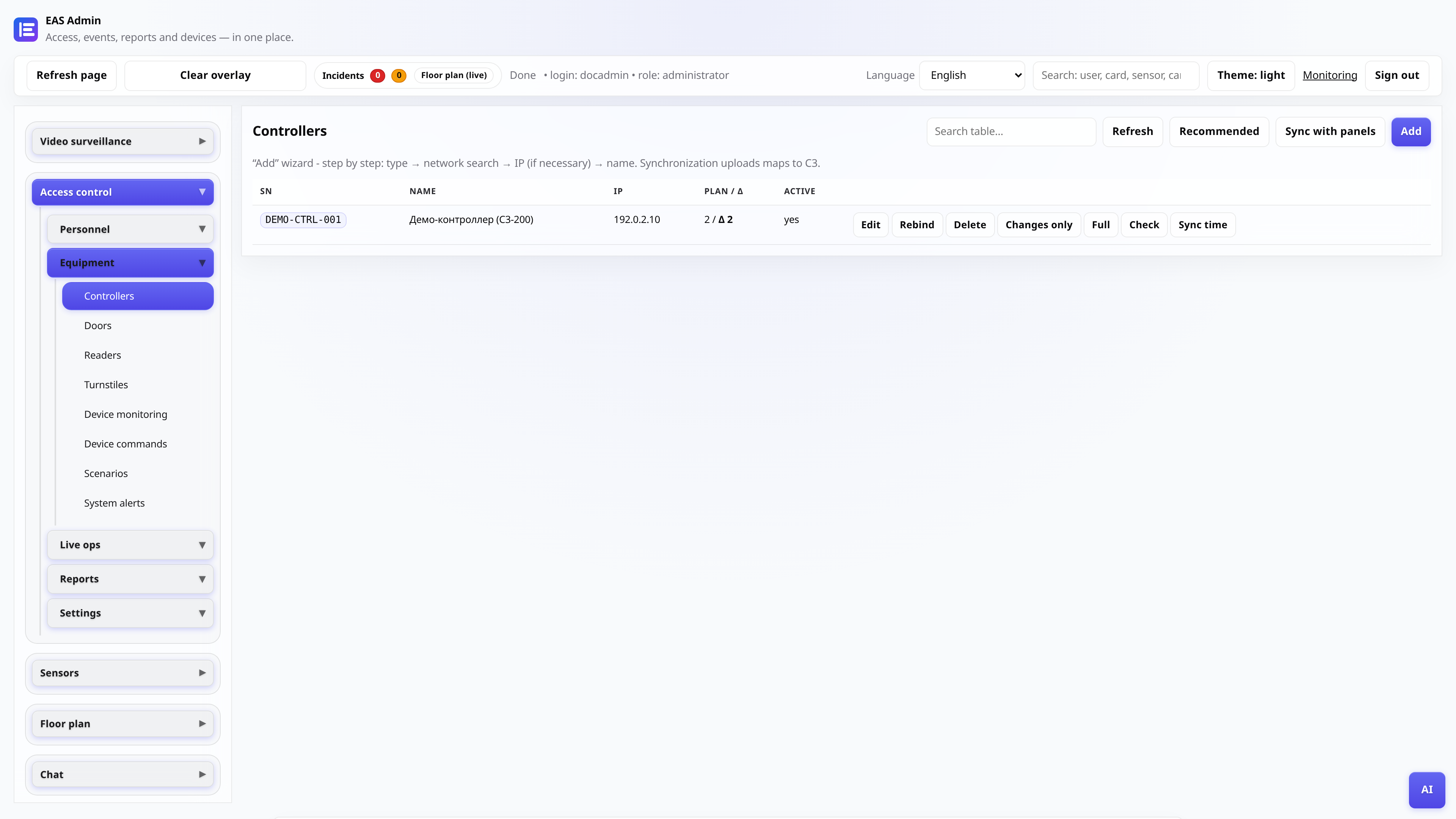
Open the controllers section
Menu “Integrations and equipment → Controllers”. Here is a list of panels, survey status and the adding wizard.
- 2
Run the Add Wizard
Specify the serial number (SN) of the controller, the IP address on the site network, and the panel password. EAS will check network availability.
Tip: The controller and EAS server must see each other via TCP - check the routing and firewall.
- 3
Set up a polling gateway
Once added, the panel will appear in the gateway configuration. Make sure that the gateway service is running and there are no “gateway polling” errors in the monitoring.
- 4
Create doors and readers
For each passage point, set the door number, direction (entry/exit) and, if necessary, link a camera to take a photo during the event.
- 5
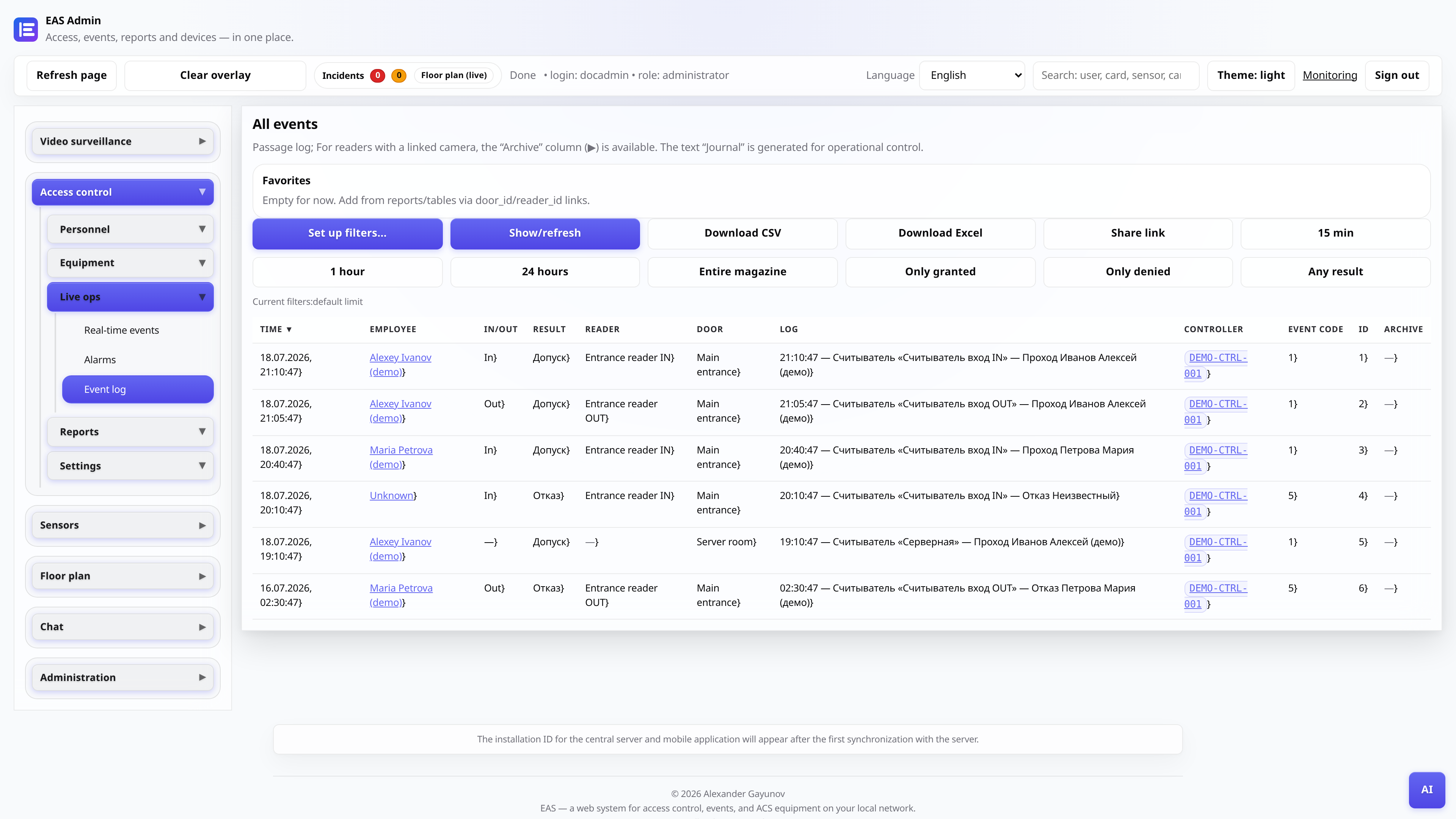
Check the event in the log
Do a test run. Open the “Event Log” - an entry should appear with a map, result and time.