Administrator, integrator
TV Wall - mosaic on TV
Installing APK on Android TV / security post tablet (site LAN only).
- 1
Standalone APK
TV Wall is not the same as a mobile pass. The file eas-tvwall-debug.apk from the `marketing/docs/word-manuals/apk/` kit or the integrator assembly with `EAS_TVWALL_LAN_API=http://<IP>:8000`. Not published on asceas.ru root.
- 2
Account tv_wall
Create an EAS user with the guard or video_monitor role. When building the APK, you can set the default login (`EAS_TVWALL_DEFAULT_USERNAME`).
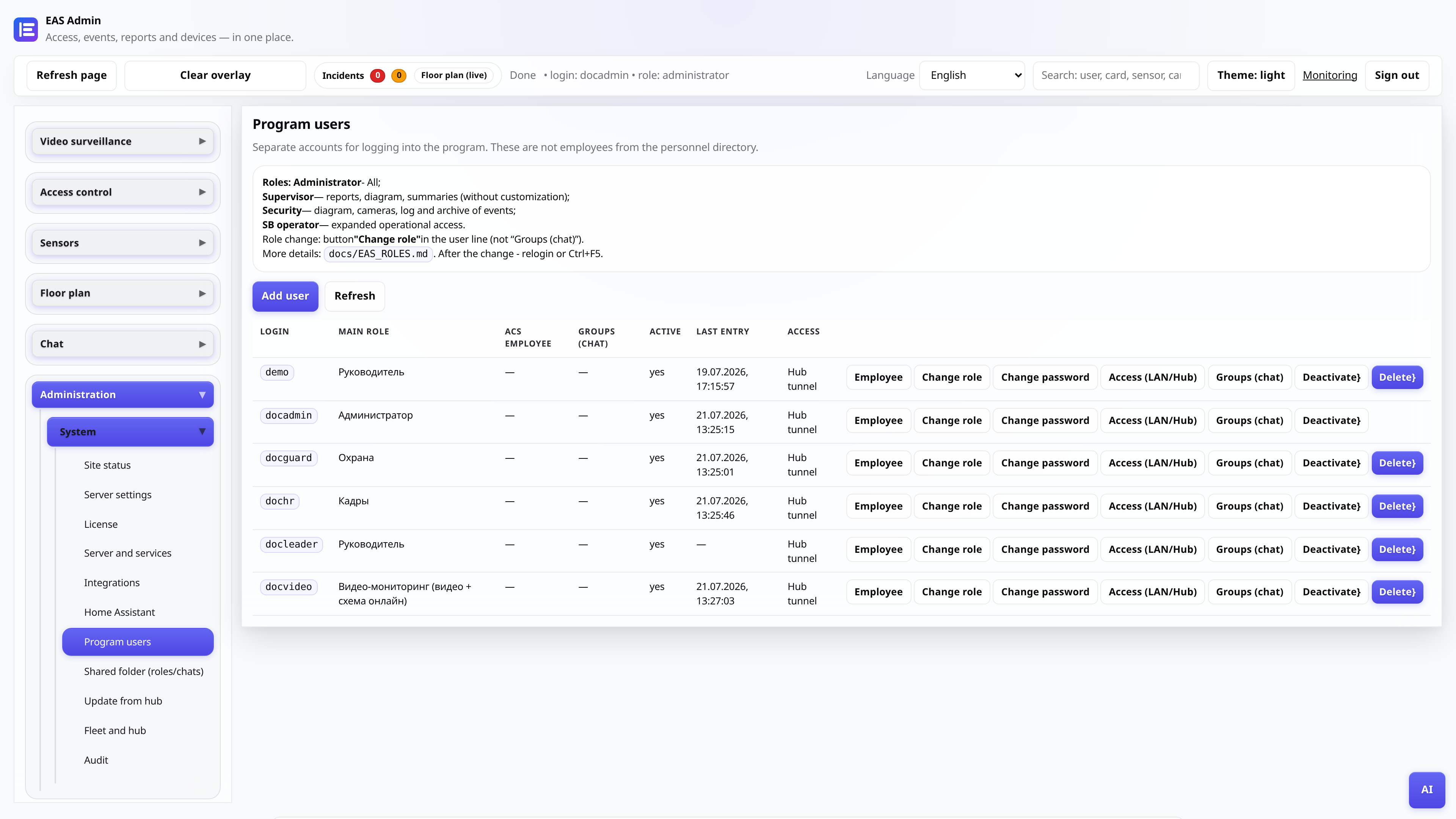
- 3
Installation on TV
Copy the APK to Android TV (flash drive, adb install, Send Files to TV). Allow installation from the selected source. The device and EAS server are on the same LAN.
- 4
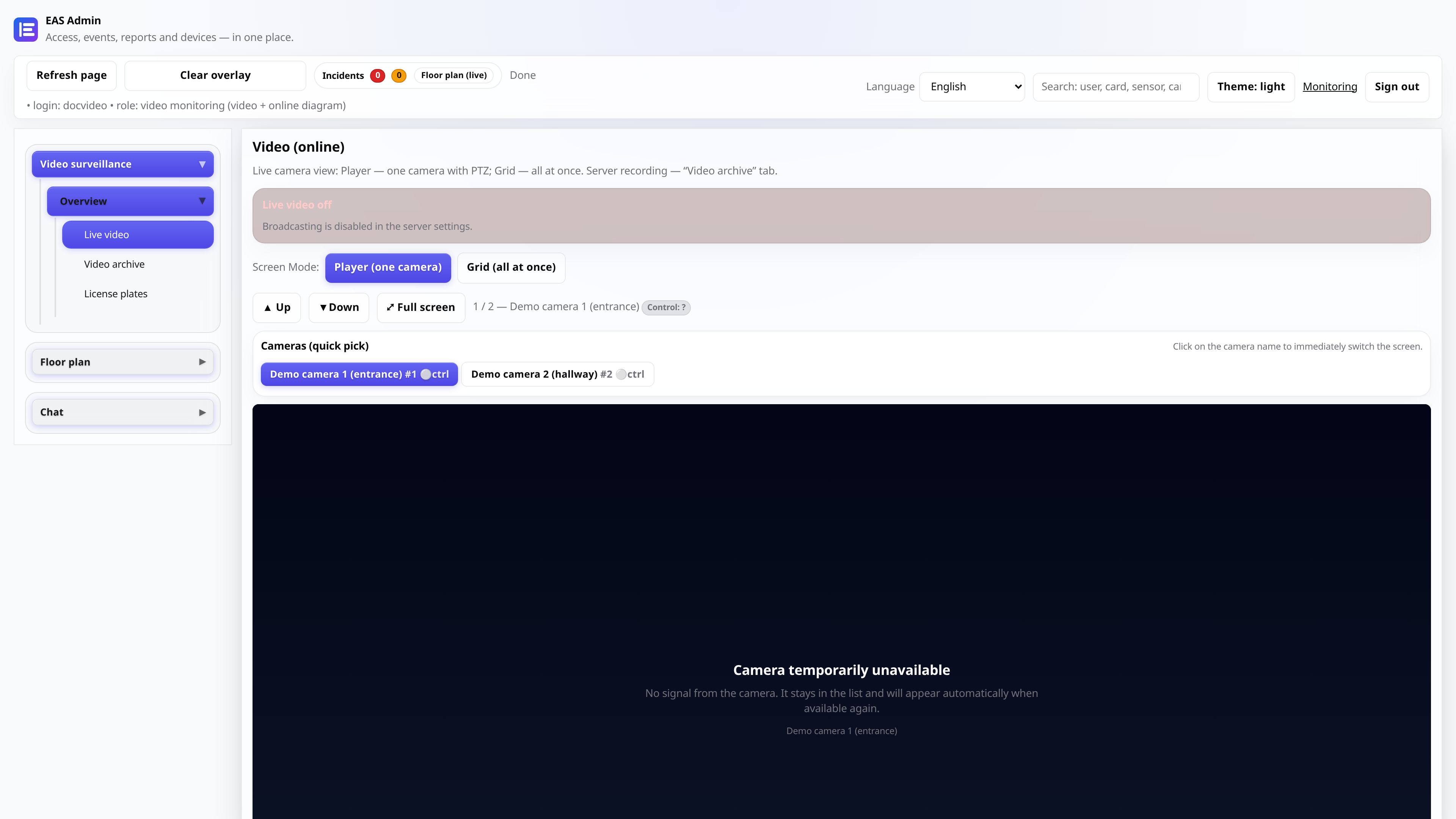
Examination
After launch - a grid of online cameras (mosaic HLS). Composition and order - Video surveillance → Video wall in the admin panel. Server: `http://<IP>:8000`, grid relay and `eas-video-relay` are active. Offline cameras are a placeholder in the grid.