Personnel, administrator
Employees, cards and departments
Personnel management, card issuance, departments and schedules.
- 1
Create departments and schedules
The directories “Departments” and “Work Schedules” are the basis for time sheets. Fill them out before importing employees.
- 2
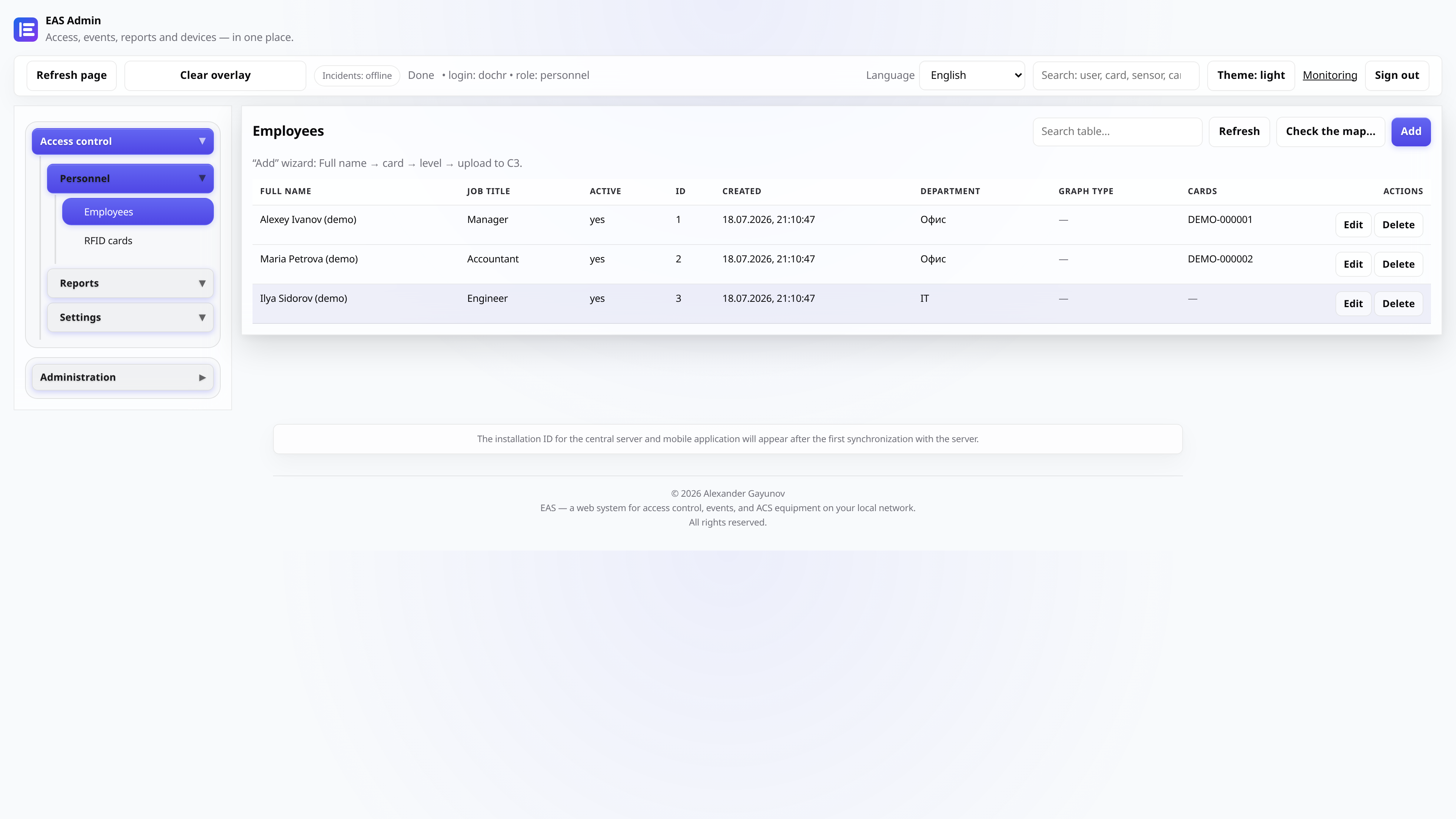
Add an employee
“Personnel” tab: full name, personnel number, department, schedule. Save the card.
- 3
Issue an access card
In the employee card or the “Cards” section, indicate the card number (from a badge or USB reader). Link the card to the employee.
Tip: The number from the badge and from the ZKTeco panel may differ in format - EAS can compare the options.
- 4
Sync with controller
Start matching cards with the panel from the controllers section. In monitoring, make sure the synchronization status is “OK”.
- 5
Timesheets and reports
The “Timesheet” sections and reports on passes form departmental summaries for the selected period.