Administrator, monitoring
Sensors and air quality
Connecting MagicAir / Home Assistant, labels on the diagram, reports.
- 1
Connect your data source
MagicAir and Haier Evo - forms on the Sensors and Devices page. Aqara - “Aqara Hub M3” tab. When installing EAS with HA, Home Assistant is already registered locally - after onboarding and long-lived token, see the installation section “HA token and linking with EAS” (/docs/install/#home-assistant-token).
- 2
Wait for the sensors to appear
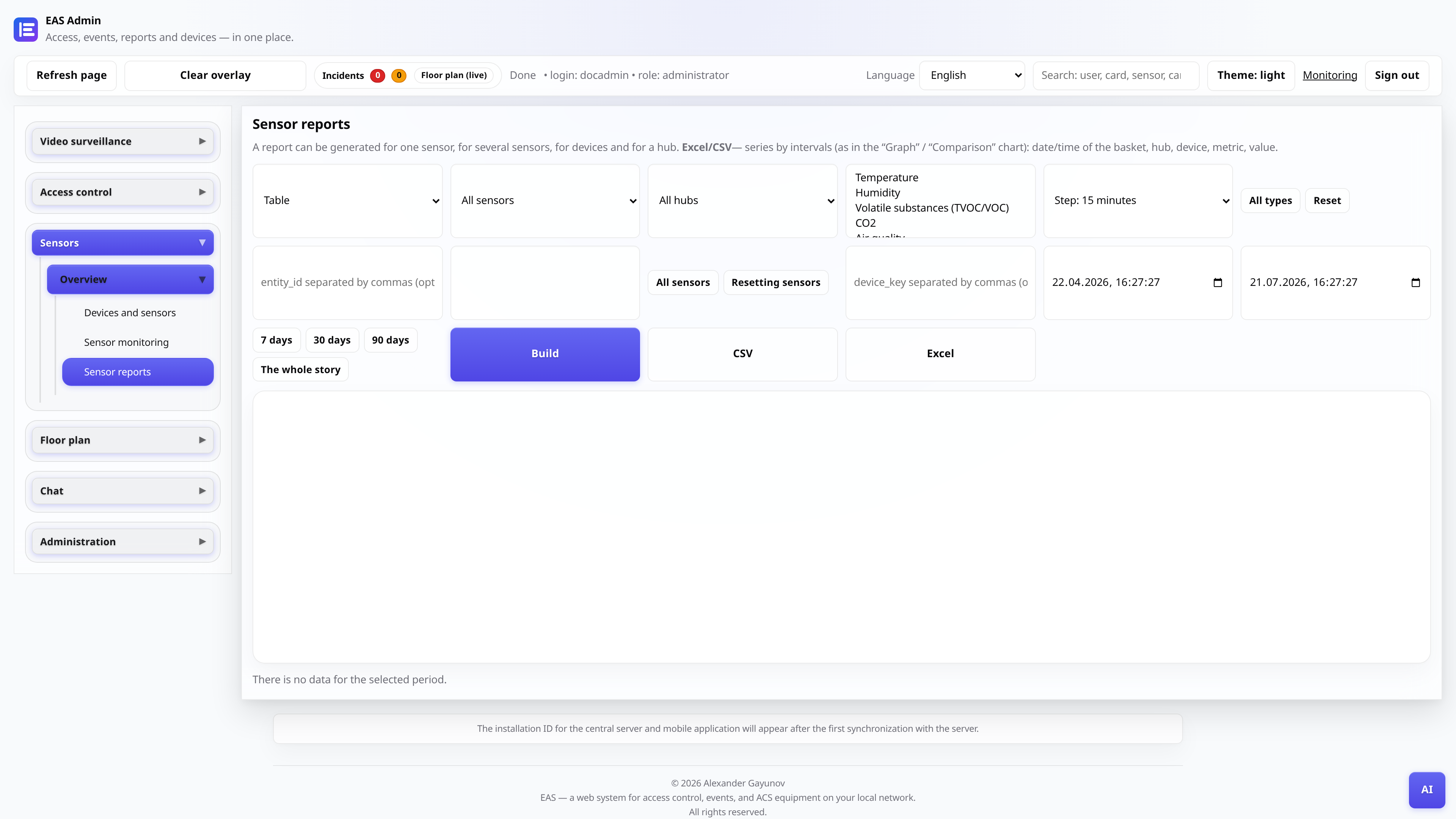
After synchronization, the sensors will appear in the directory. In the “Sensor reports” tab there is a table and graphs based on the readings; labels with live values are placed on the diagram.
- 3
Adjust thresholds
For critical values (CO₂, PM2.5), set thresholds - if exceeded, the mark on the diagram and the “Problems” block will show a warning.
- 4
See reports
The monitoring and reporting tabs build graphs for the selected period for negotiations, warehouses and production areas.