Administrator
Web admin user roles
Who sees what: administrator, security, personnel, manager, video post.
- 1
Create accounts
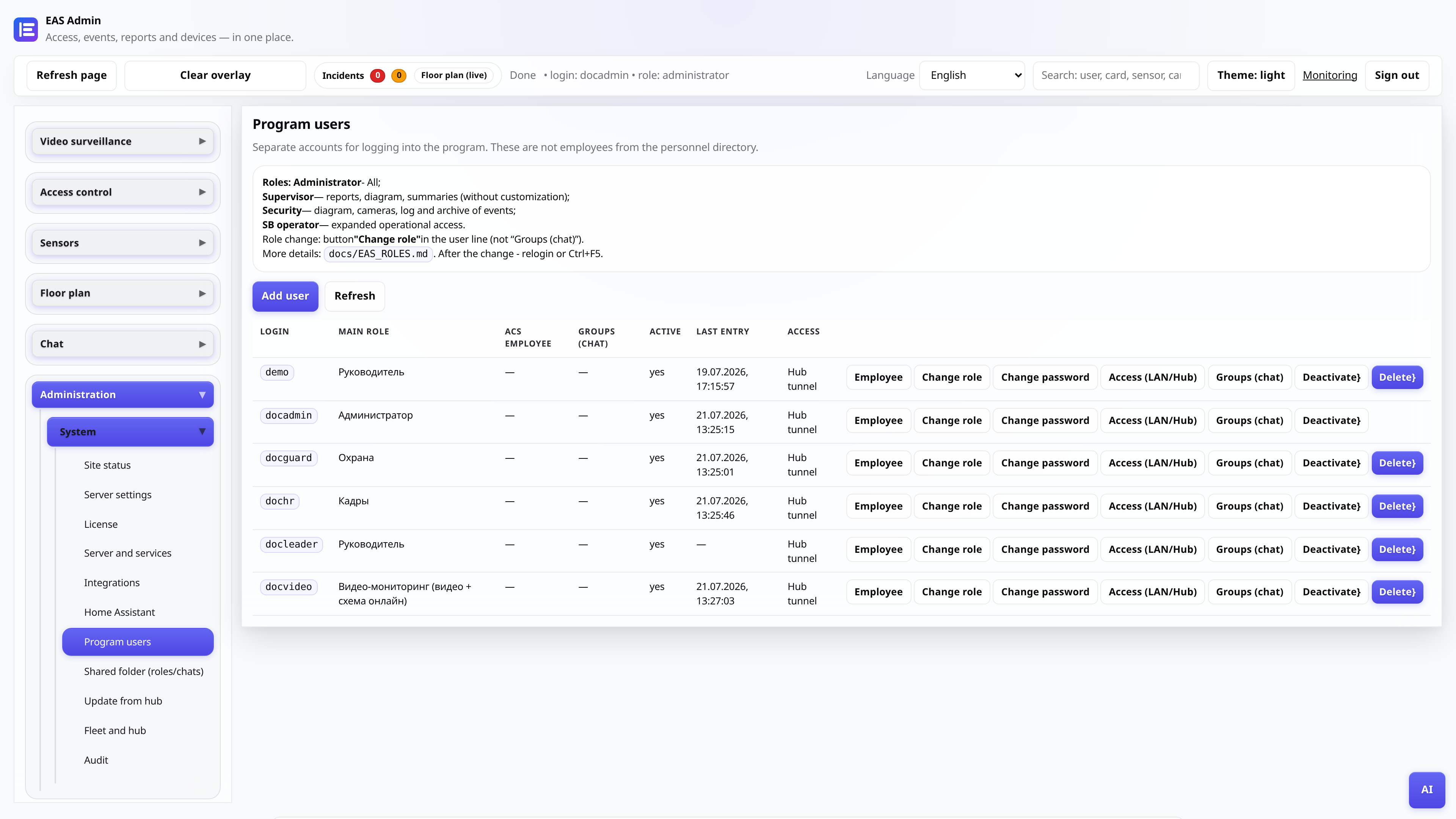
Section “Administration → Program Users”. For each employee, set a login, password and role. One account - one main role.
- 2
Administrator (admin)
Full access: equipment, diagram, personnel, server settings, license, integrations. Use only for IT and those responsible for implementation.
- 3
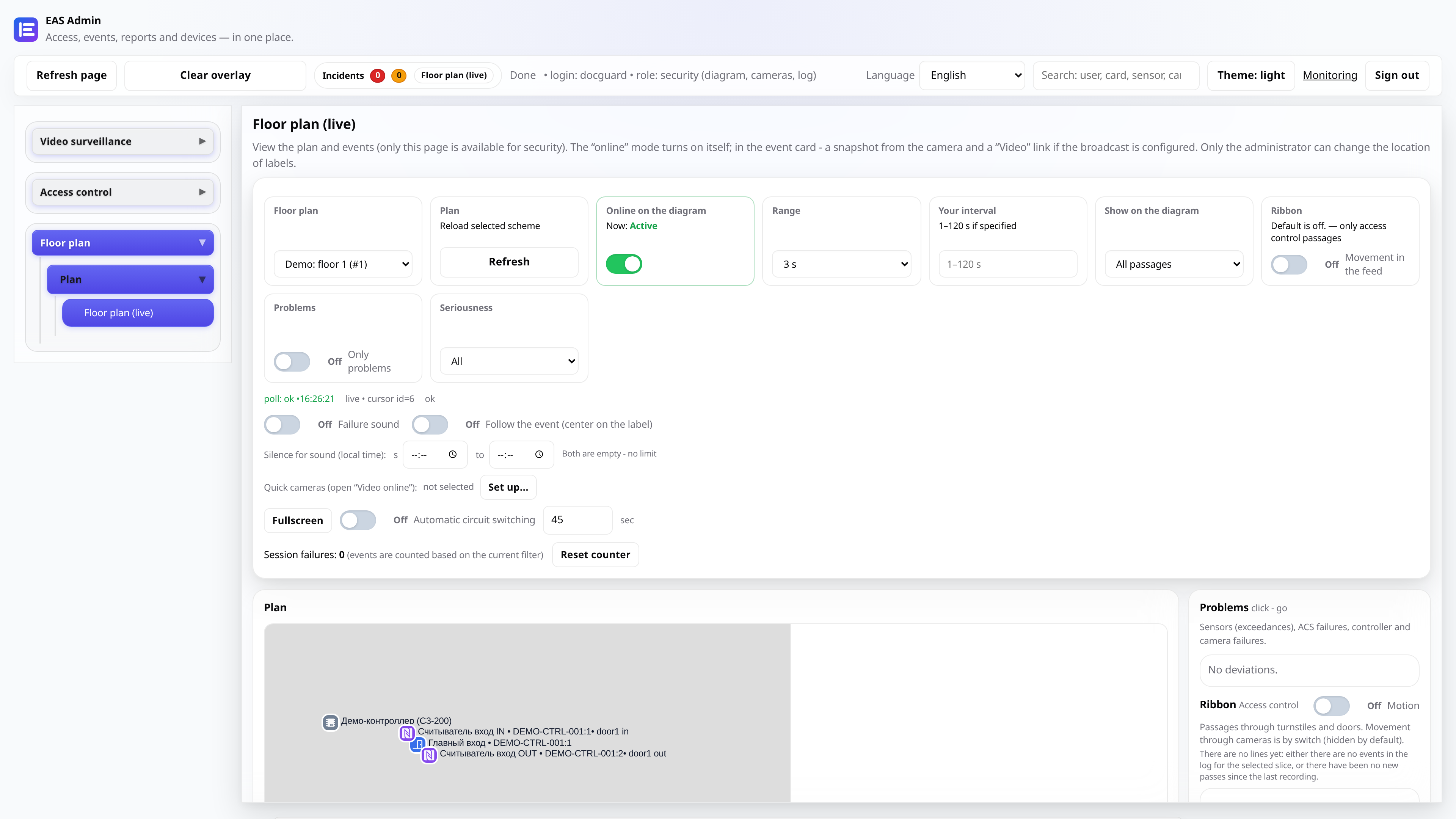
Security (guard) and leader (leader)
Security: online diagram, event log, cameras, alarms. Manager: the same plus reports and summaries without changing settings.
- 4
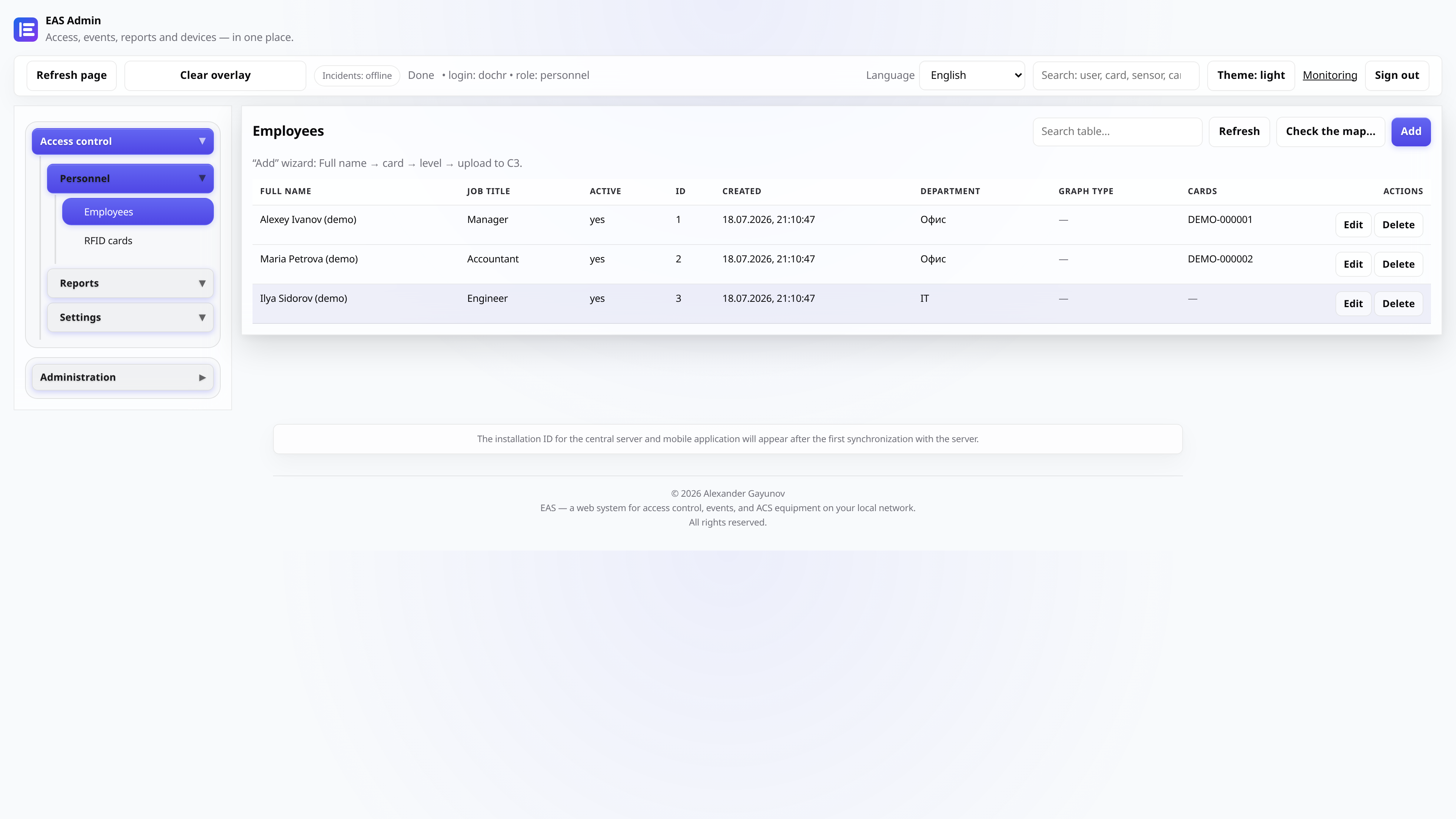
Personnel (hr)
Employees, access cards, time sheets, work schedules. There is no access to controller commands and system settings.
- 5
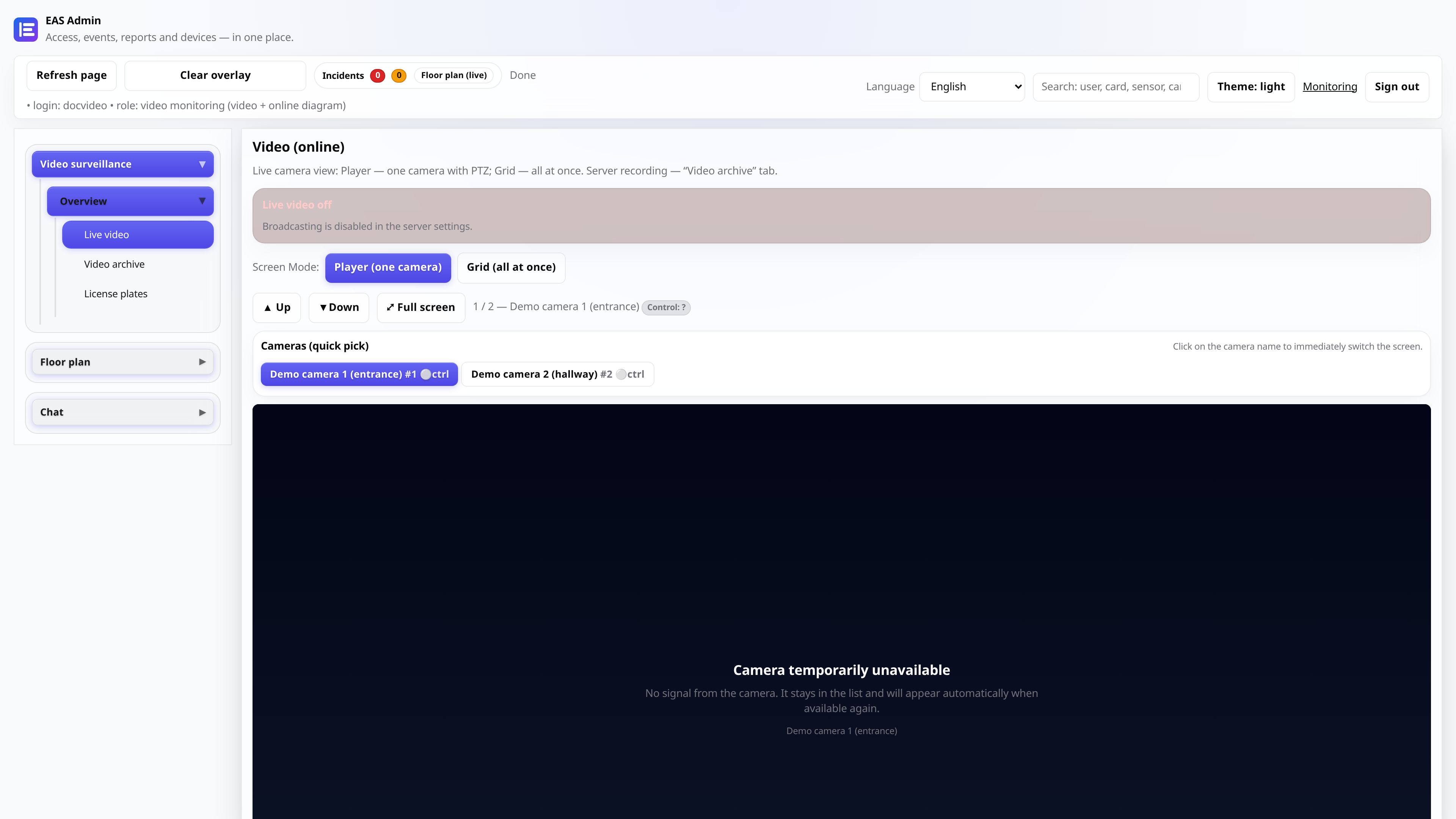
Video post (video_monitor)
Online video, video archive, diagram - for a post with monitors without editing reference books.
- 6
After role change
Ask the user to log out and log in again or refresh the page (Ctrl+F5) so that the menu is rebuilt for the new role.