Administrator, integrator
Controller offline - diagnostics
What to check if the ZKTeco C3 panel does not respond in EAS: network, gateway, services.
- 1
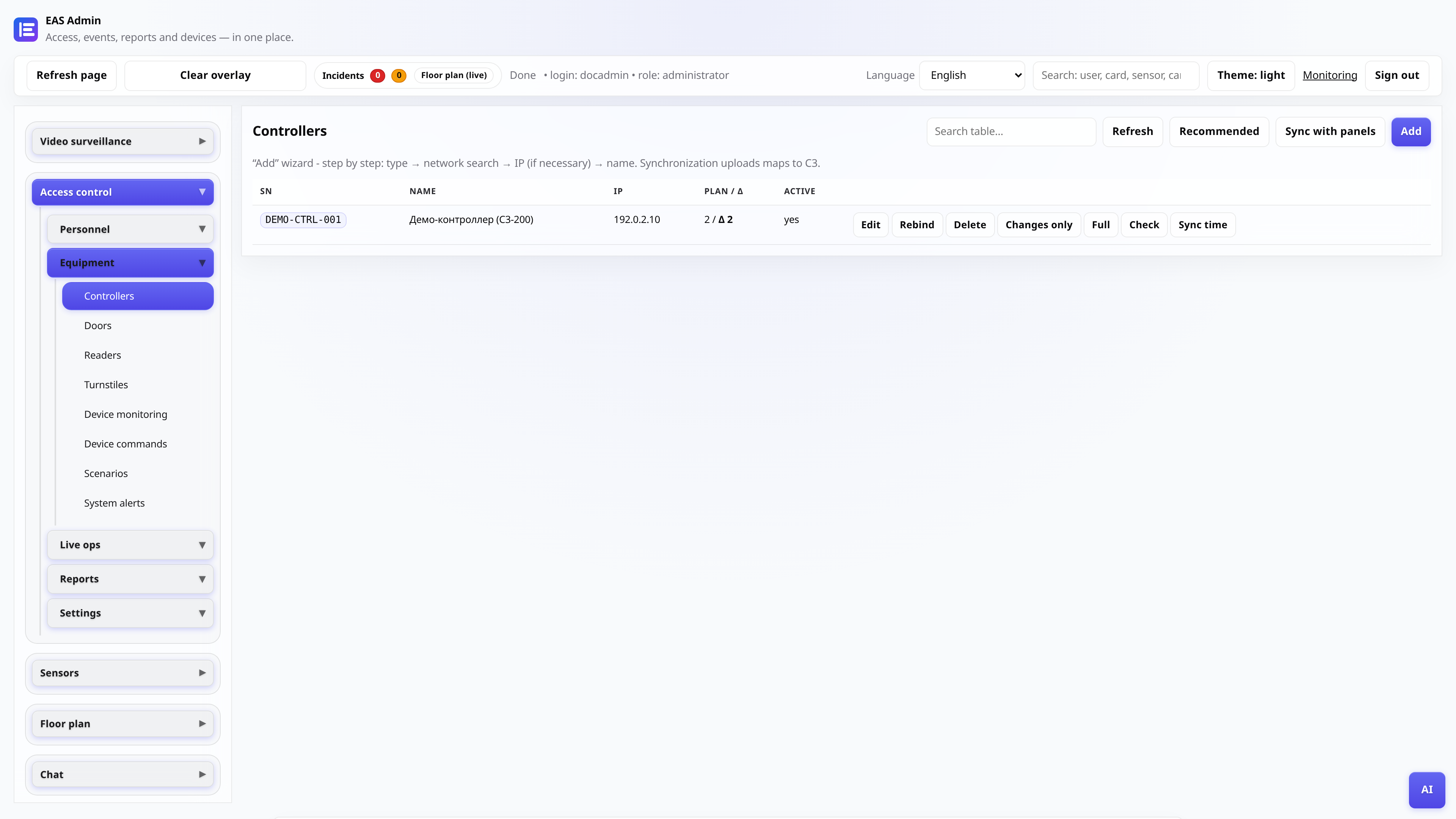
Status in the list of controllers
Open “access control → Controllers”. The status column shows online/offline and the time of the last event. If offline, go to the network and gateway.
- 2
Check the network to the panel
From the EAS server, ping and check TCP port 4370 to the IP controller. Make sure the panel is on the same subnet or router is allowing traffic.
Tip: The subnet hint for the Add Controller Wizard is set in the server settings (EAS_SITE_NETWORK_CIDR).
- 3
eas-gateway-native service
On the server: systemctl status eas-gateway-native. If inactive - systemctl restart eas-gateway-native. Logs: journalctl -u eas-gateway-native -n 80.
- 4
SN and IP in the card
Check the serial number and IP with the settings on the panel. After changing the IP in the panel, update the entry in EAS and restart the gateway.