Employee, administrator
Mobile pass
Installing the application, linking to the site, digital employee pass.
- 1
Download APK
Android mobile application: open https://asceas.ru/eas-hub/mobile-apk-meta.json - in the JSON field download_url to the current APK (or the eas-mobile-debug.apk file from the word-manuals/apk/ kit).
curl -fsS https://asceas.ru/eas-hub/mobile-apk-meta.json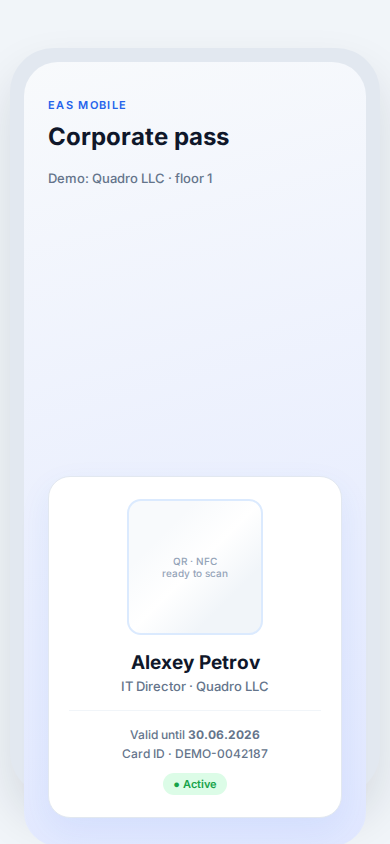
- 2
Specify the server address
Base URL of the site: `http://<IP server>:8000` or your HTTPS domain without the `/api/v1` suffix. Credentials - EAS user with the employee (pass) or guard/admin role.
- 3
Get your digital pass
After entering, a QR/barcode is displayed for entry if the controller supports mobile identification at the site.
Tip: A mobile pass complements, but does not always replace a physical card - it depends on the access control settings.
- 4
Online video from your phone
Guard / video_monitor roles: diagram, log and online cameras via the hub tunnel. Mobile 0.5.48+: Full screen QR pass; when you open the camera - a live shot, then HLS (browser relay on the server). Update APK from hub.
Tip: TV Wall on TV is a separate APK (LAN, grid relay). See /docs/tvwall/.
- 5
Installation ID for linking
The administrator sees the site identifier in the integrations section - it is needed for telemetry and a license for the hub.